%20scale(.87)'%3e%3cg%20transform='rotate(-3%2032%2034)'%3e%3cpath%20d='M10.5%2019.5c7.65-2.35%2014.8-.45%2021.5%205.7%206.7-6.15%2013.85-8.05%2021.5-5.7v27.2c-7.65-2.15-14.8-.45-21.5%205.1-6.7-5.55-13.85-7.25-21.5-5.1V19.5Z'%20fill='%23fff'%20stroke='%23171528'%20stroke-width='4.5'%20stroke-linejoin='round'/%3e%3cpath%20d='M32%2025.2v26.6'%20stroke='%23171528'%20stroke-width='4'%20stroke-linecap='round'/%3e%3cpath%20d='M17.5%2034.5h9M22%2030v9'%20stroke='%23171528'%20stroke-width='3.75'%20stroke-linecap='round'/%3e%3ccircle%20cx='41.5'%20cy='32.5'%20r='2.5'%20fill='%23171528'/%3e%3ccircle%20cx='46.5'%20cy='38'%20r='2.5'%20fill='%23171528'/%3e%3c/g%3e%3c/g%3e%3c/svg%3e)
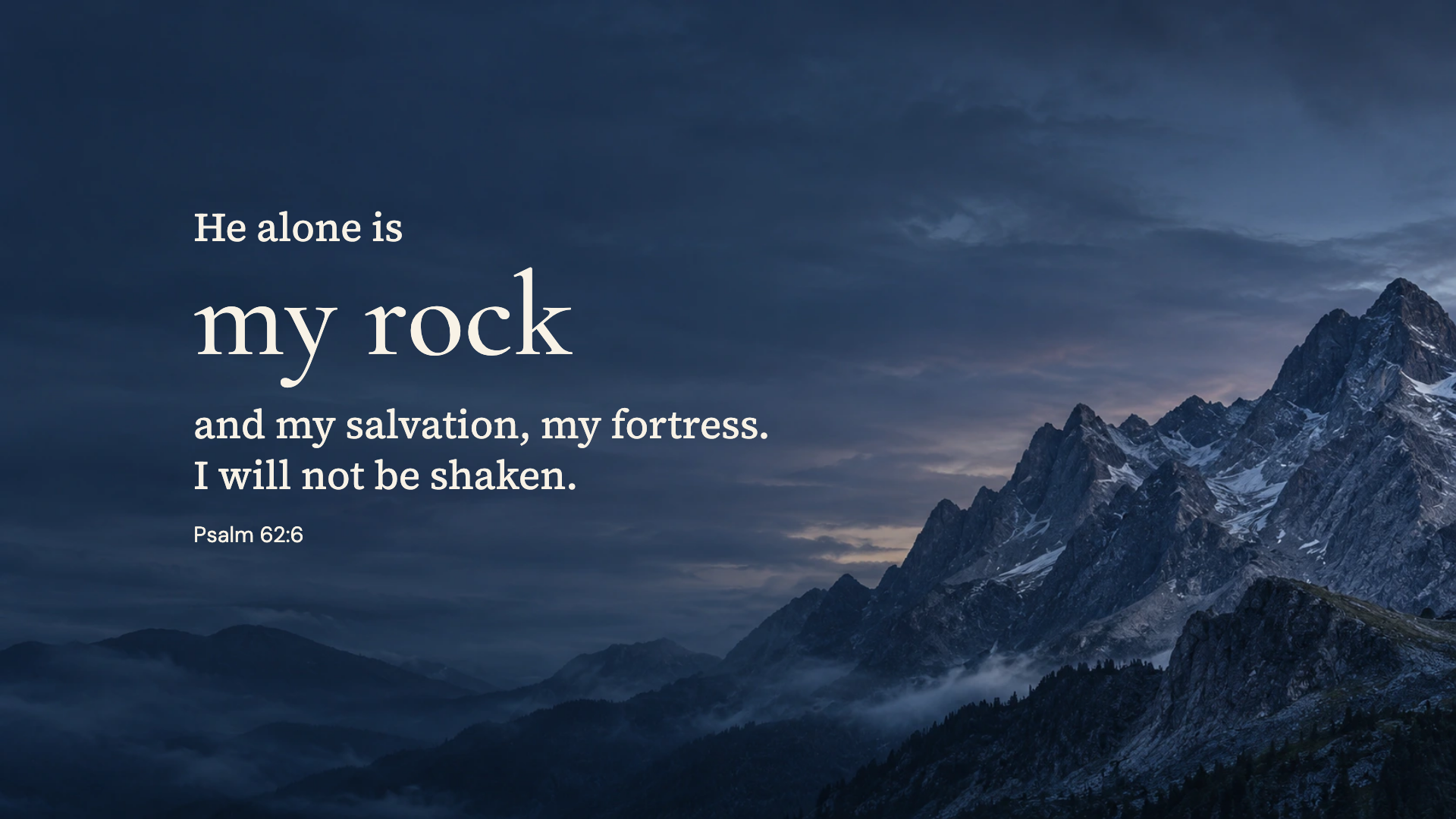
My rock
Psalm 62:6 · WEB
Bring a quiet reminder of Scripture to your workspace. Each design is composed for a wide screen, with a finished 1920 × 1080 download.
87 finished designs · free PNG downloads
Psalm 62:6 · WEB
Psalm 119:147 · WEB
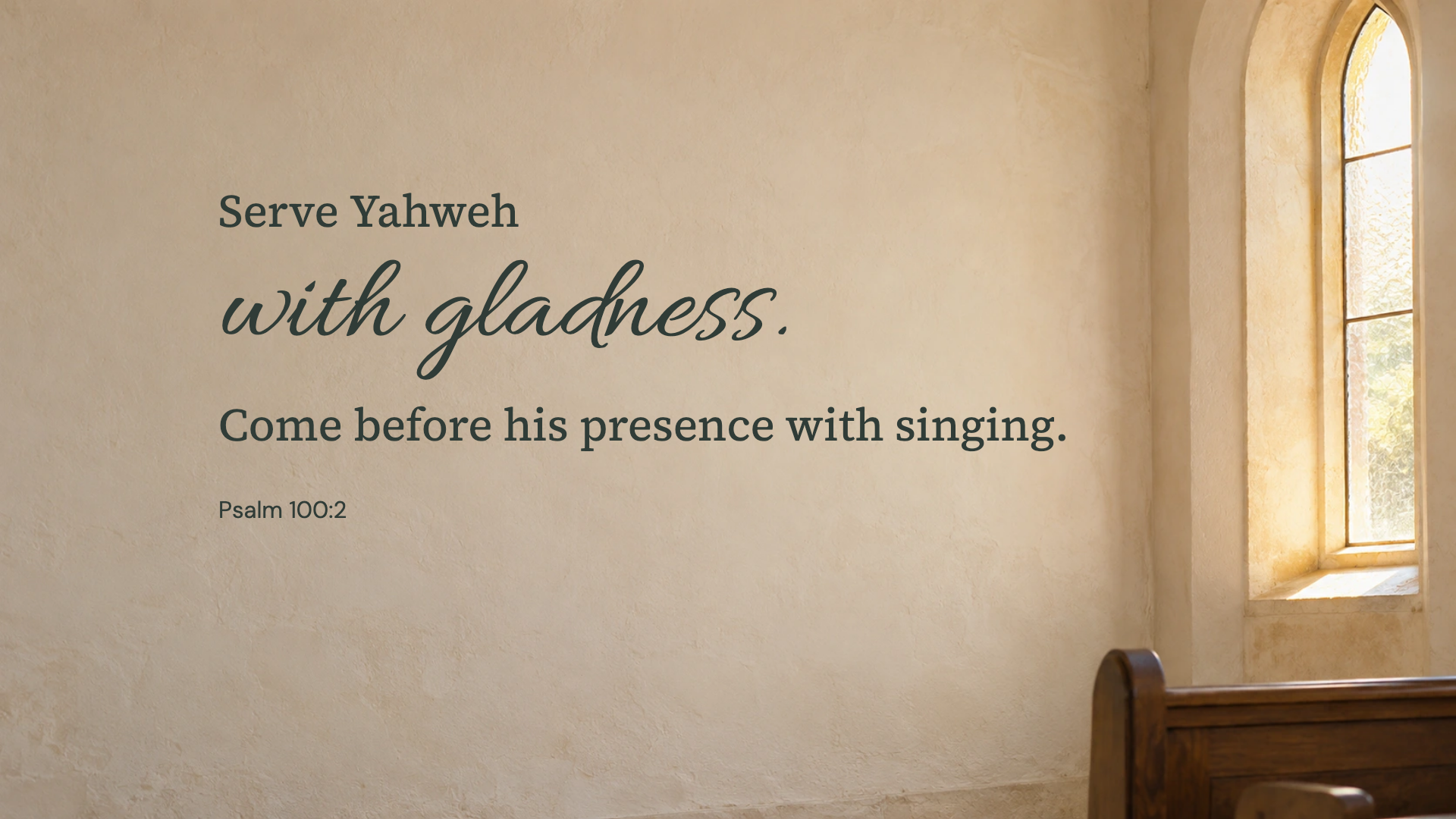
Psalm 100:2 · WEB
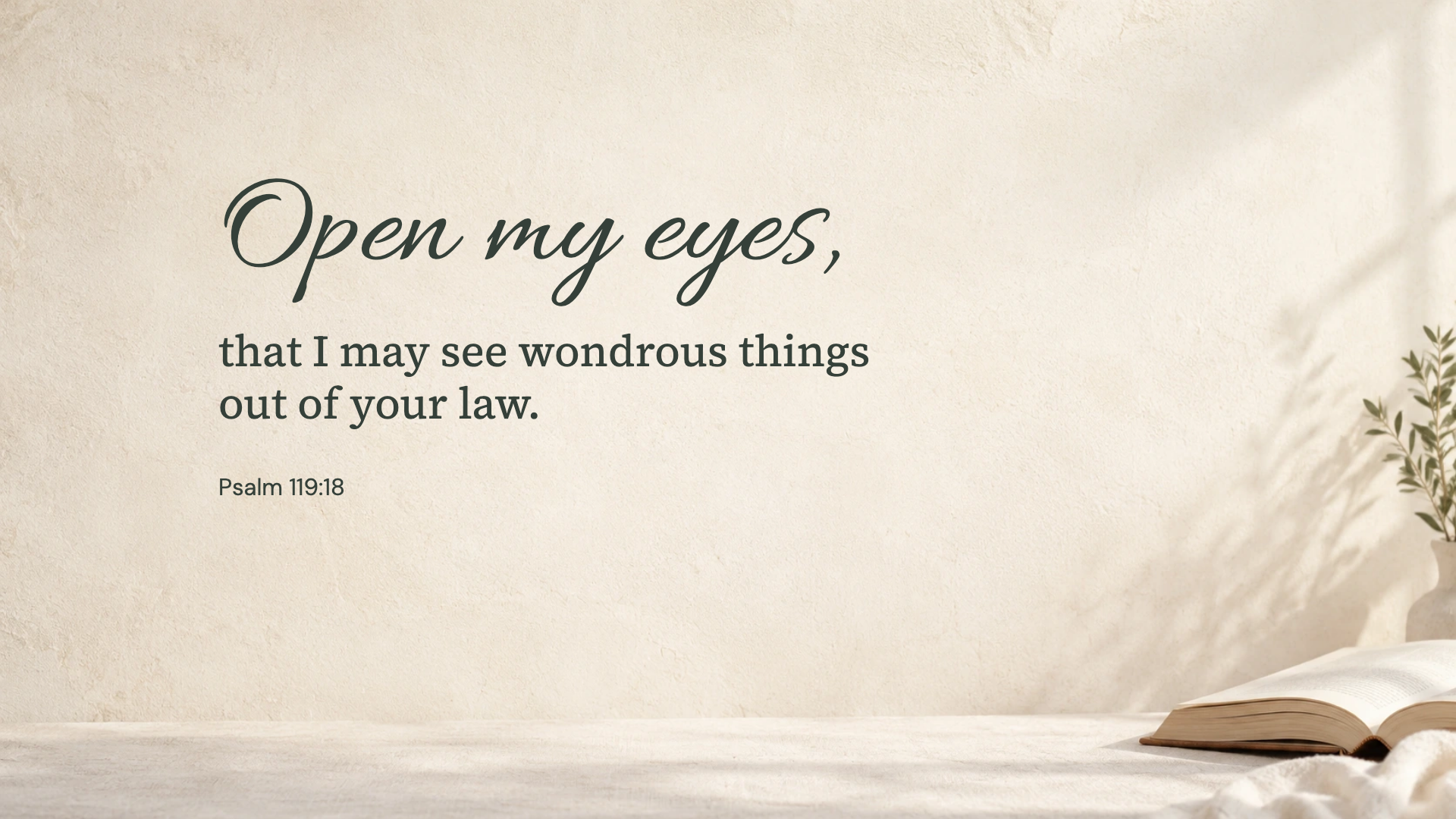
Psalm 119:18 · WEB
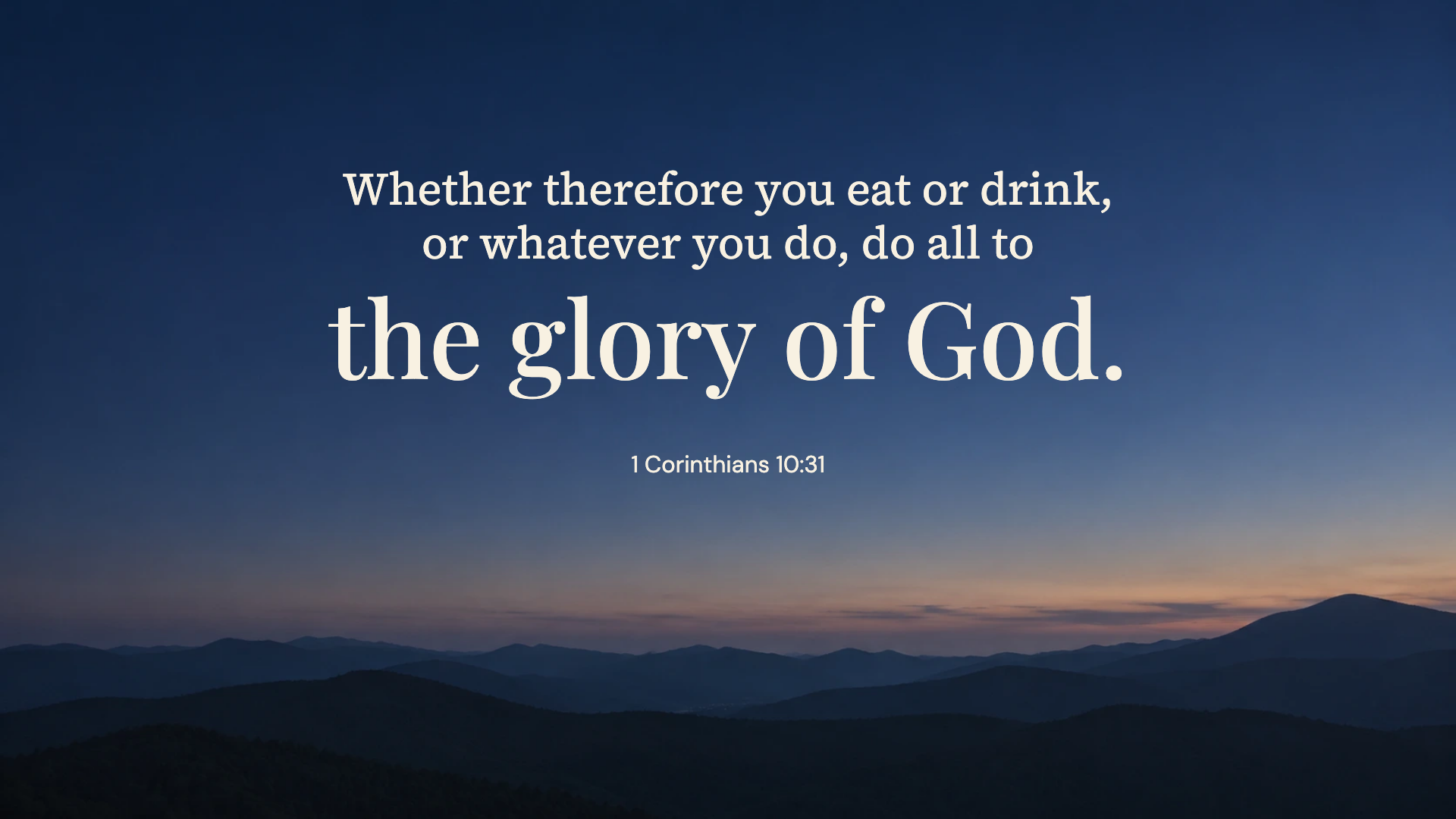
1 Corinthians 10:31 · WEB
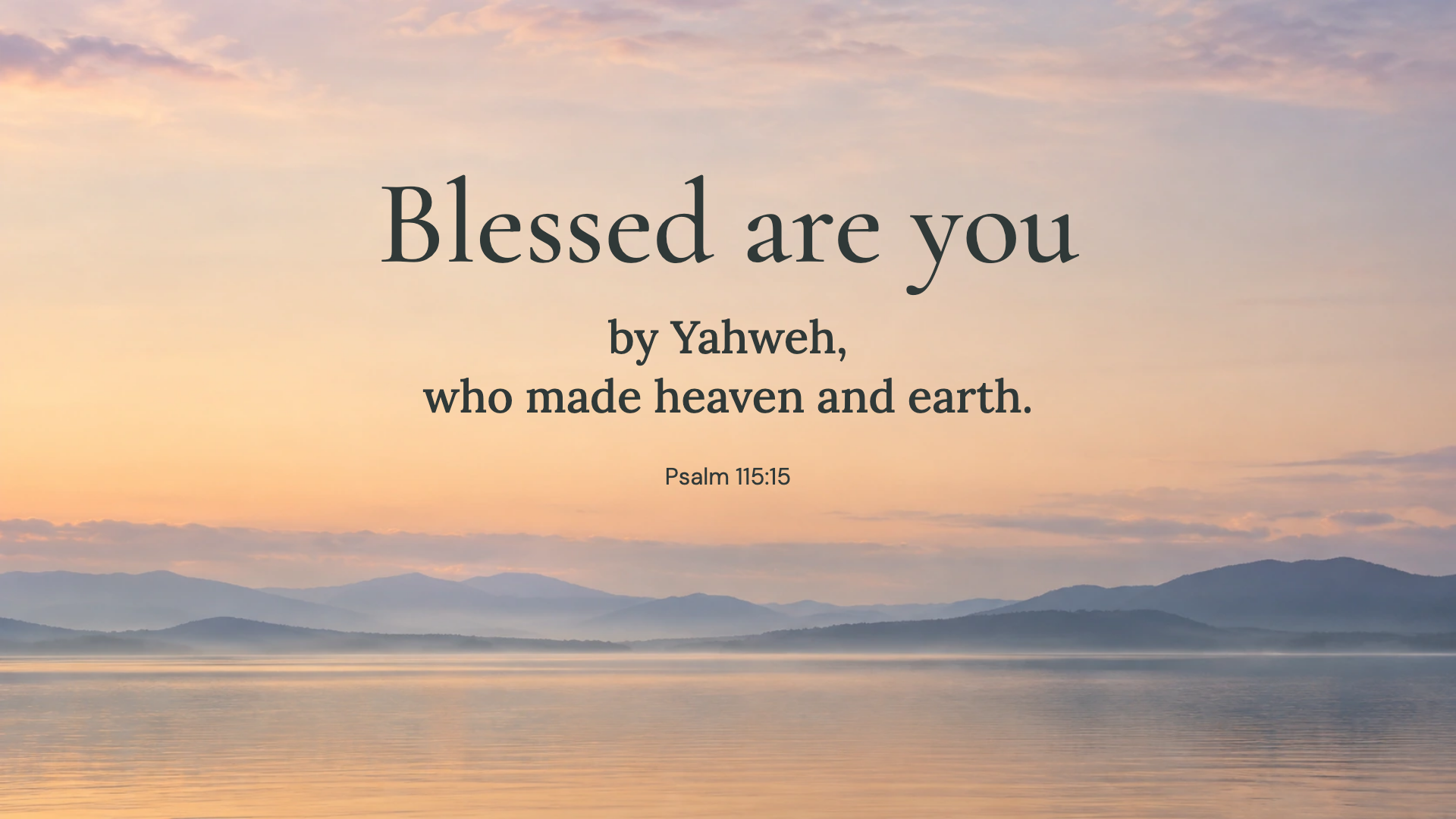
Psalm 115:15 · WEB
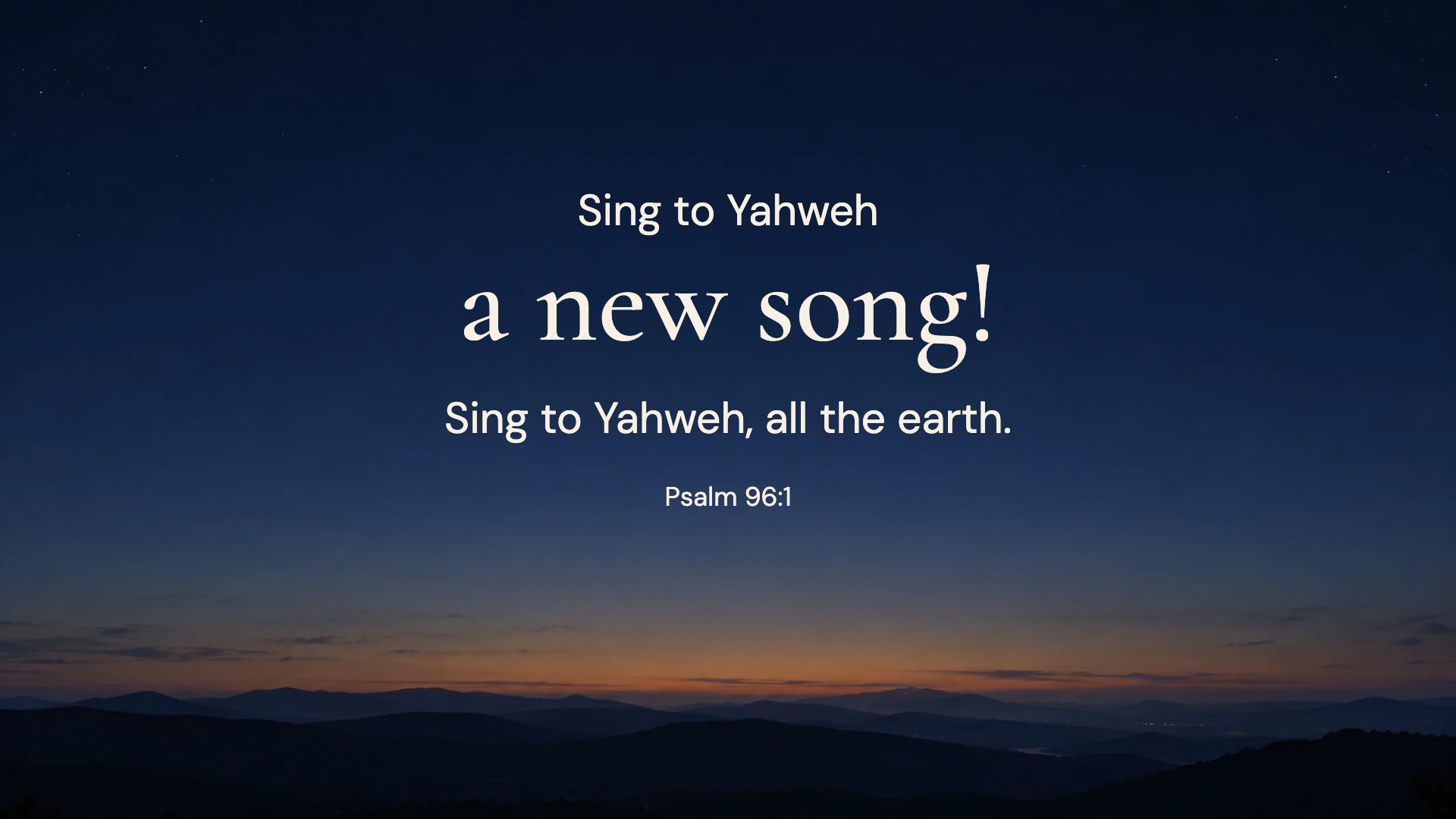
Psalm 96:1 · WEB
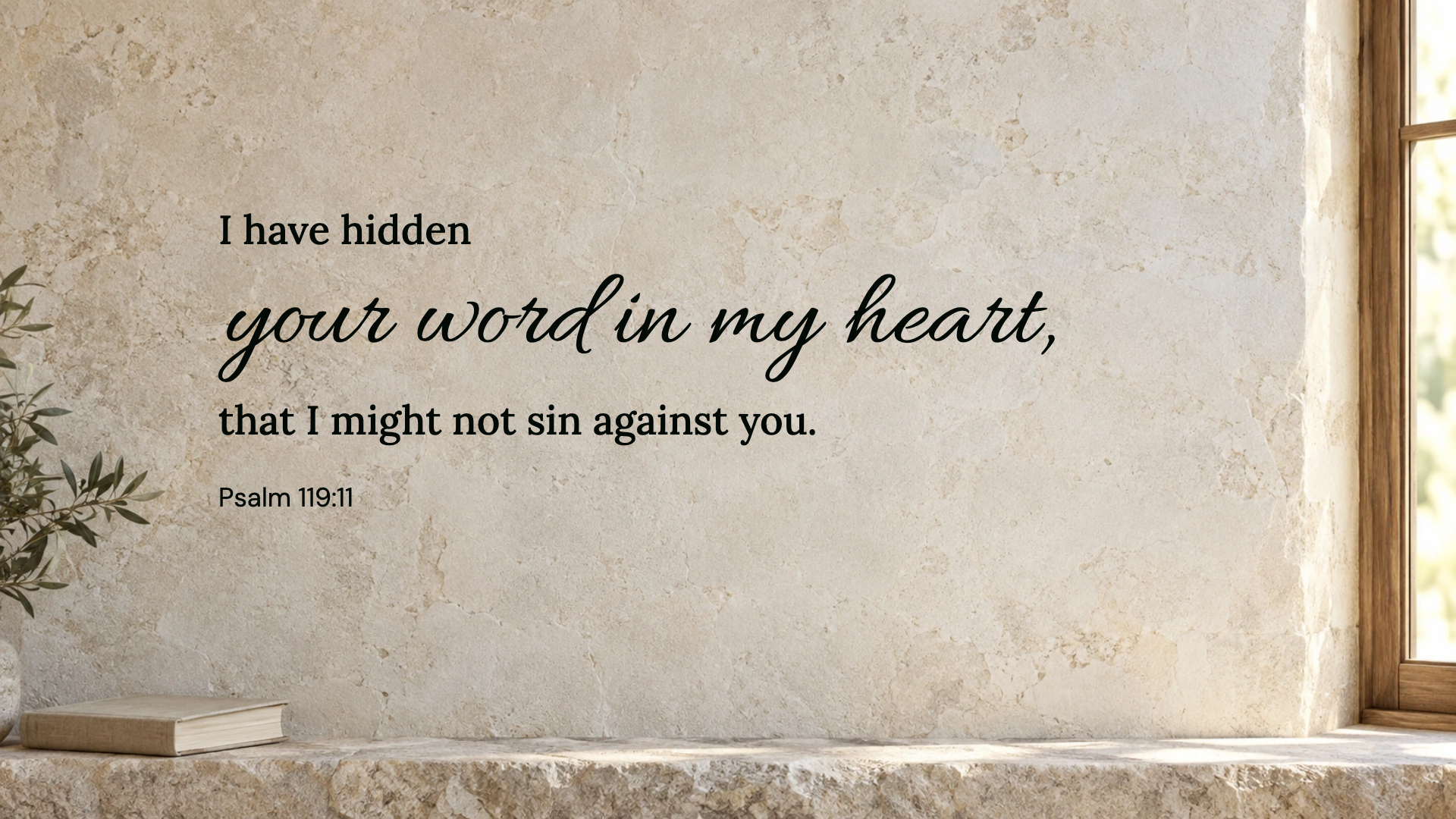
Psalm 119:11 · WEB
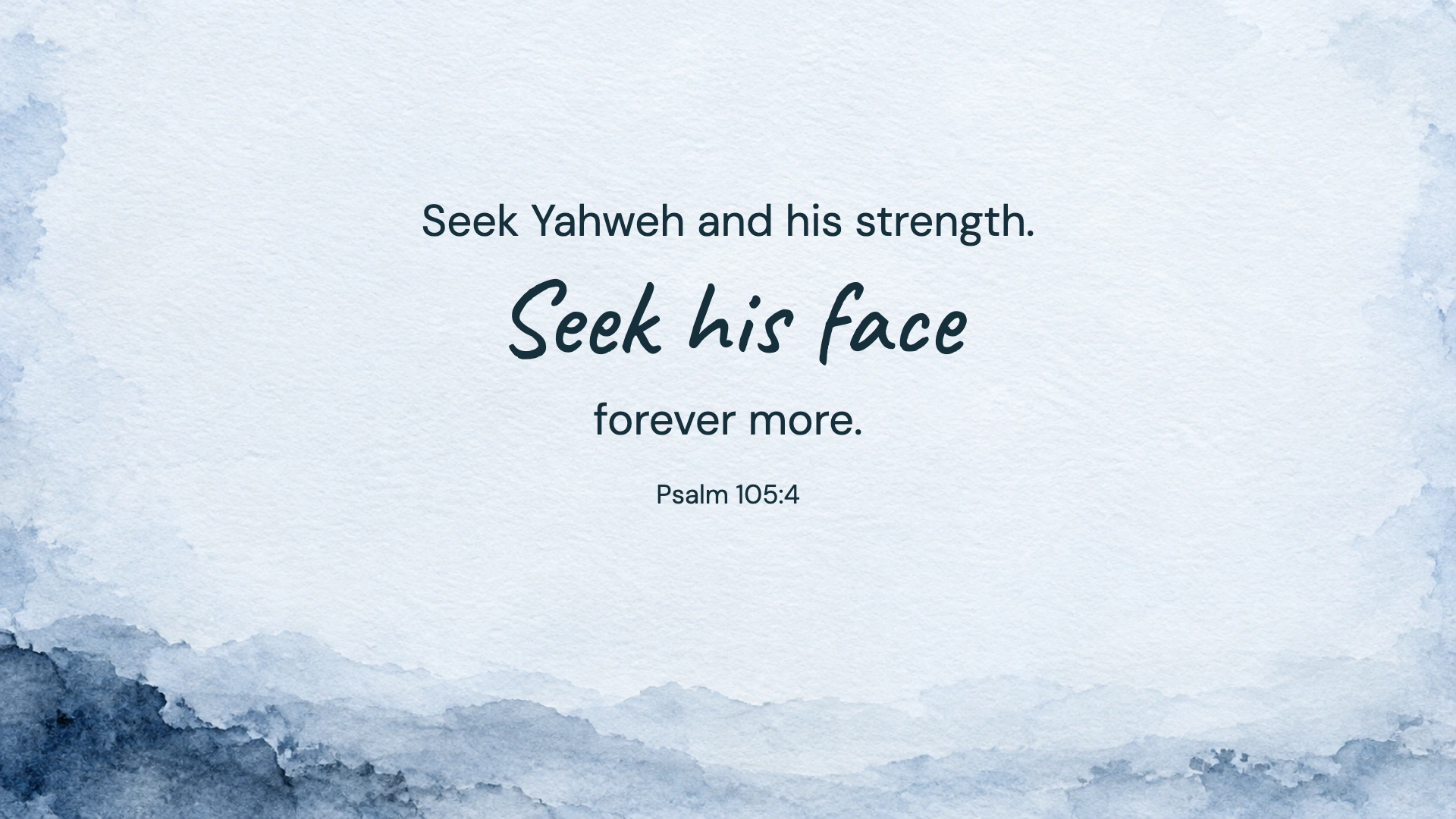
Psalm 105:4 · WEB
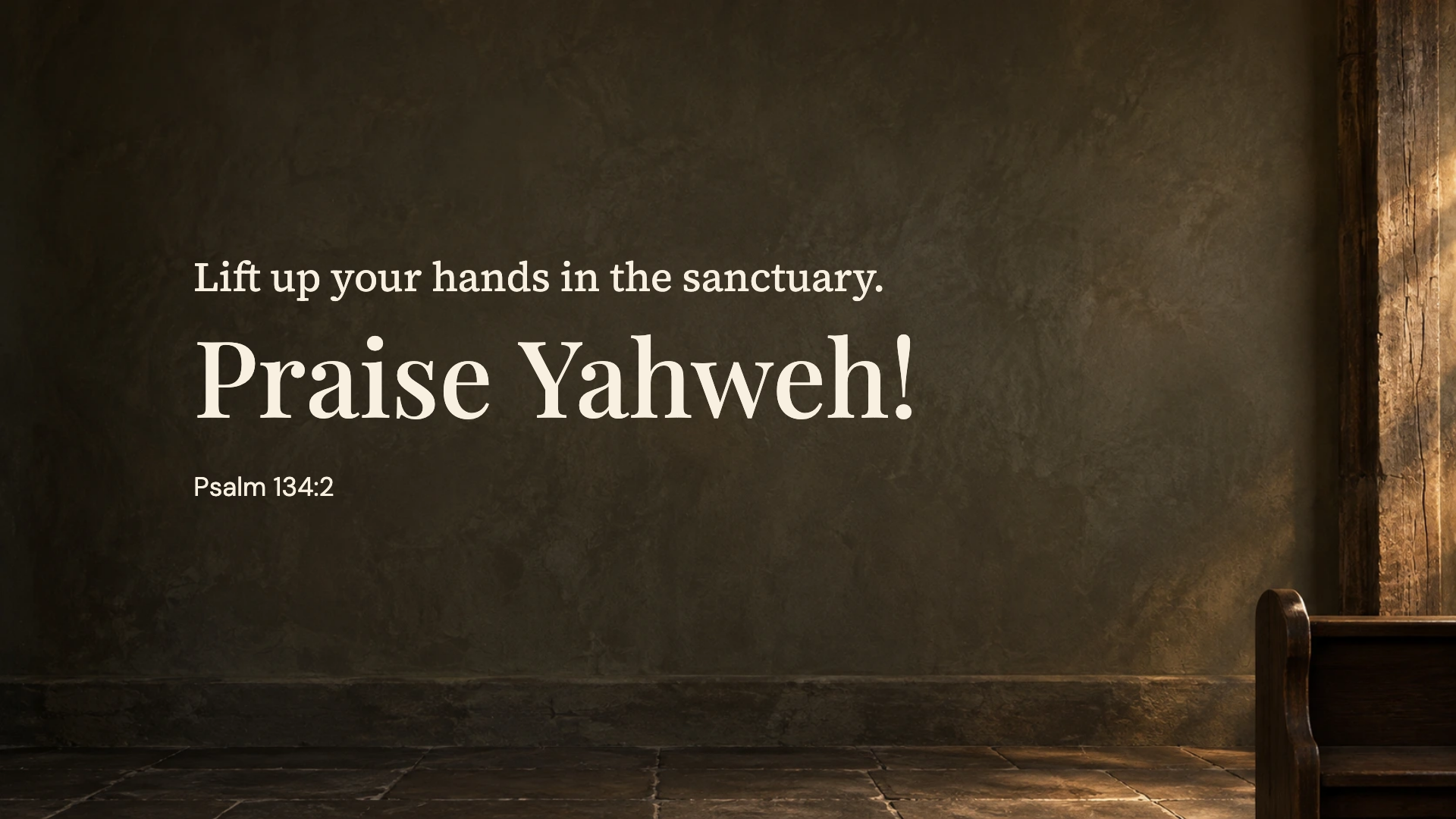
Psalm 134:2 · WEB
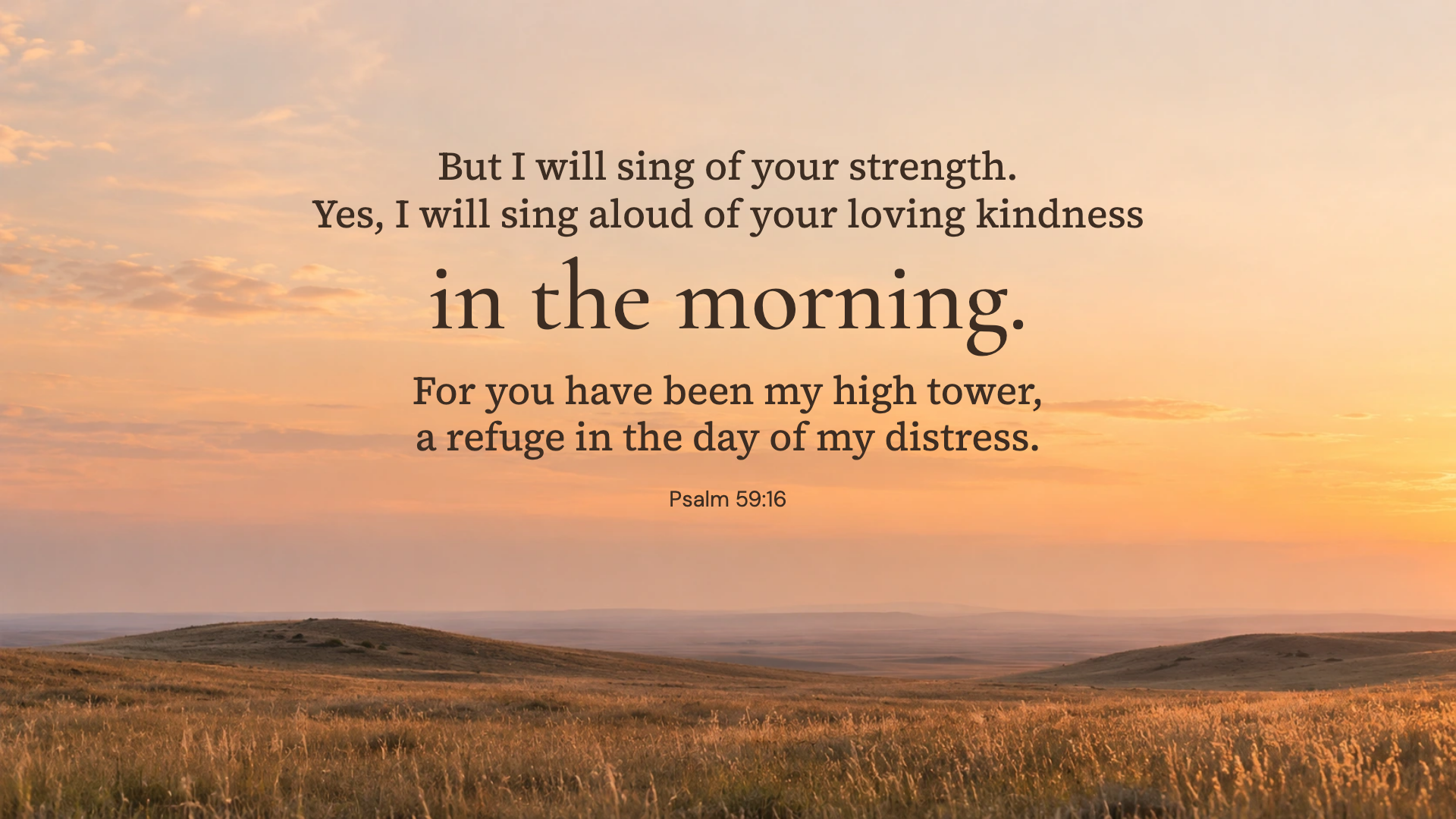
Psalm 59:16 · WEB
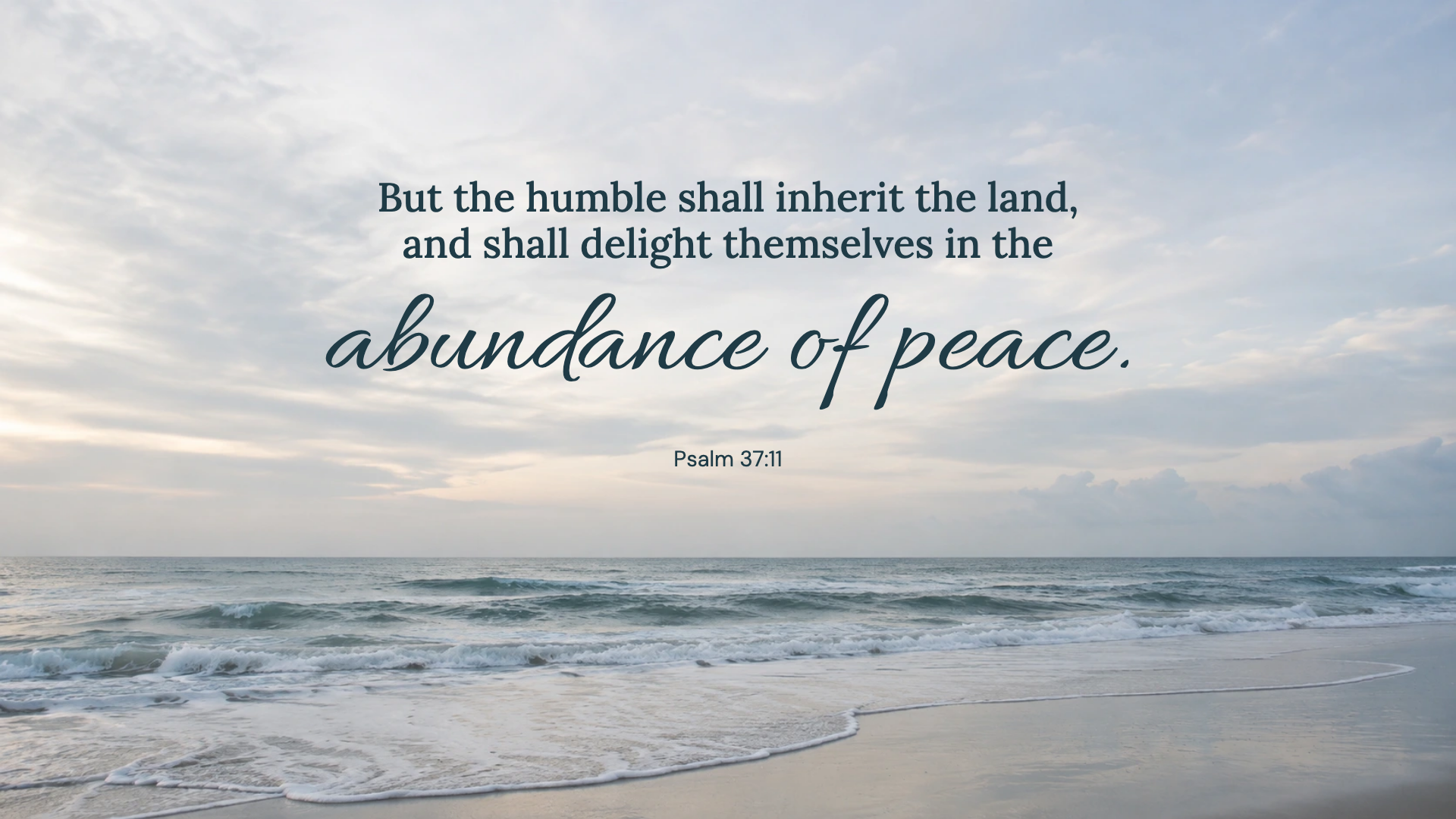
Psalm 37:11 · WEB
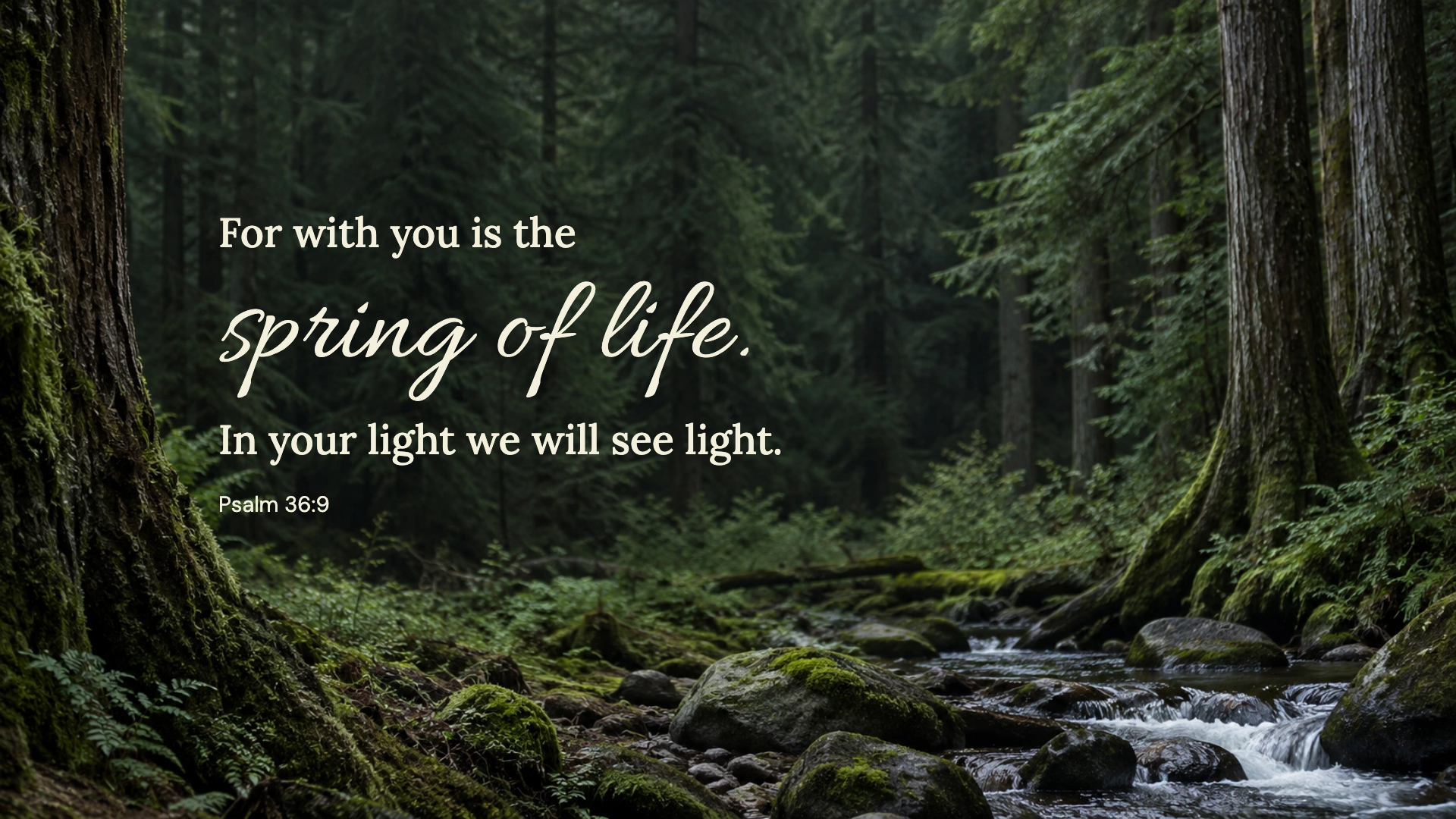
Psalm 36:9 · WEB
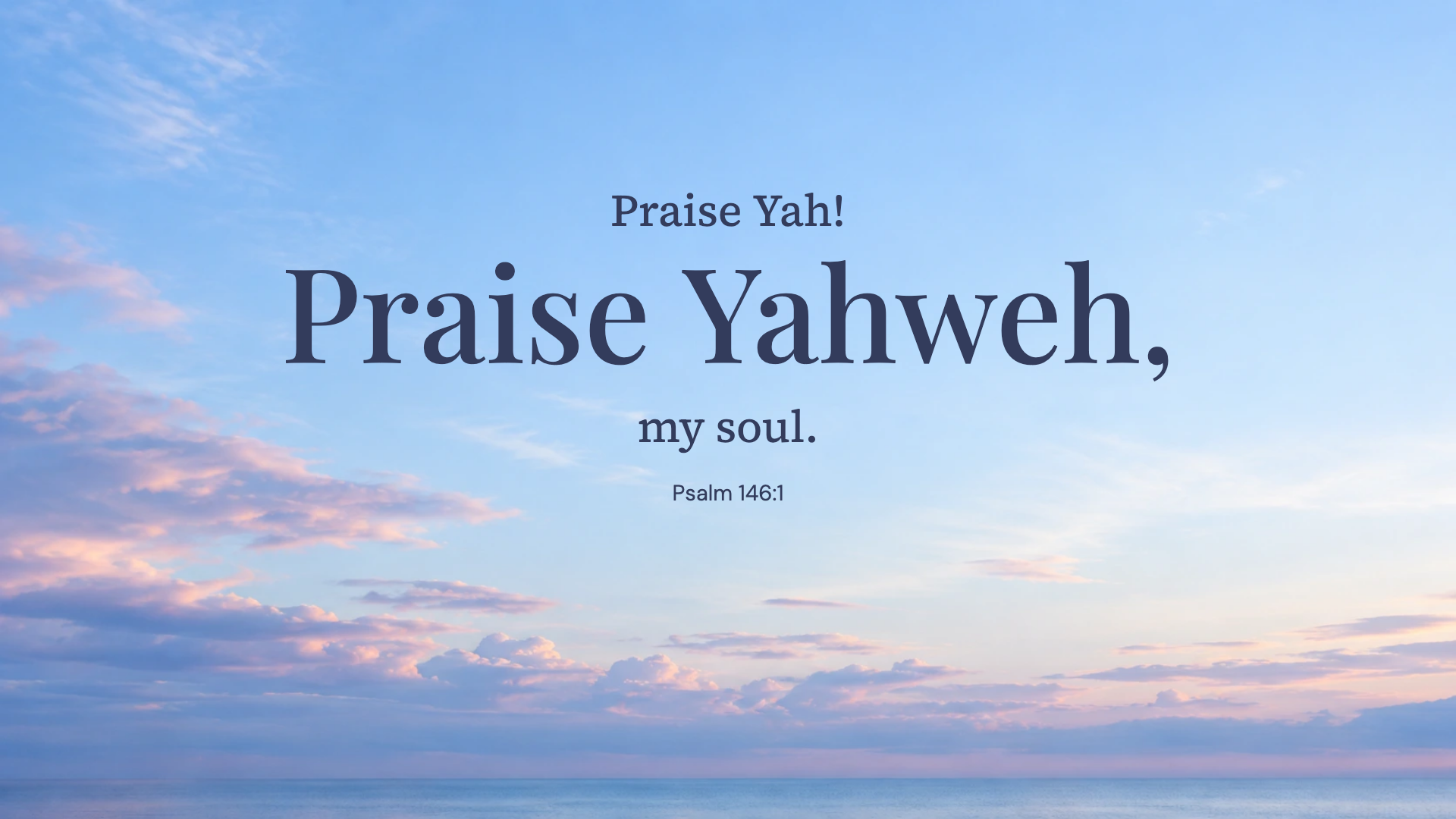
Psalm 146:1 · WEB
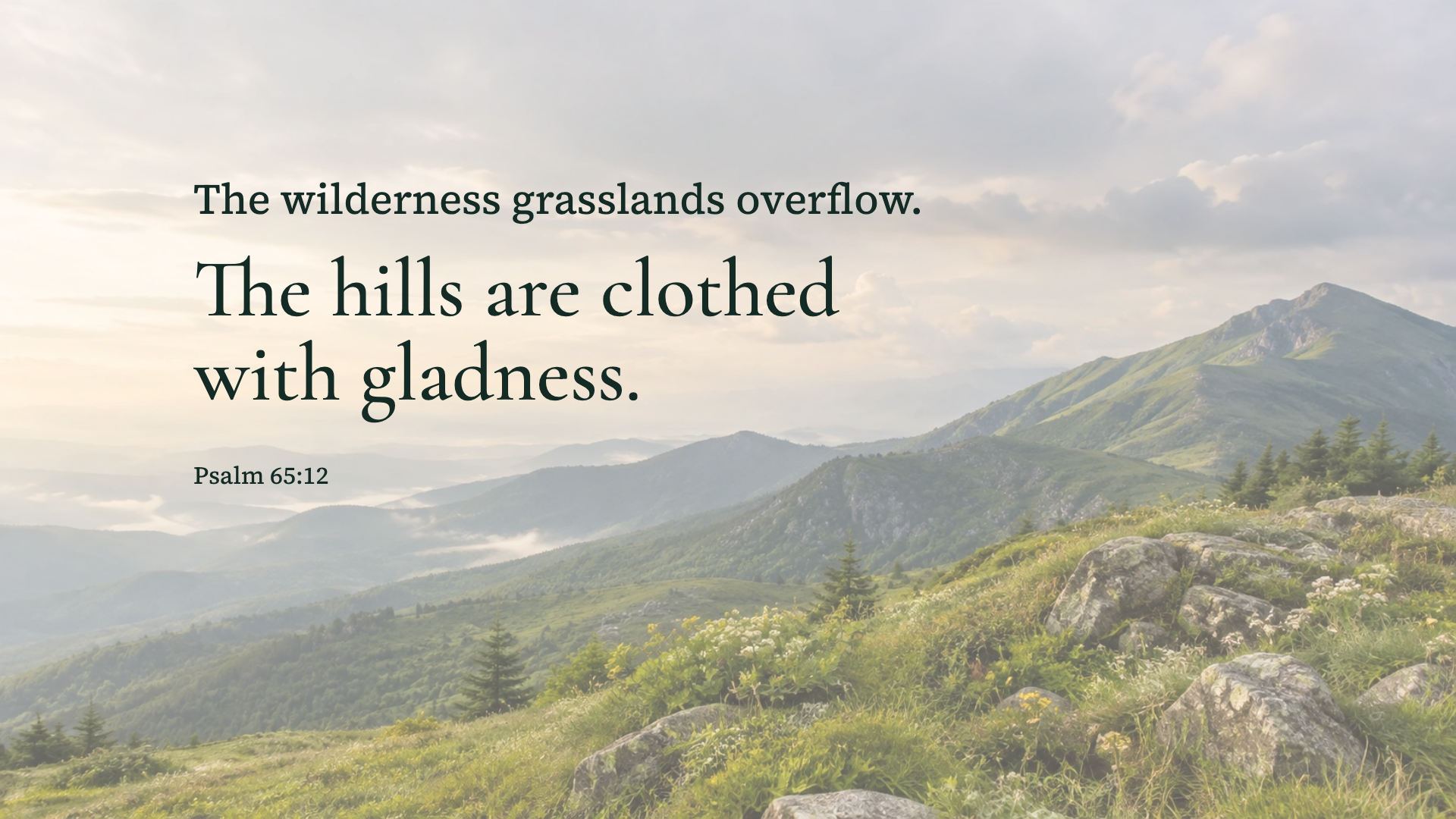
Psalm 65:12 · WEB
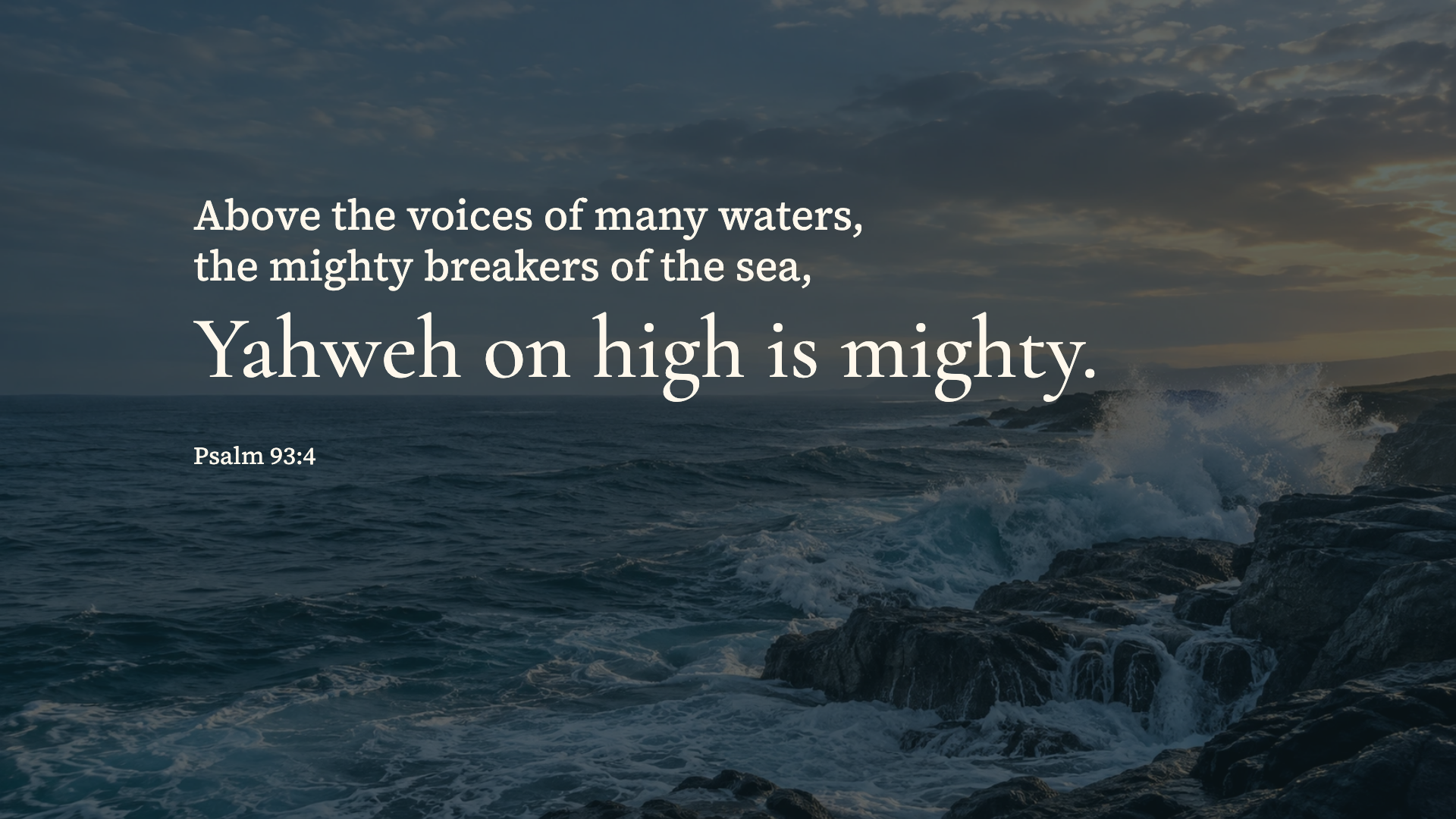
Psalm 93:4 · WEB
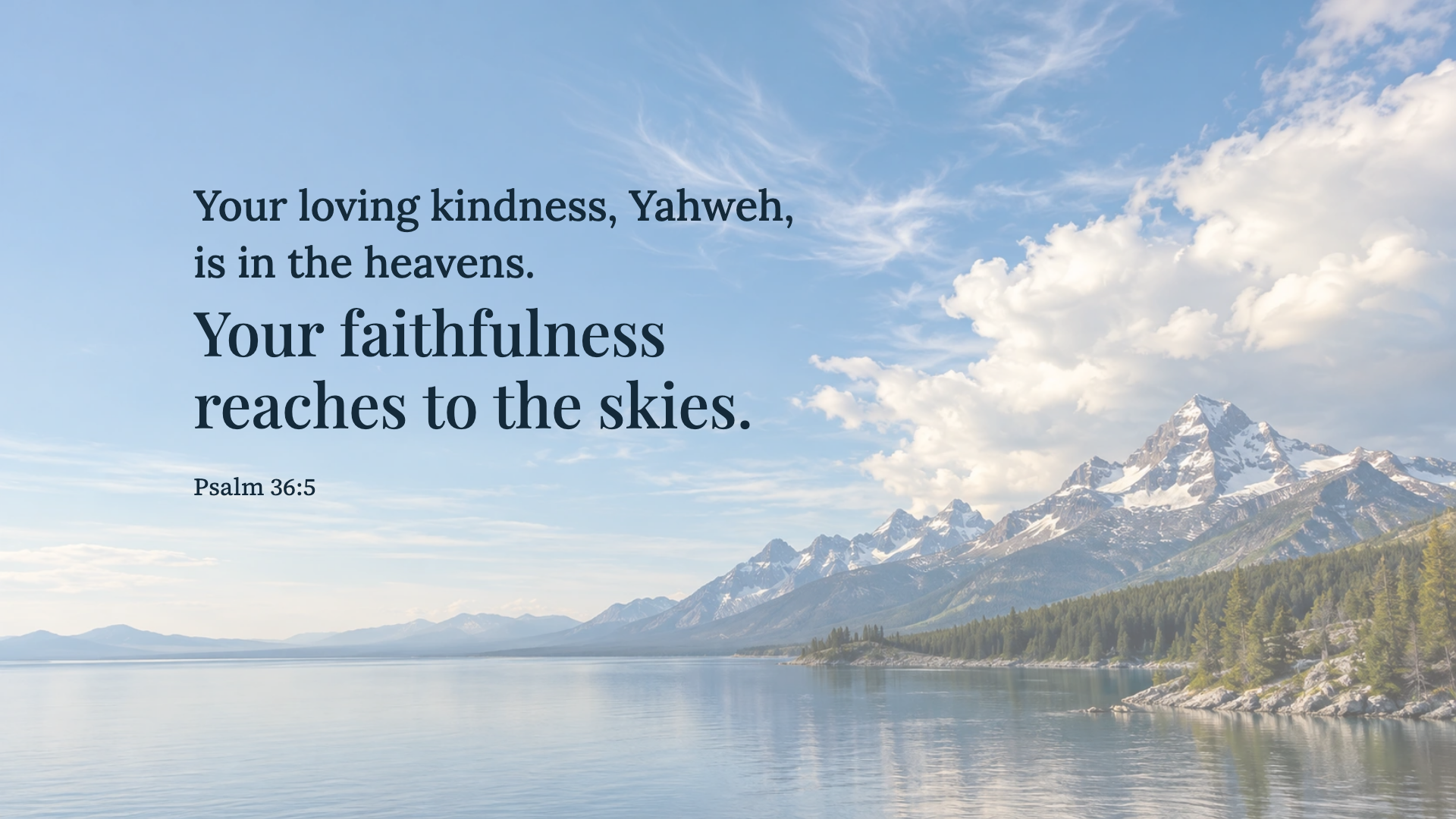
Psalm 36:5 · WEB
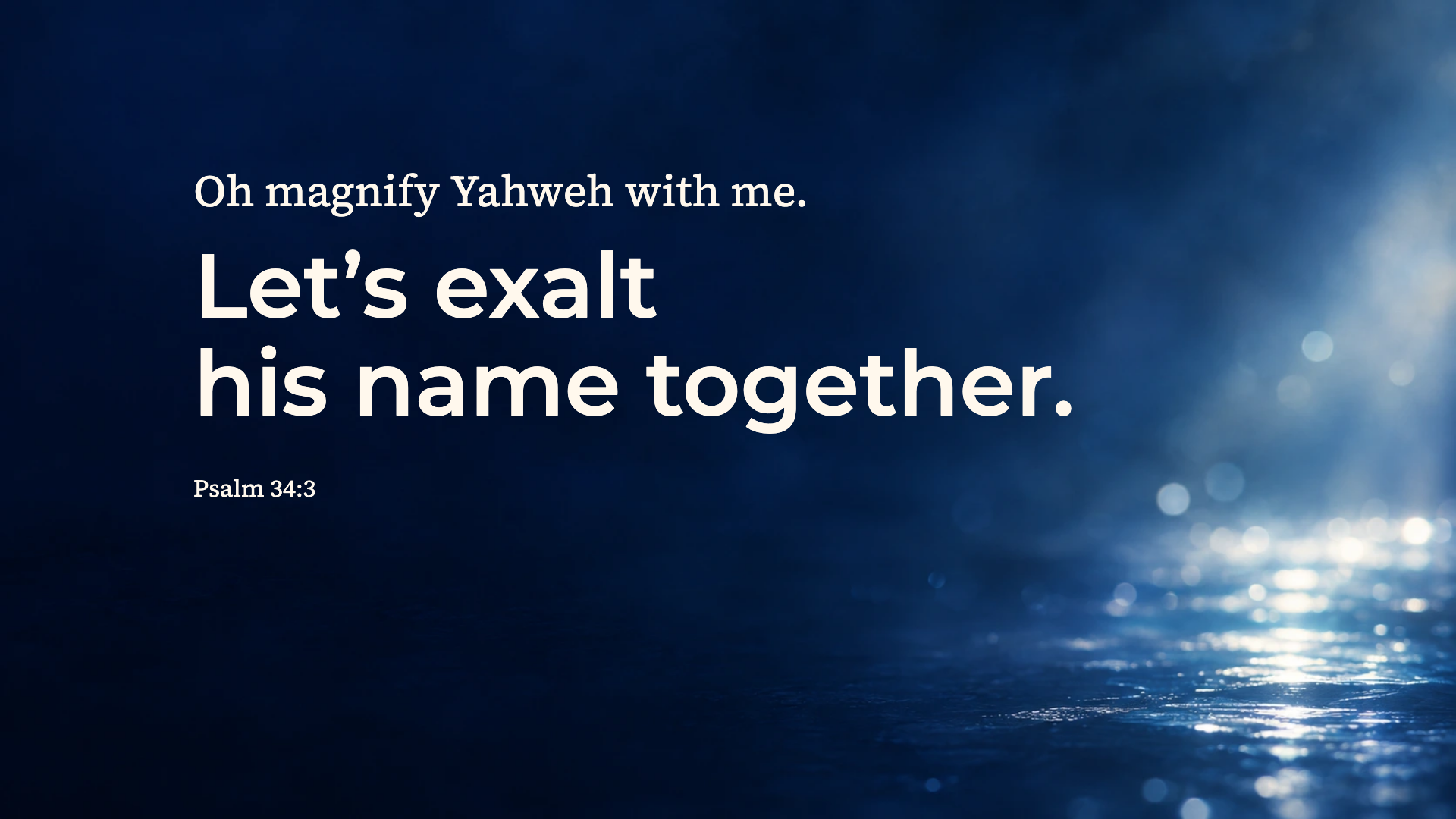
Psalm 34:3 · WEB
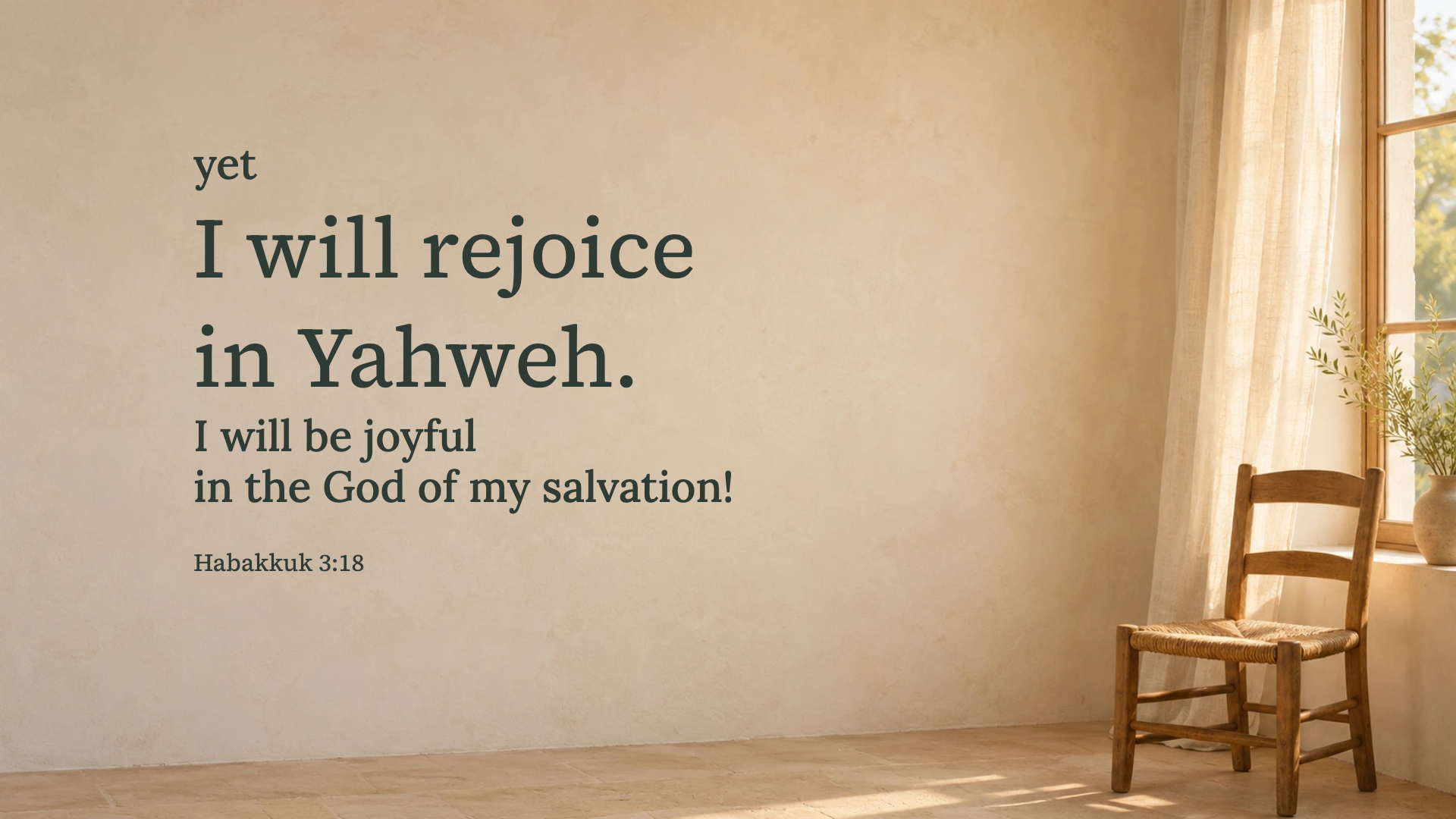
Habakkuk 3:18 · WEB
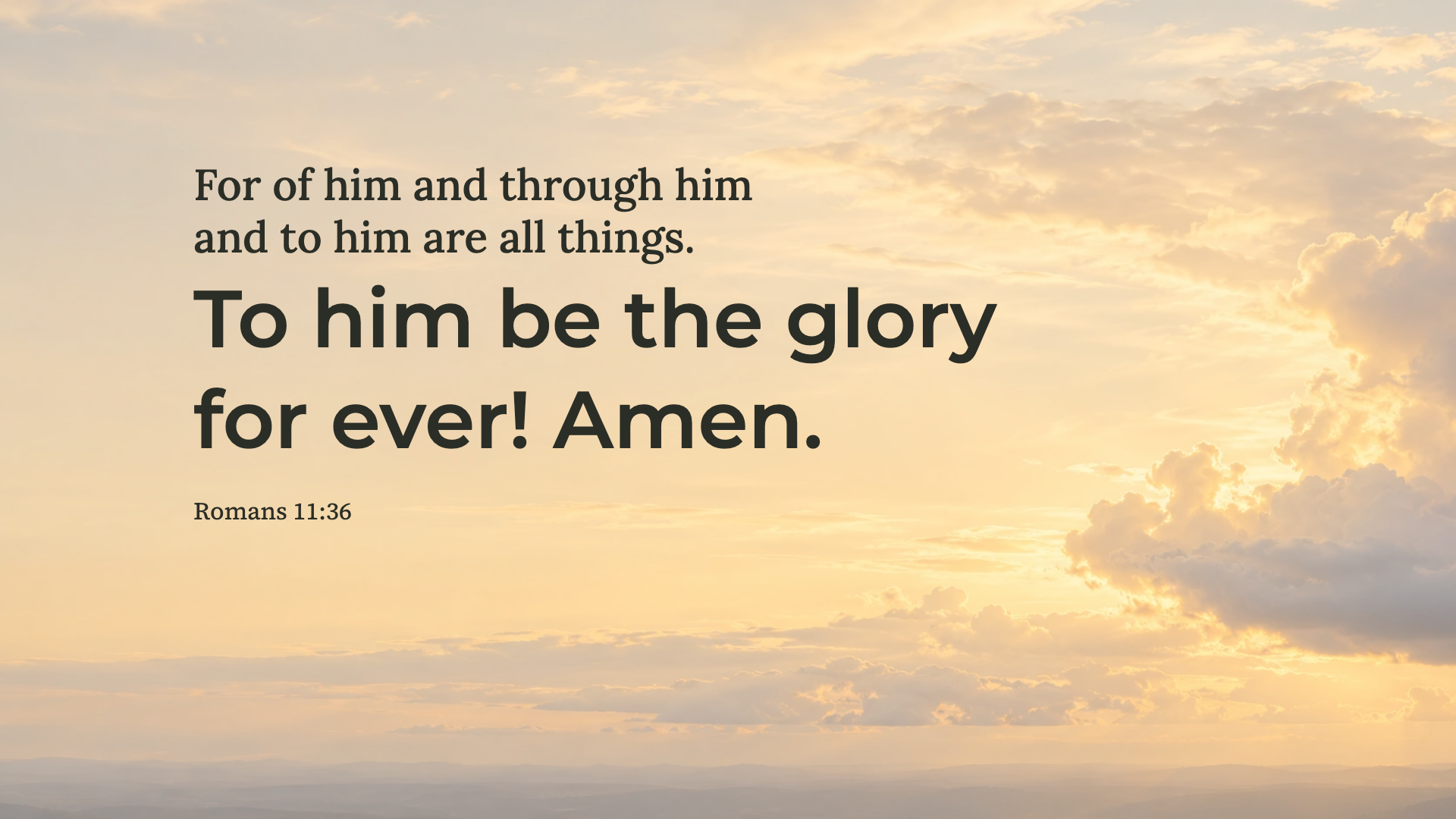
Romans 11:36 · WEB
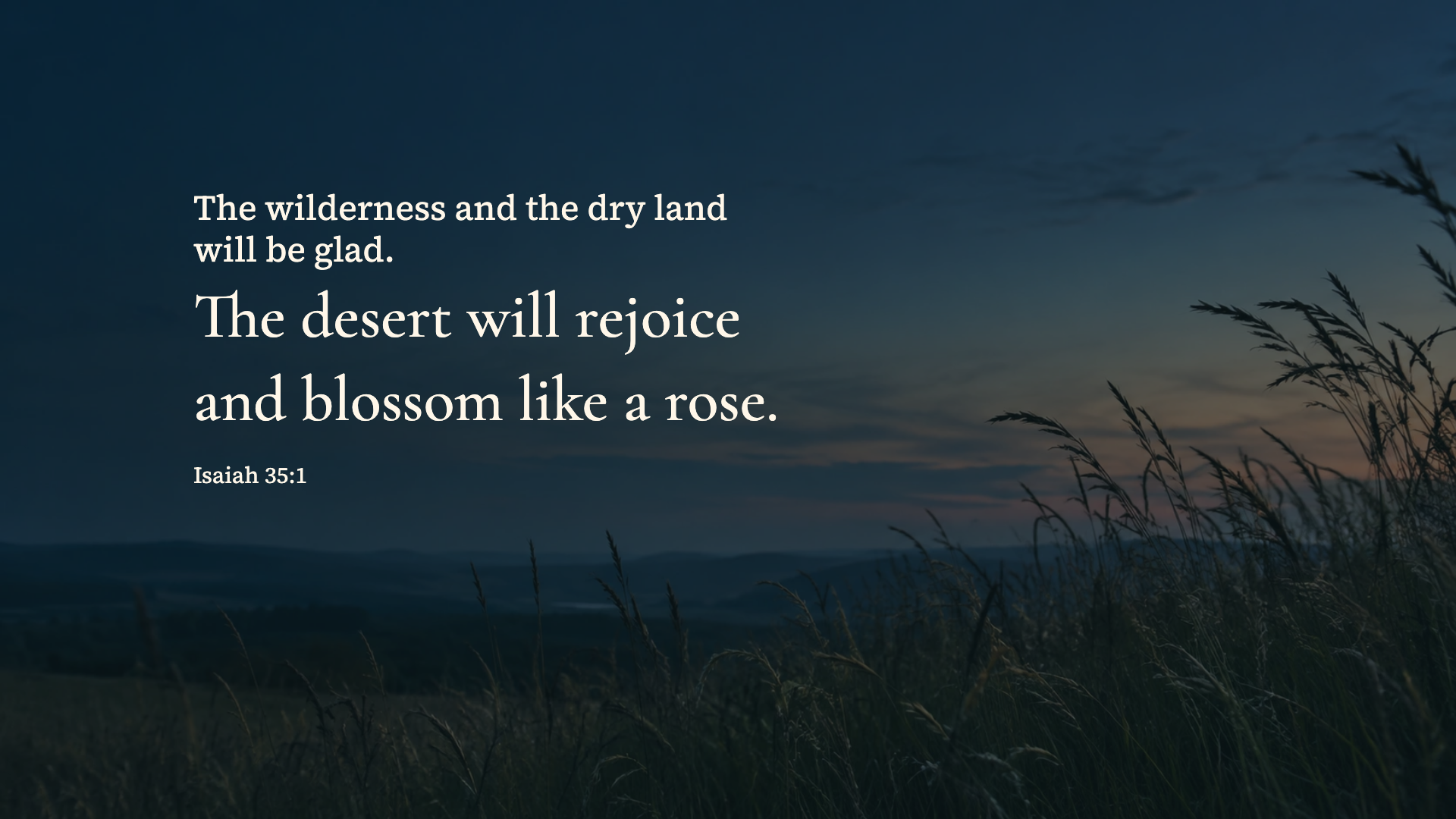
Isaiah 35:1 · WEB
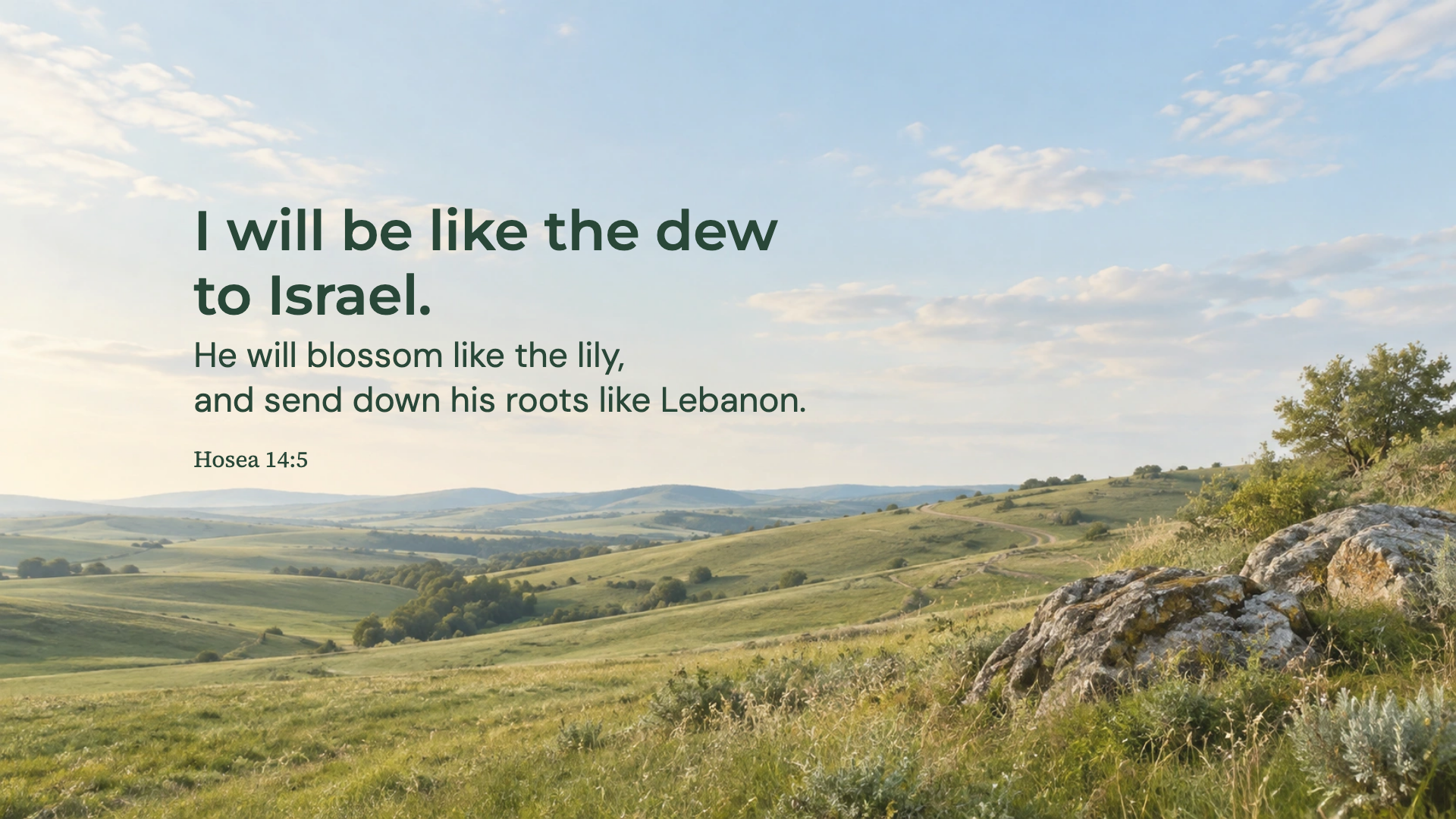
Hosea 14:5 · WEB
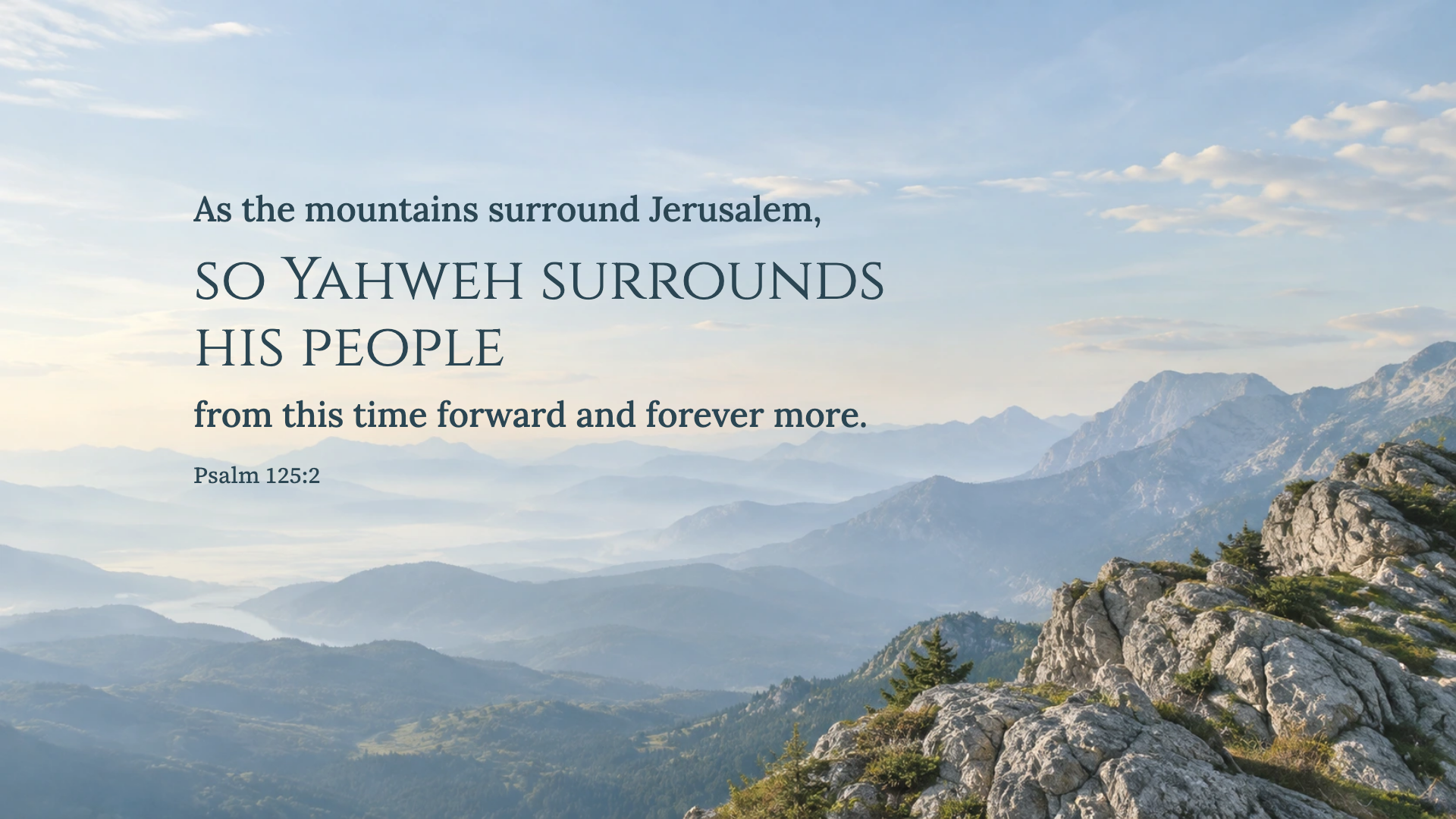
Psalm 125:2 · WEB
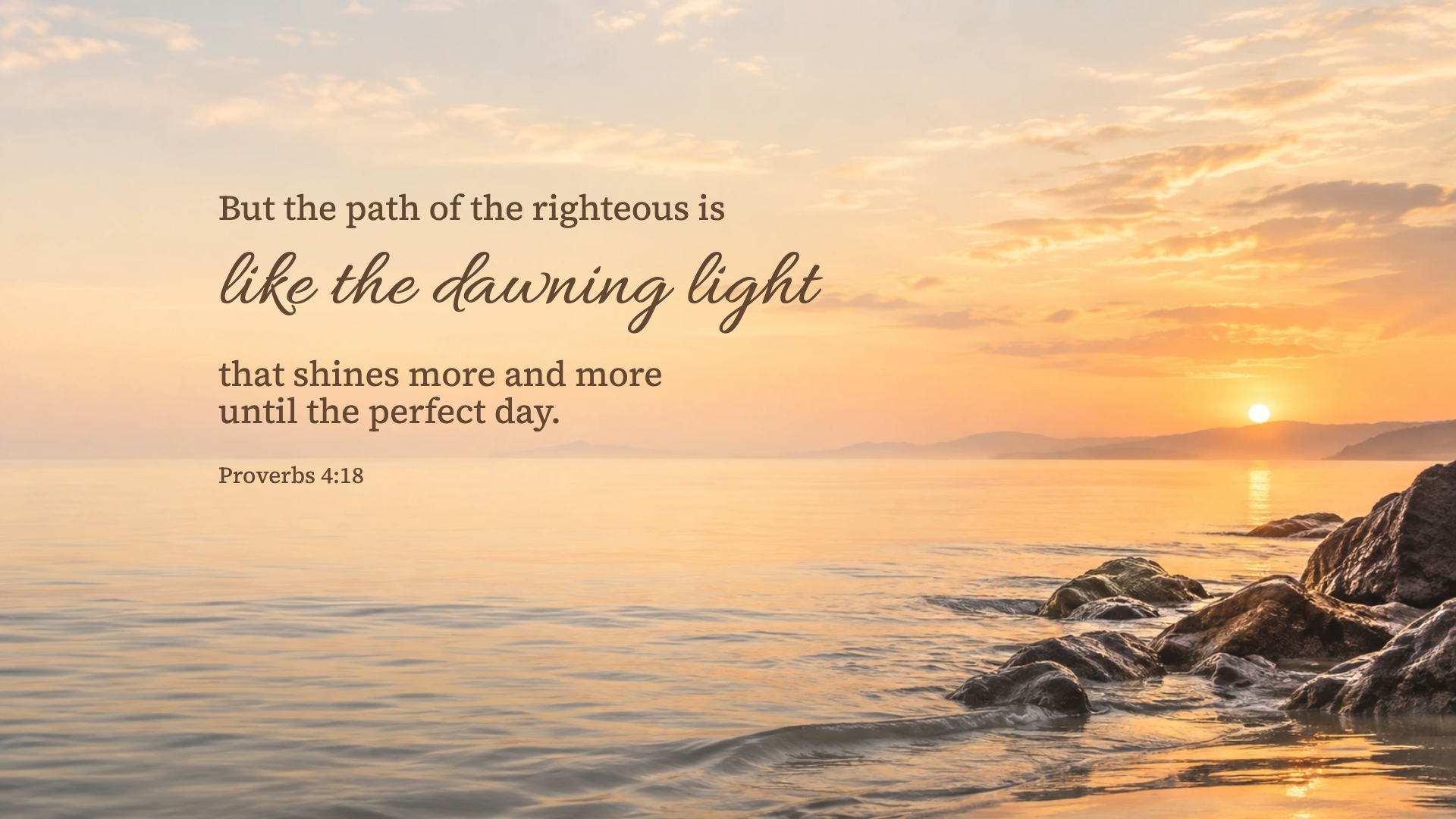
Proverbs 4:18 · WEB
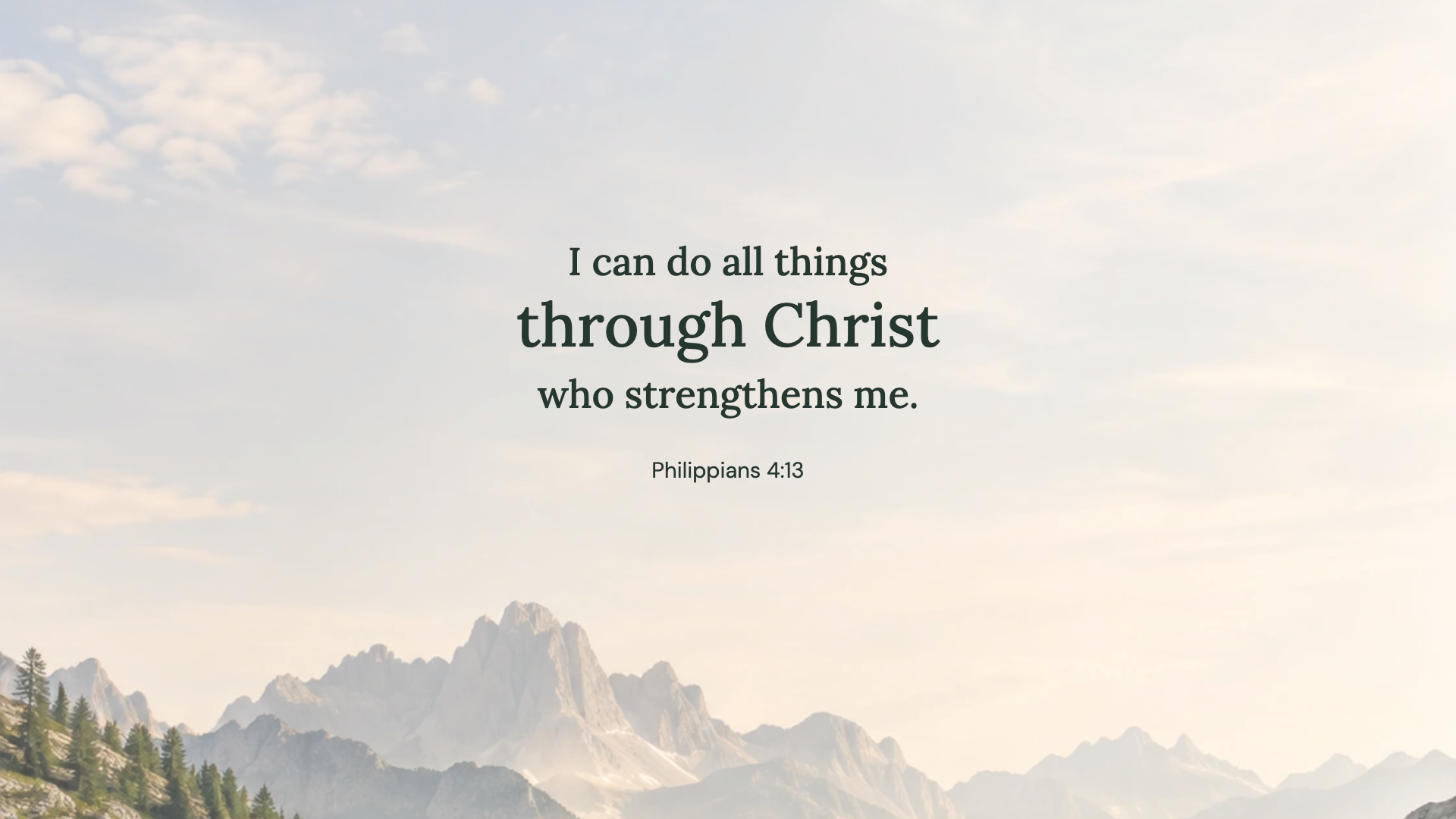
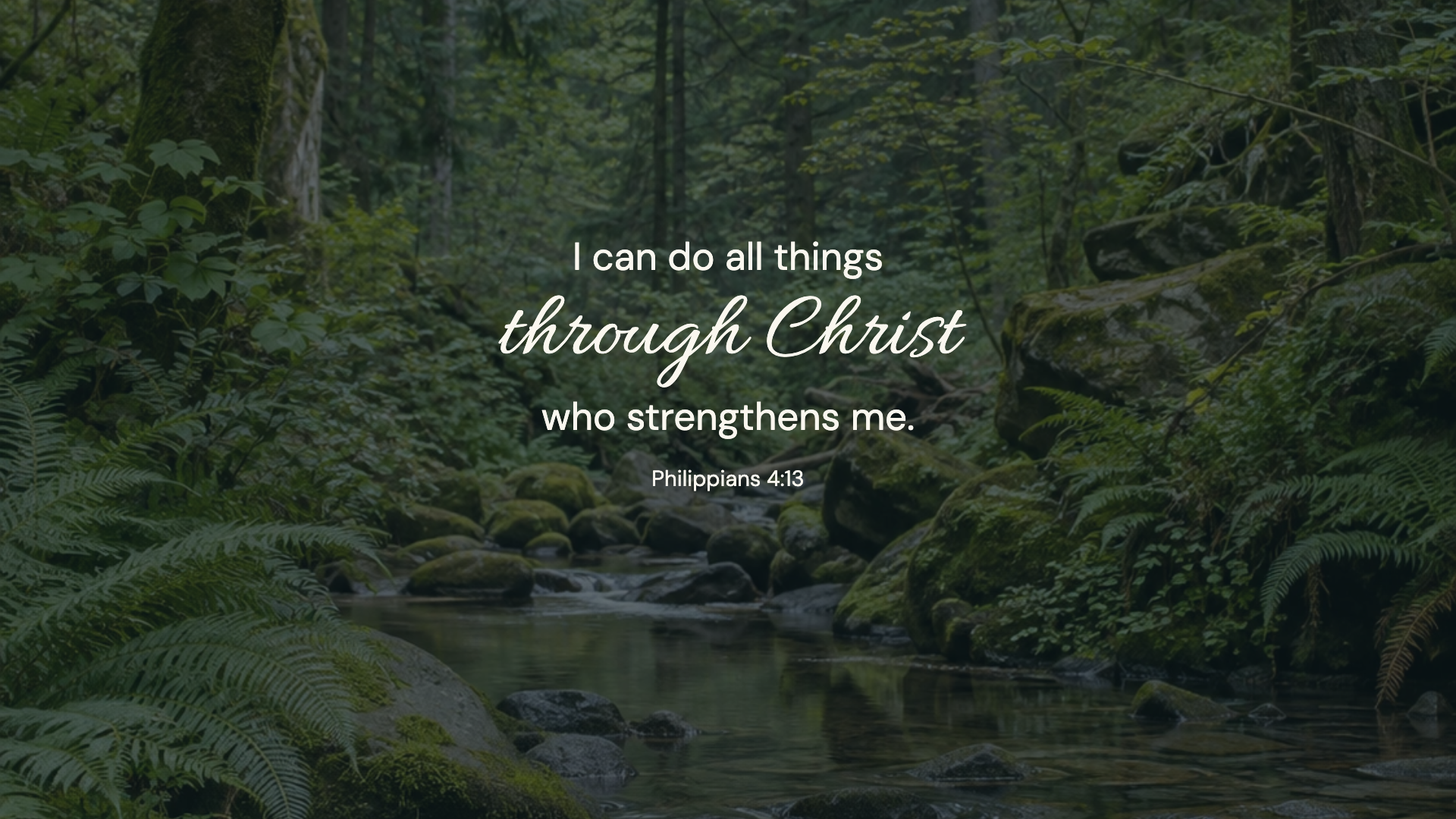
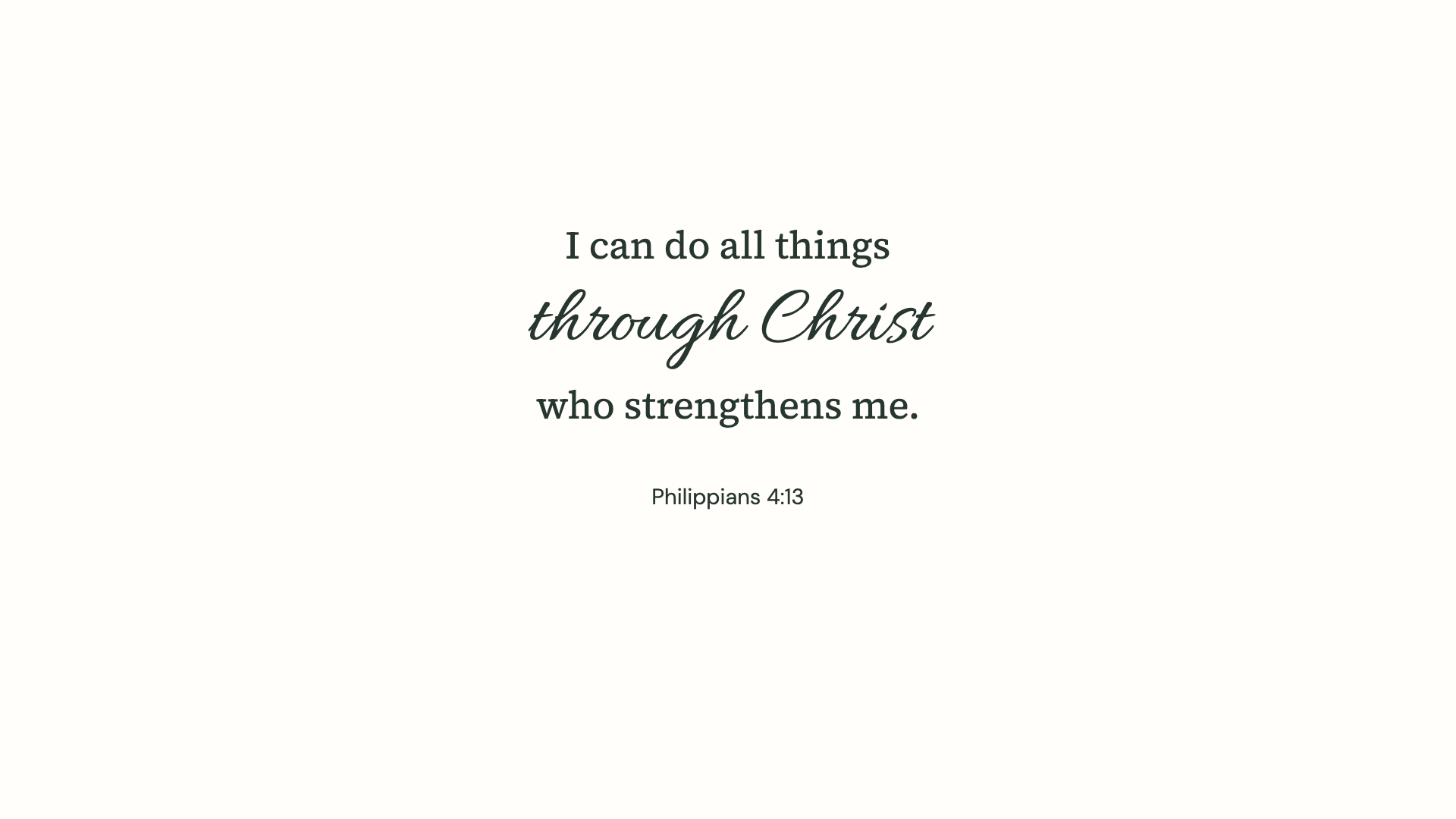
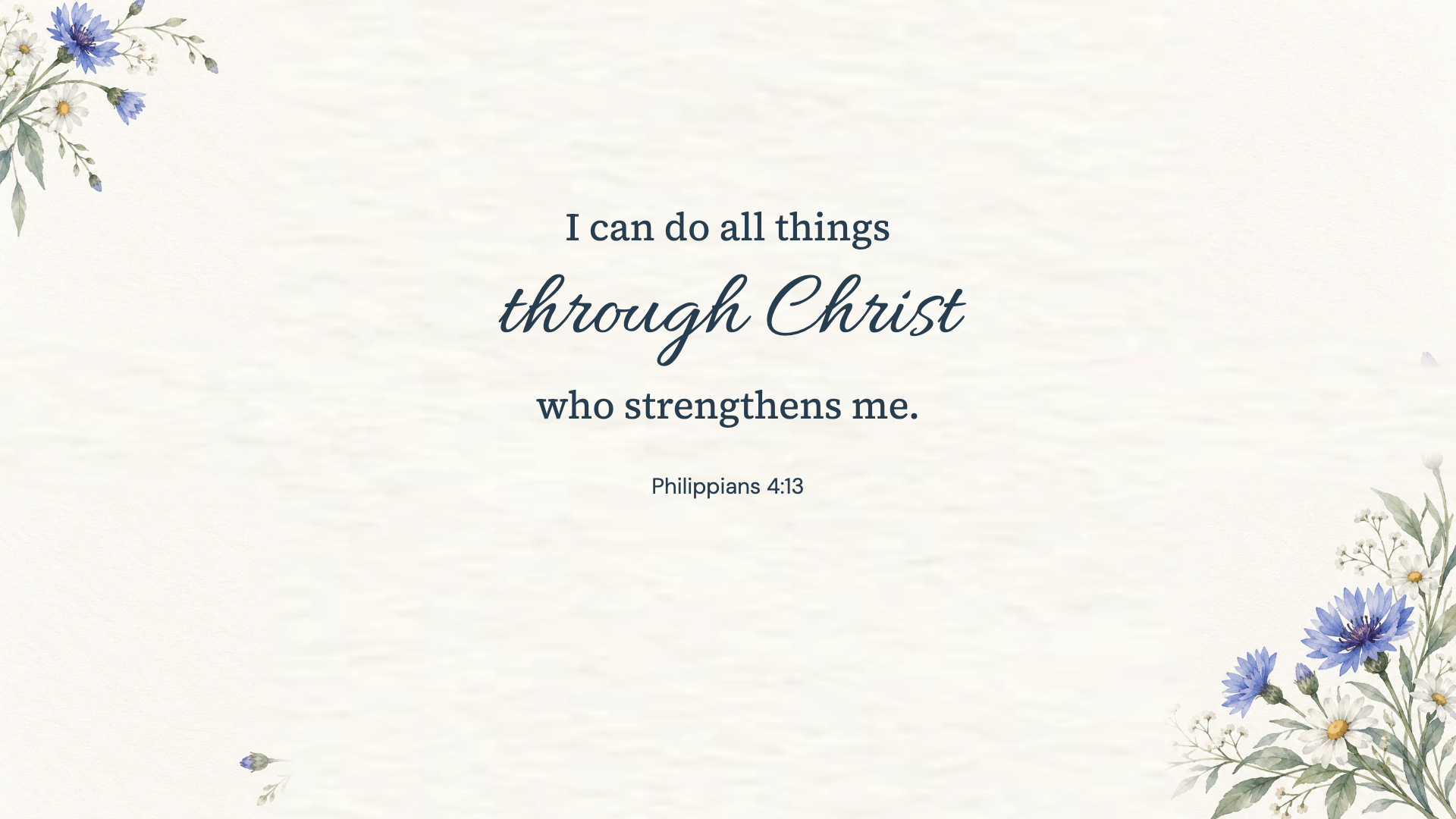
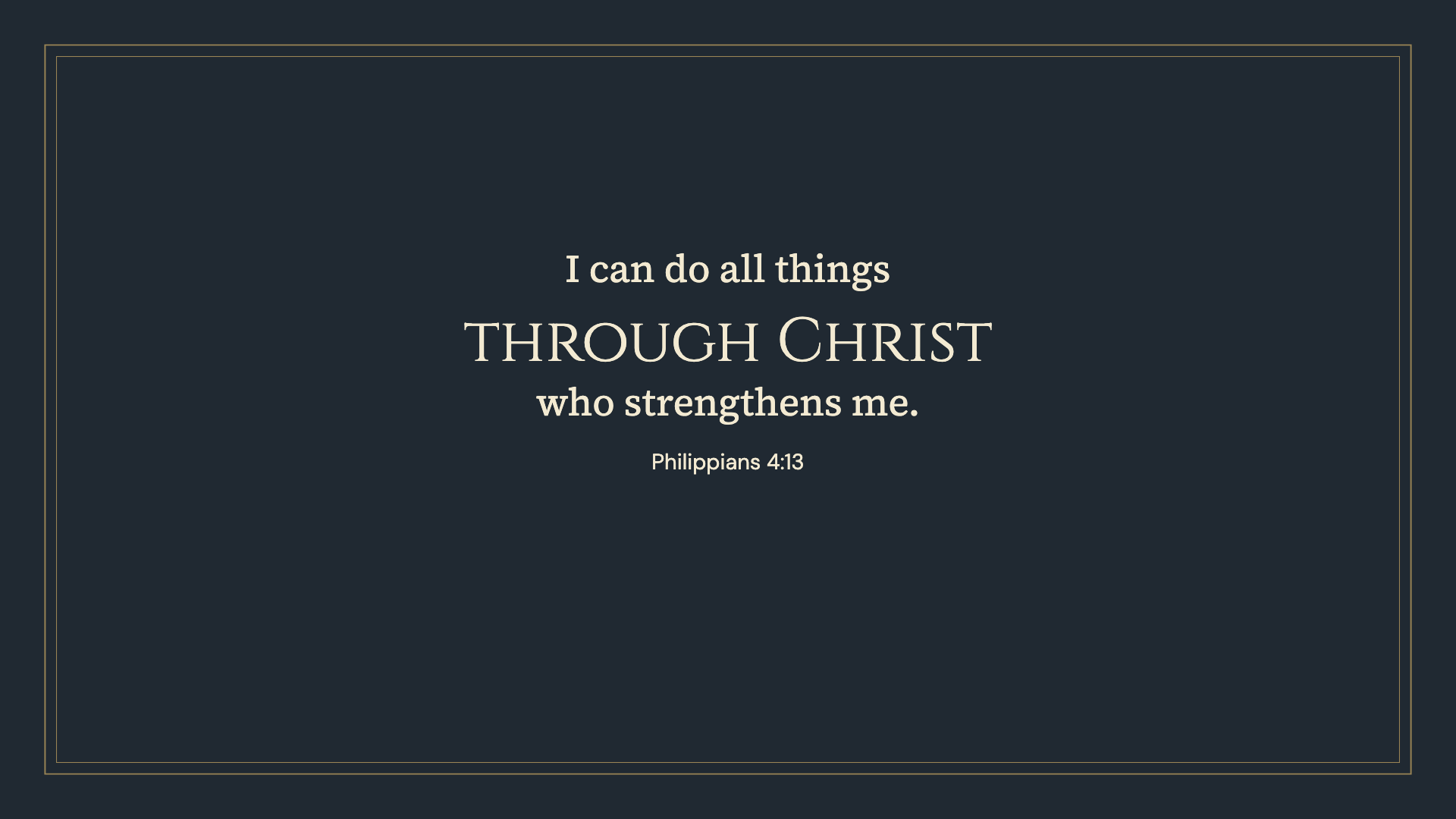
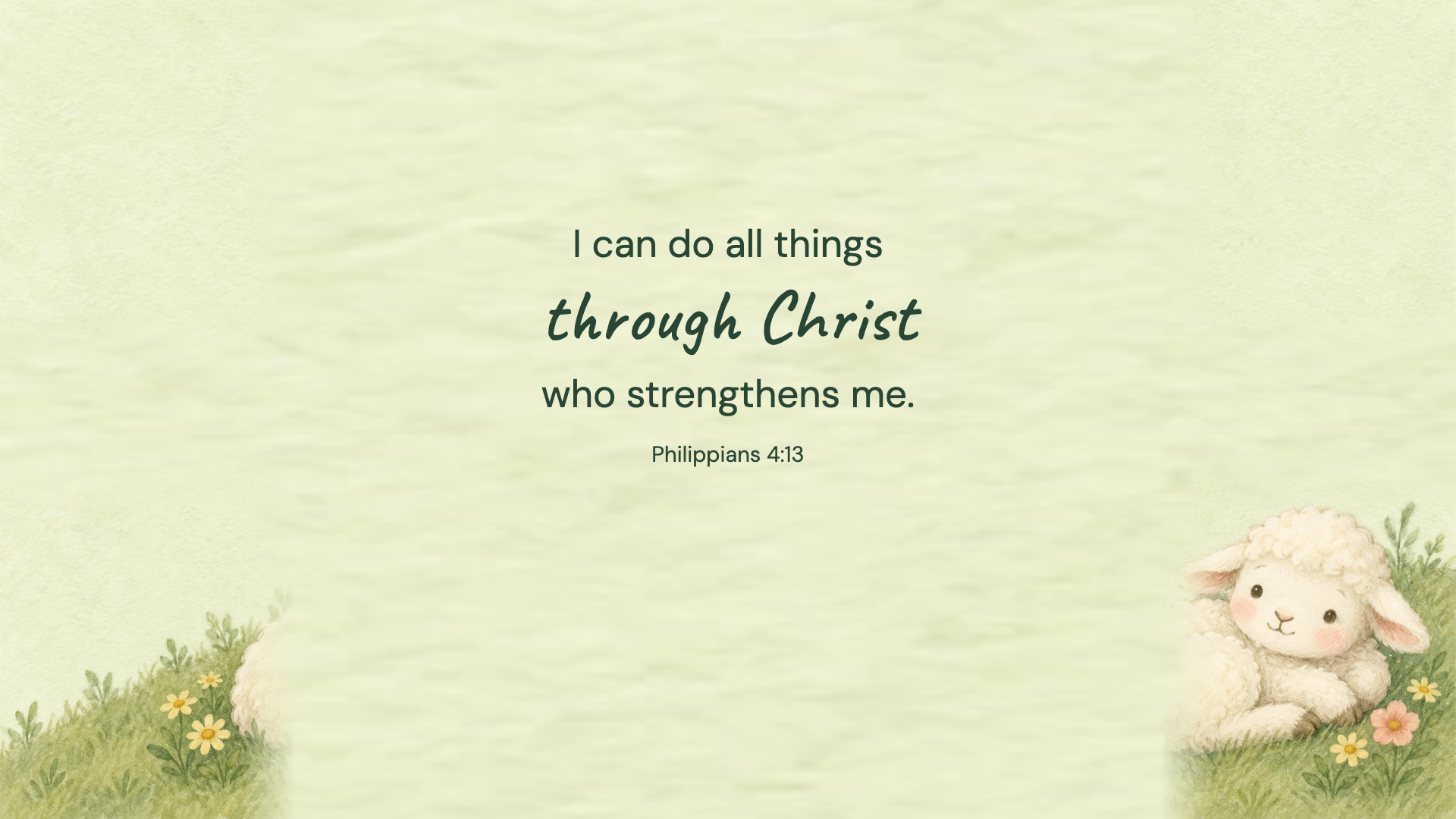
Philippians 4:13 · WEB
Philippians 4:13 · WEB
Philippians 4:13 · WEB
Philippians 4:13 · WEB
Philippians 4:13 · WEB
Philippians 4:13 · WEB
Philippians 4:13 · WEB
Philippians 4:13 · WEB
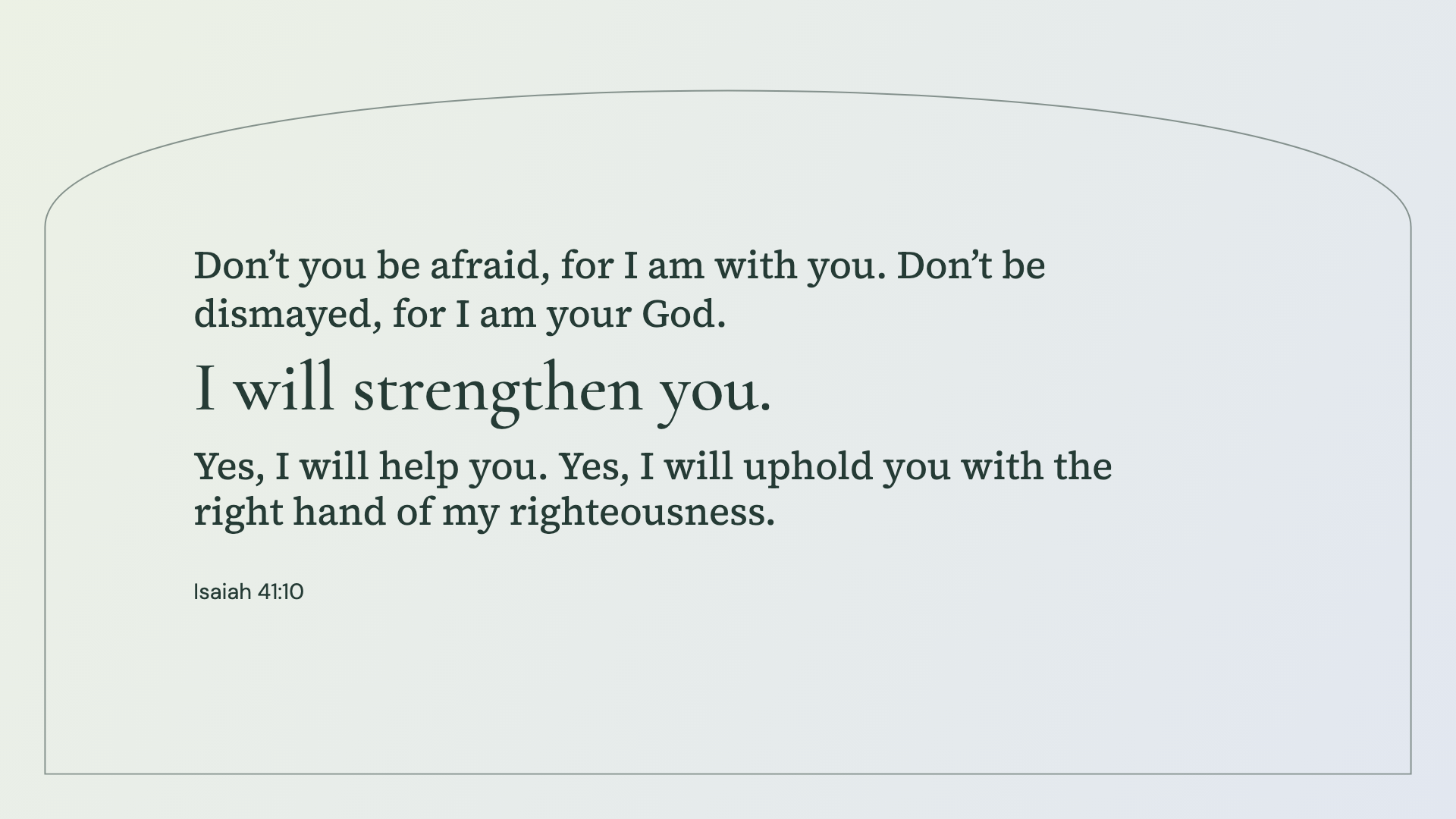
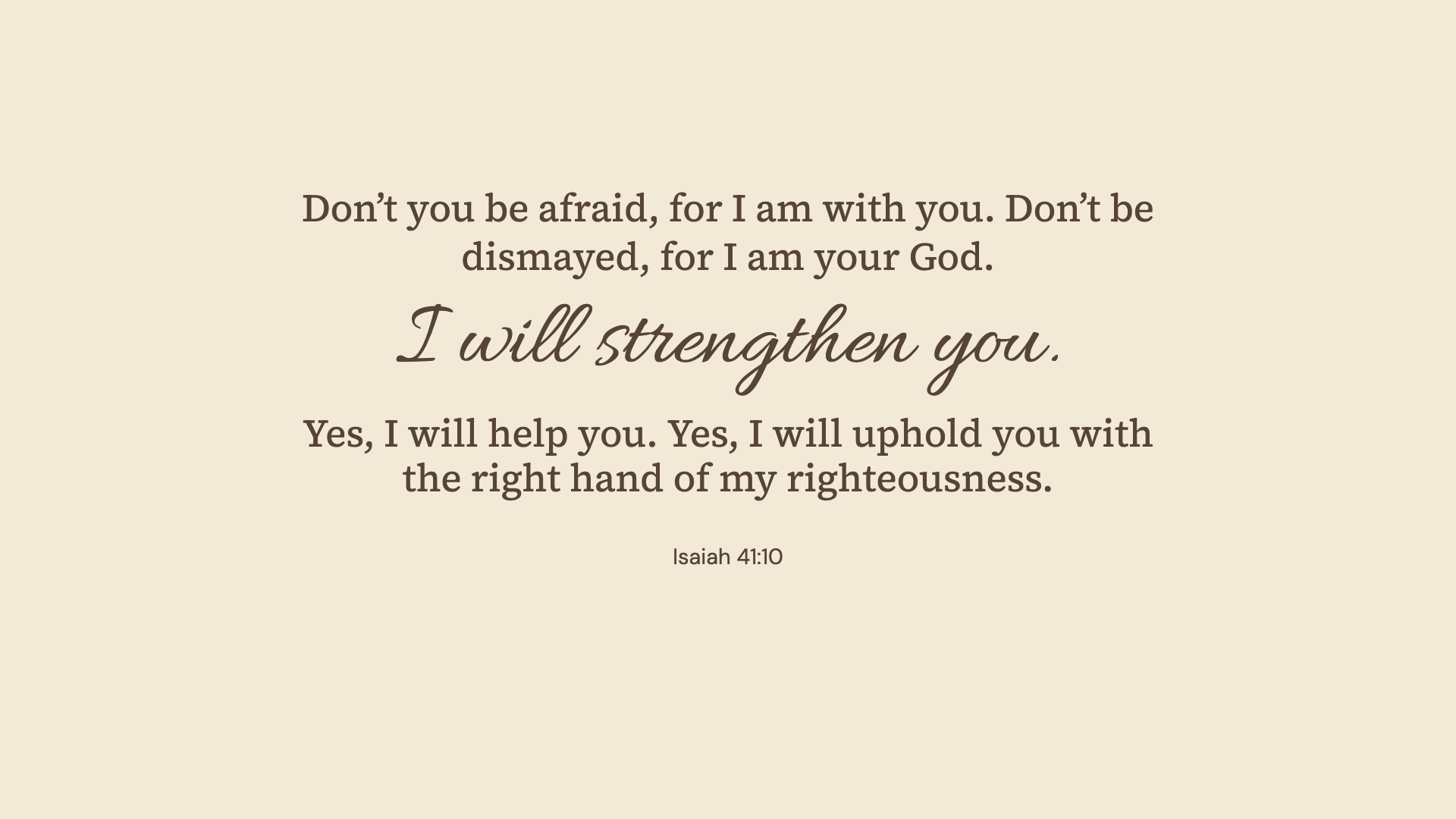
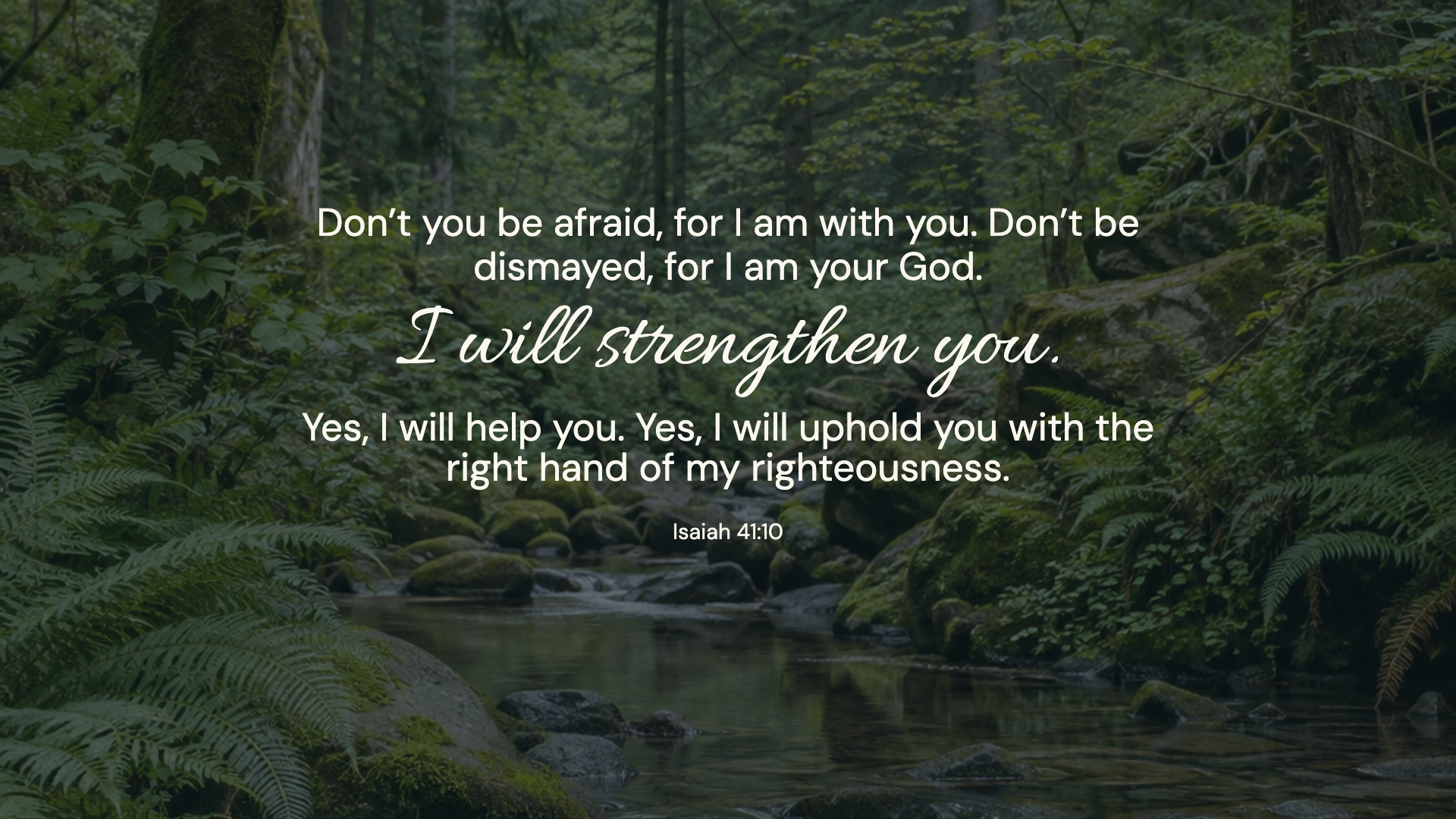
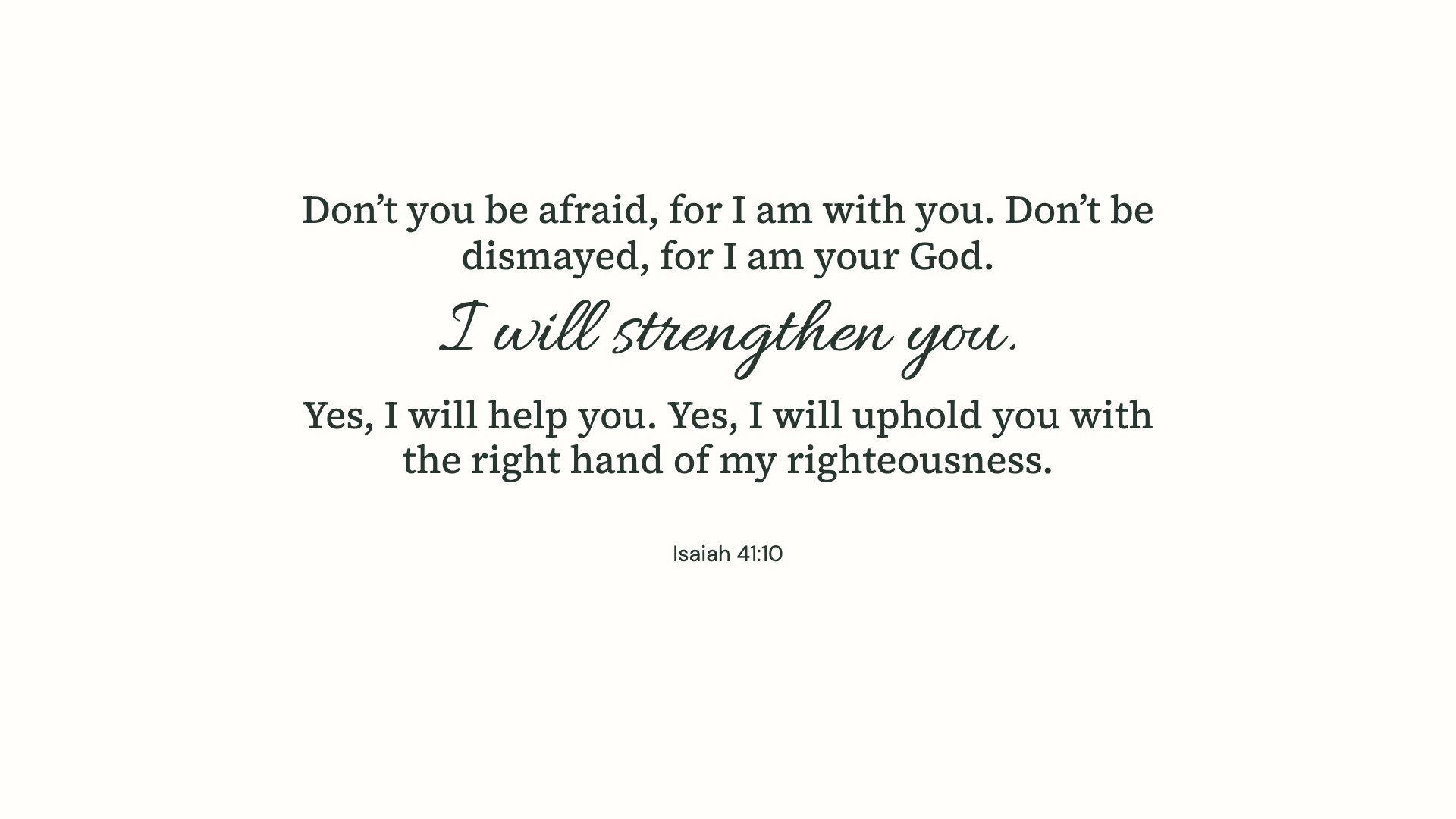
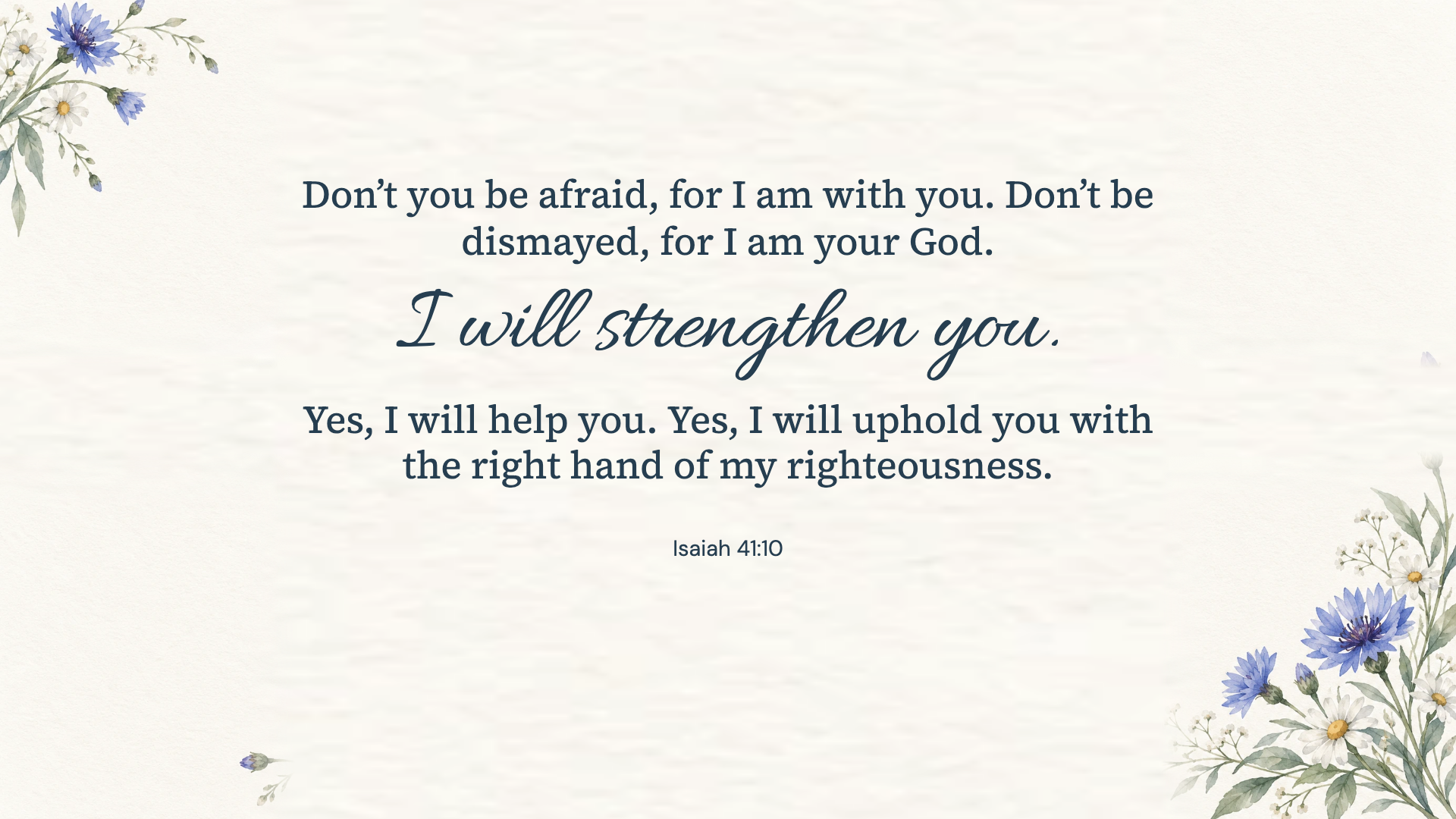
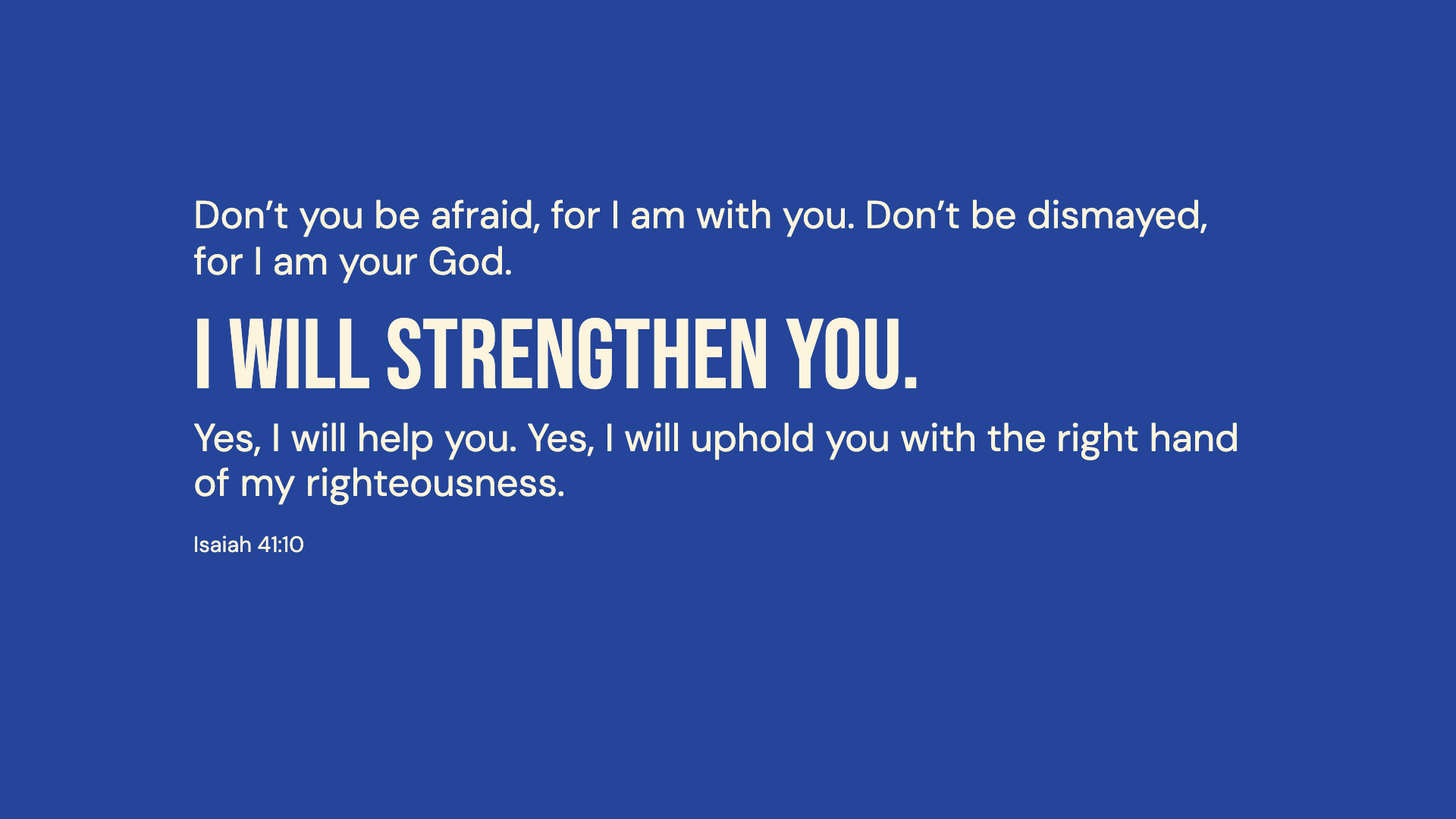
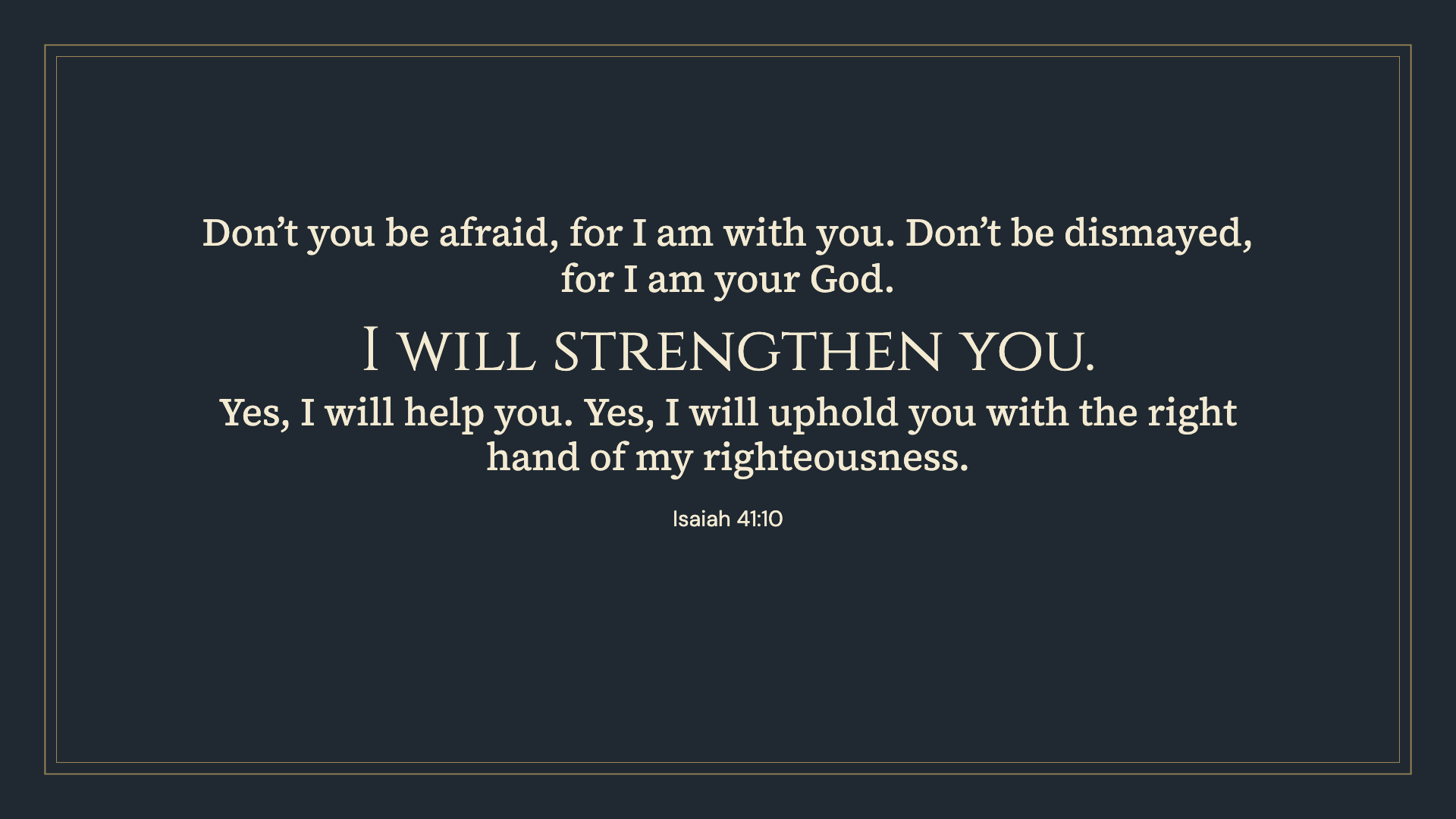
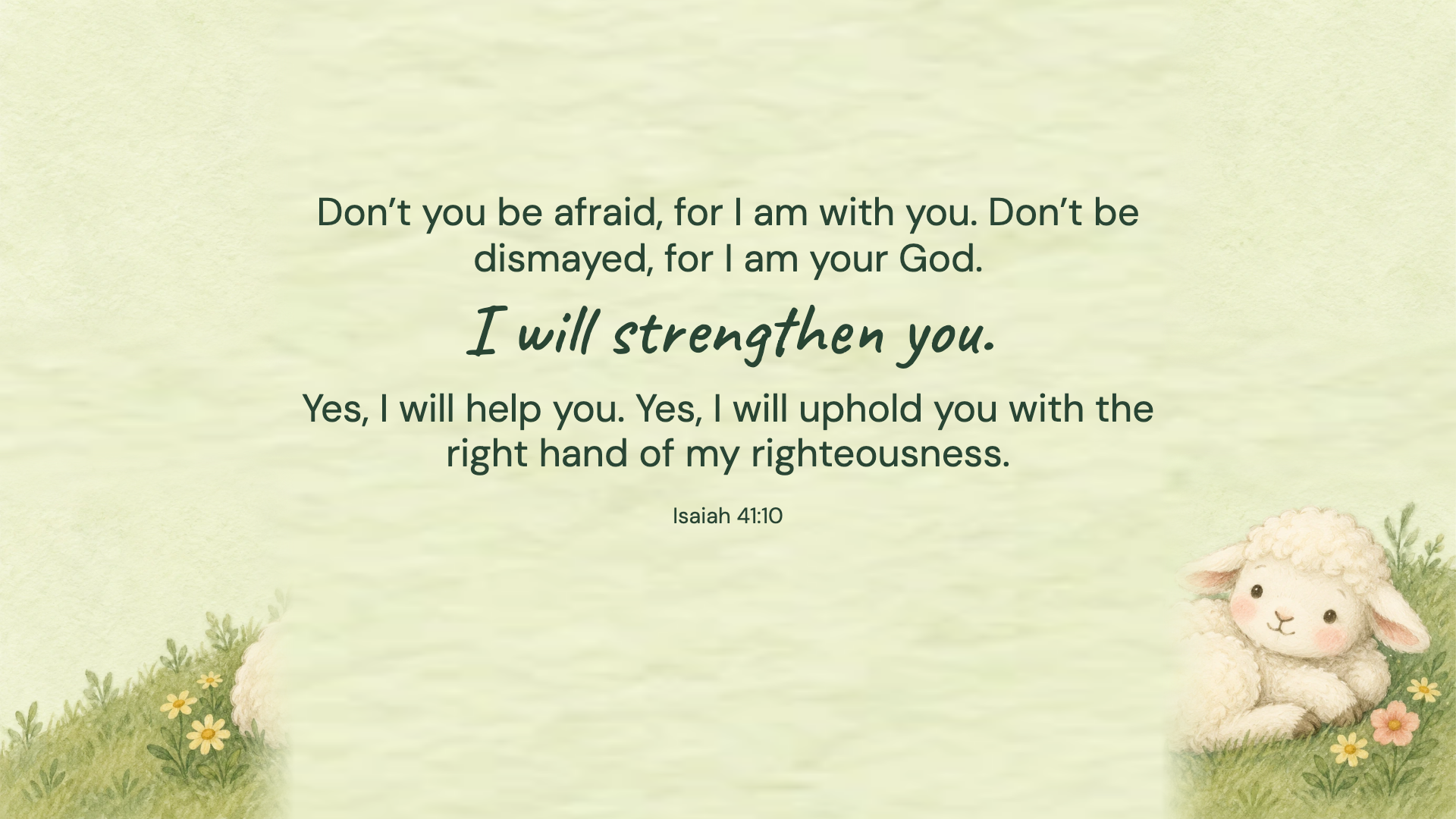
Isaiah 41:10 · WEB
Isaiah 41:10 · WEB
Isaiah 41:10 · WEB
Isaiah 41:10 · WEB
Isaiah 41:10 · WEB
Isaiah 41:10 · WEB
Isaiah 41:10 · WEB
Isaiah 41:10 · WEB
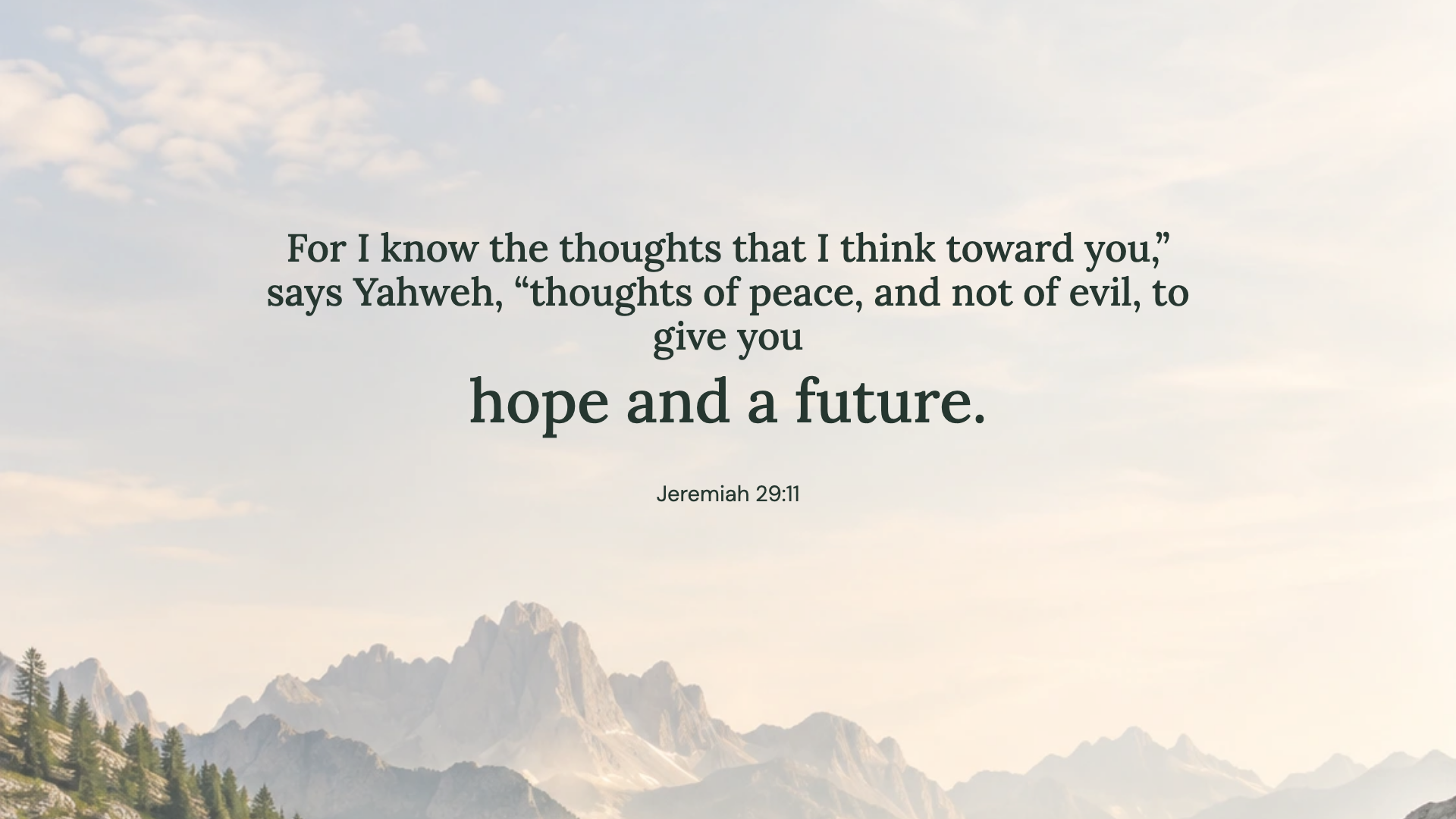
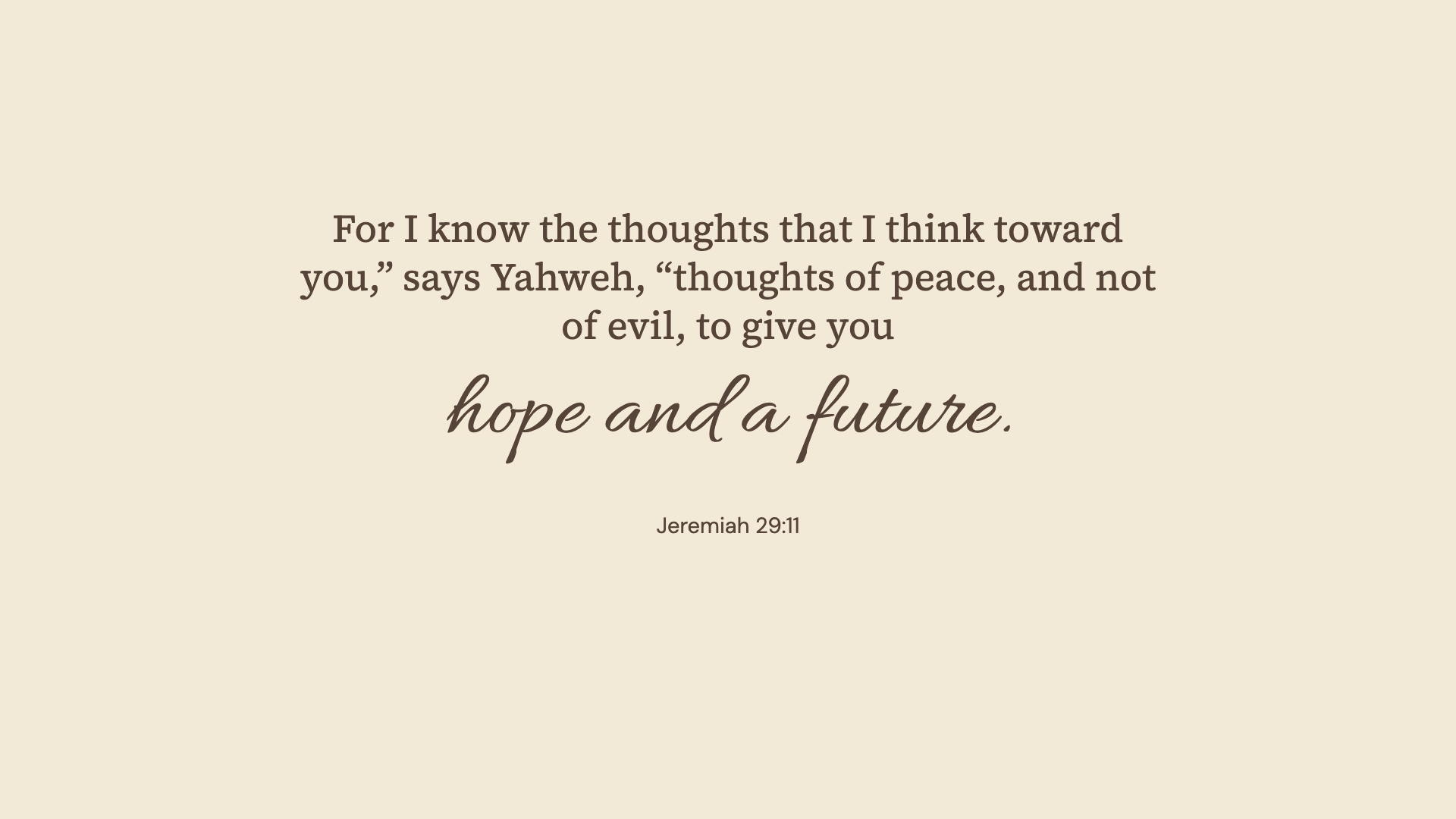
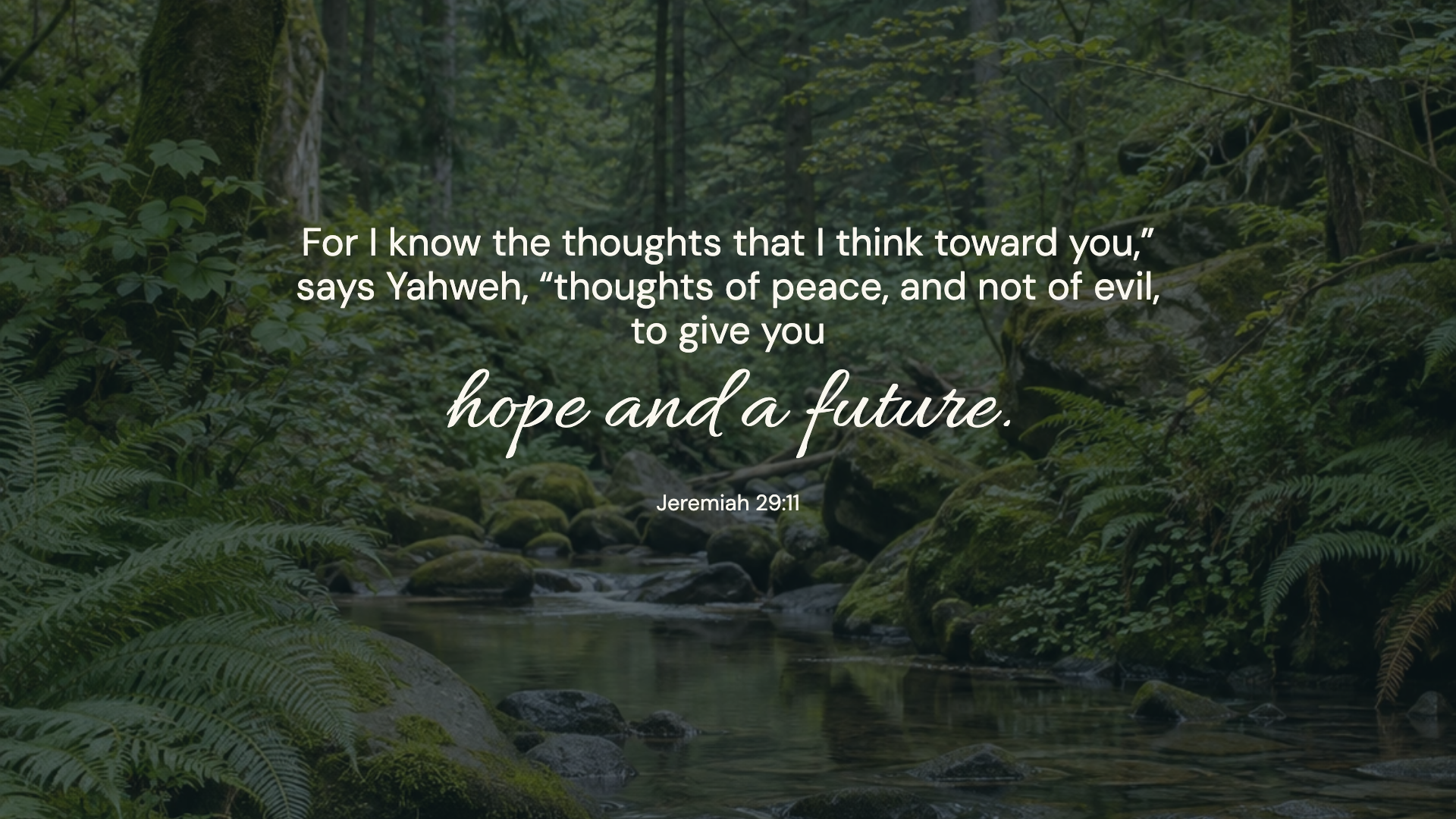
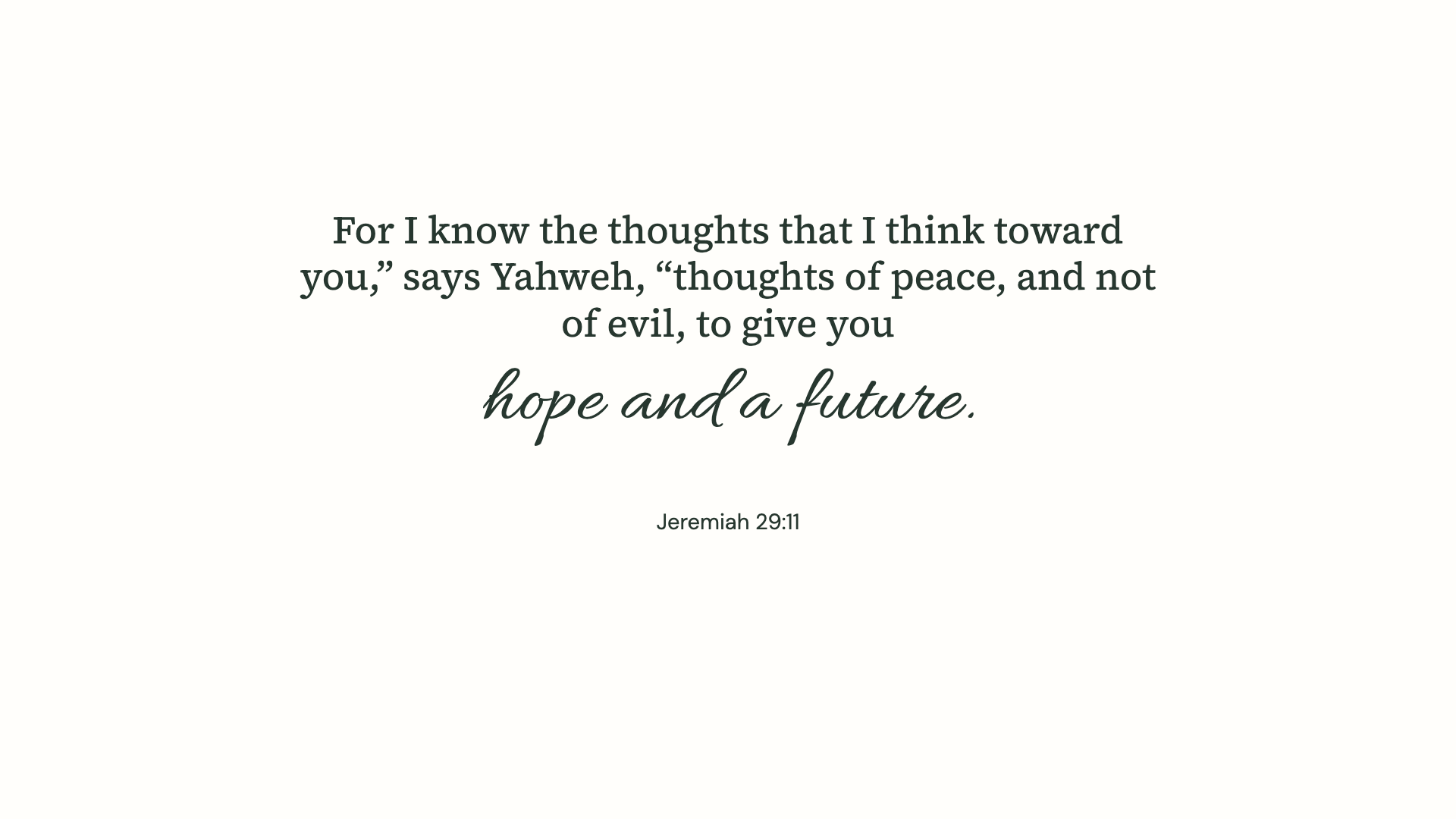
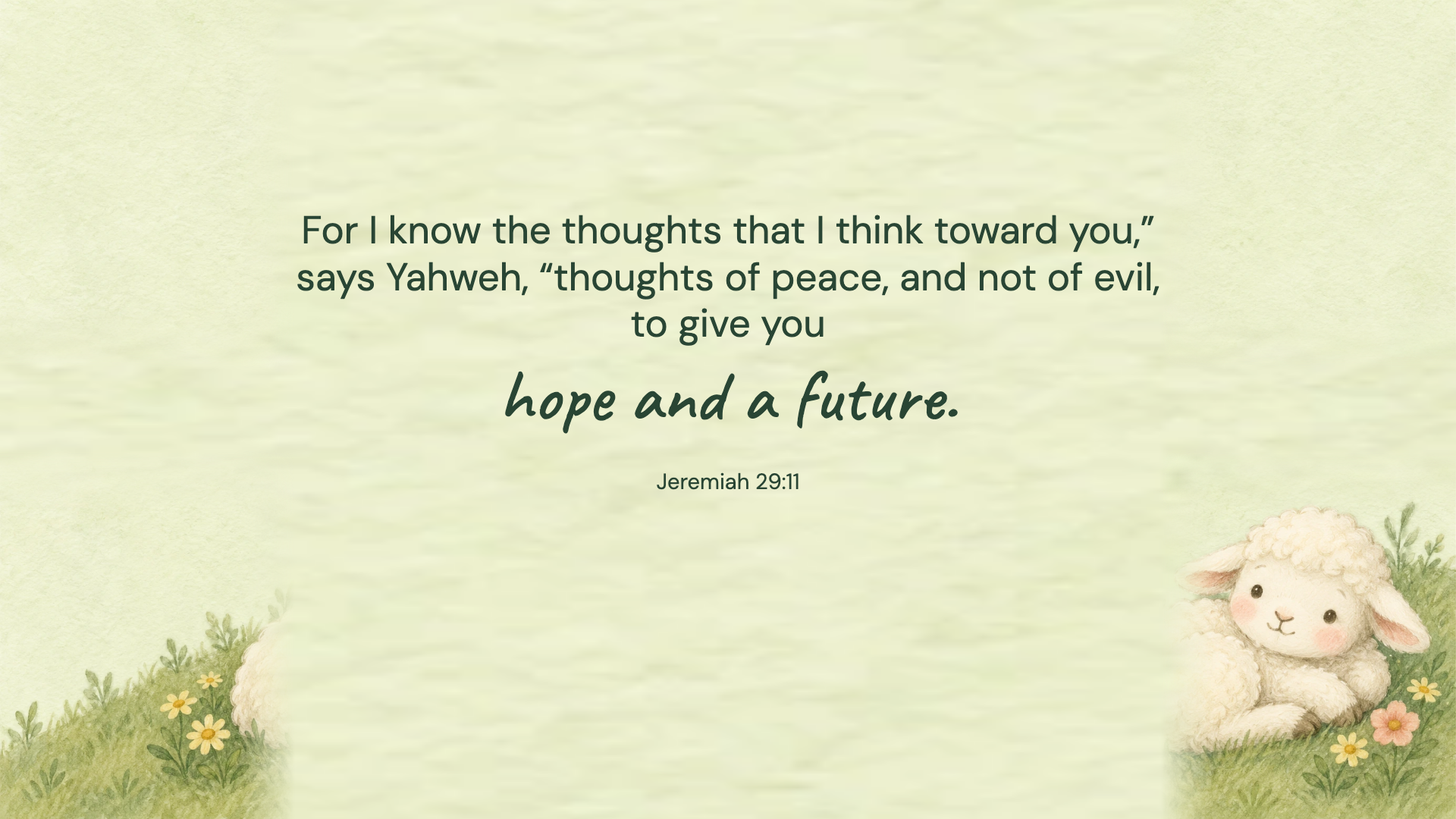
Jeremiah 29:11 · WEB
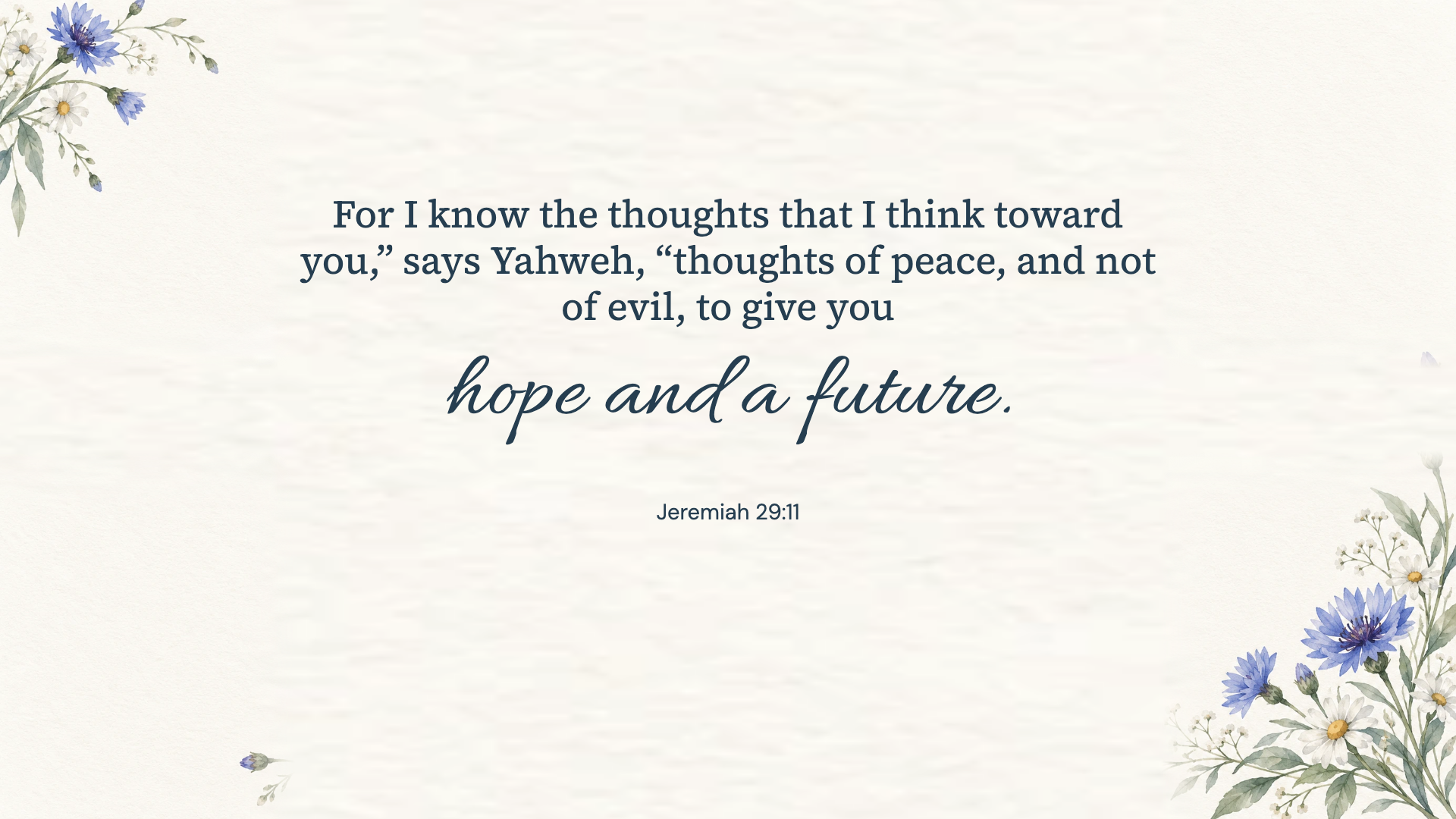
Jeremiah 29:11 · WEB
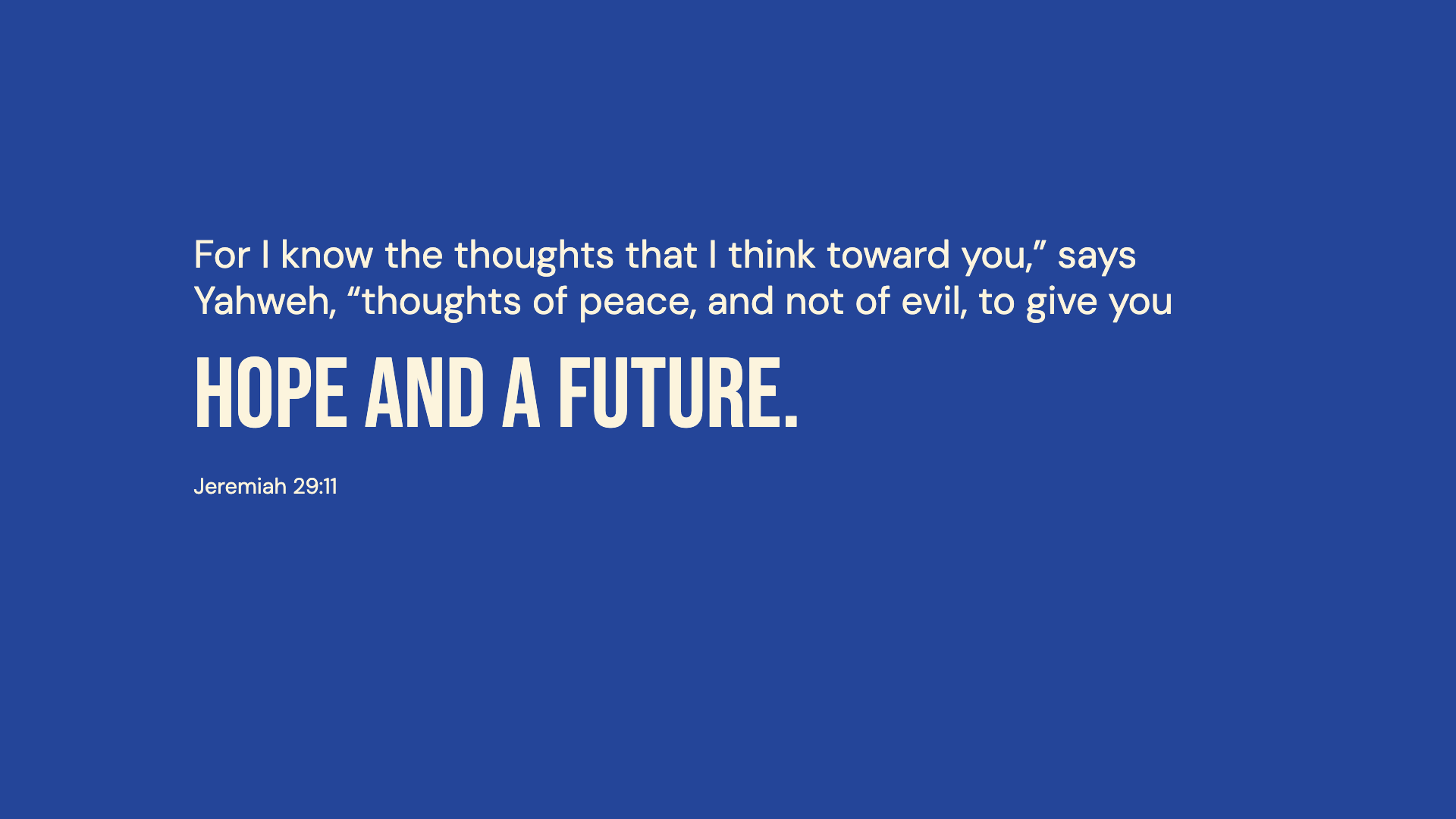
Jeremiah 29:11 · WEB
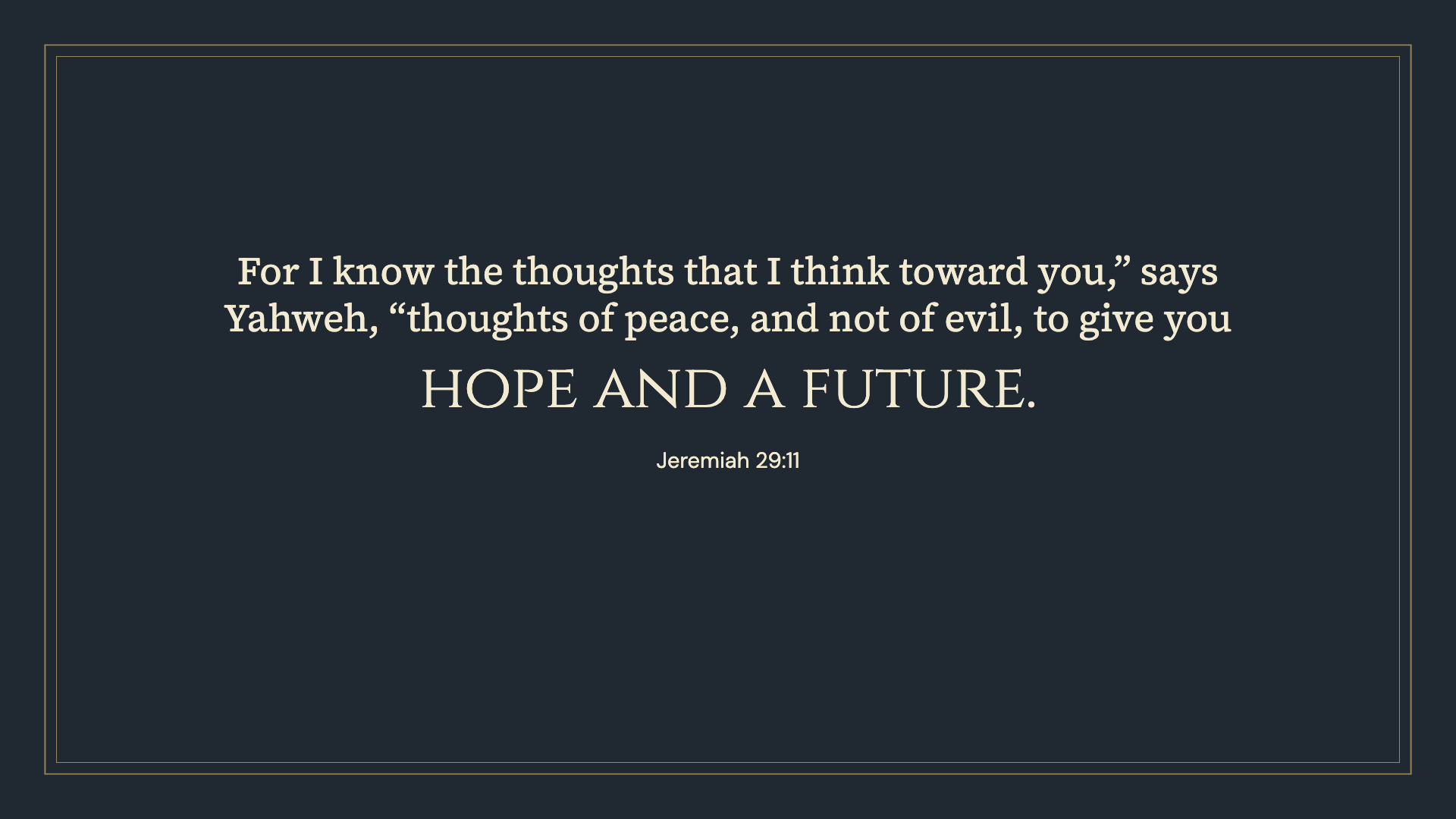
Jeremiah 29:11 · WEB
Jeremiah 29:11 · WEB
Jeremiah 29:11 · WEB
Jeremiah 29:11 · WEB
Jeremiah 29:11 · WEB
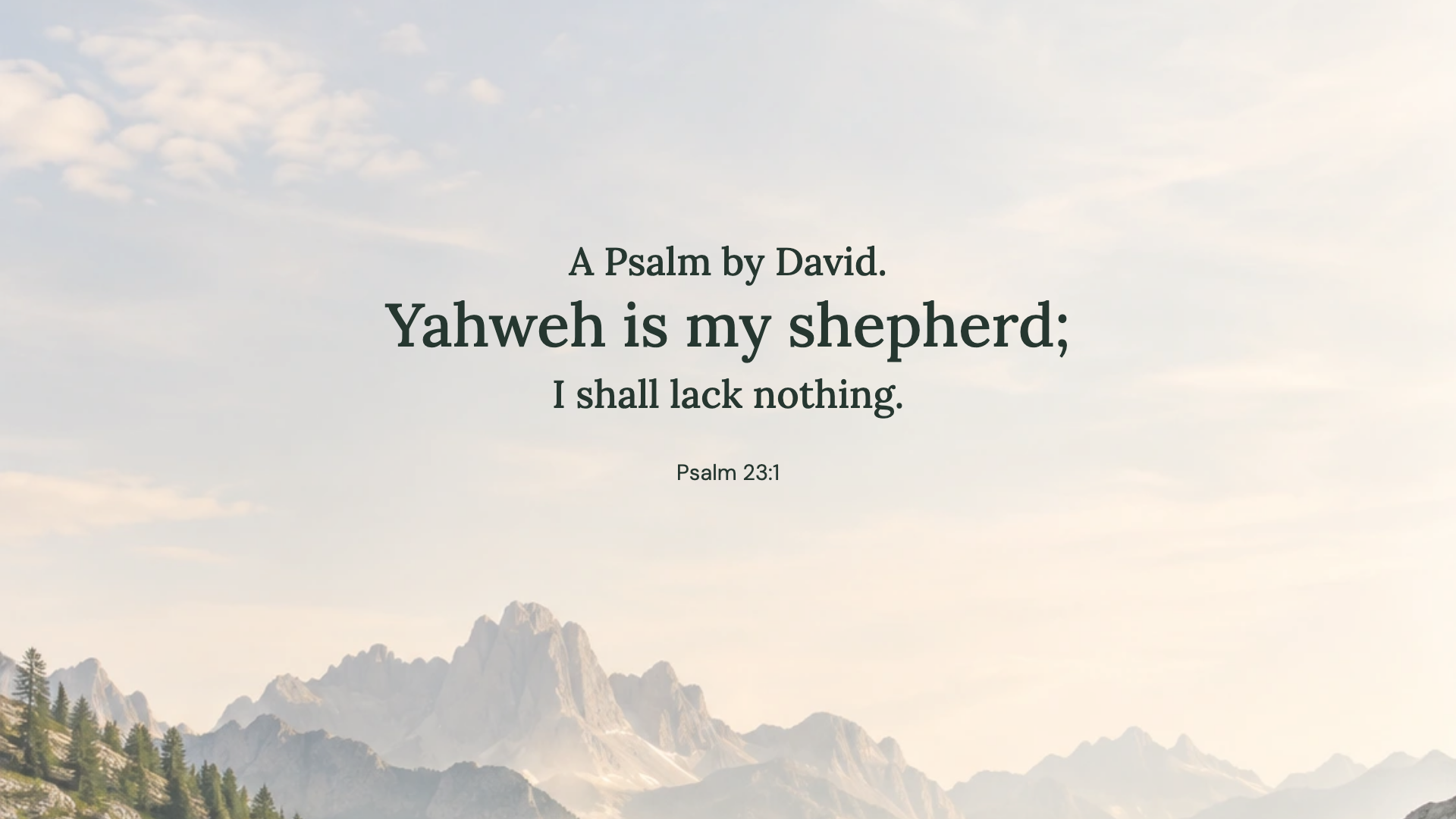
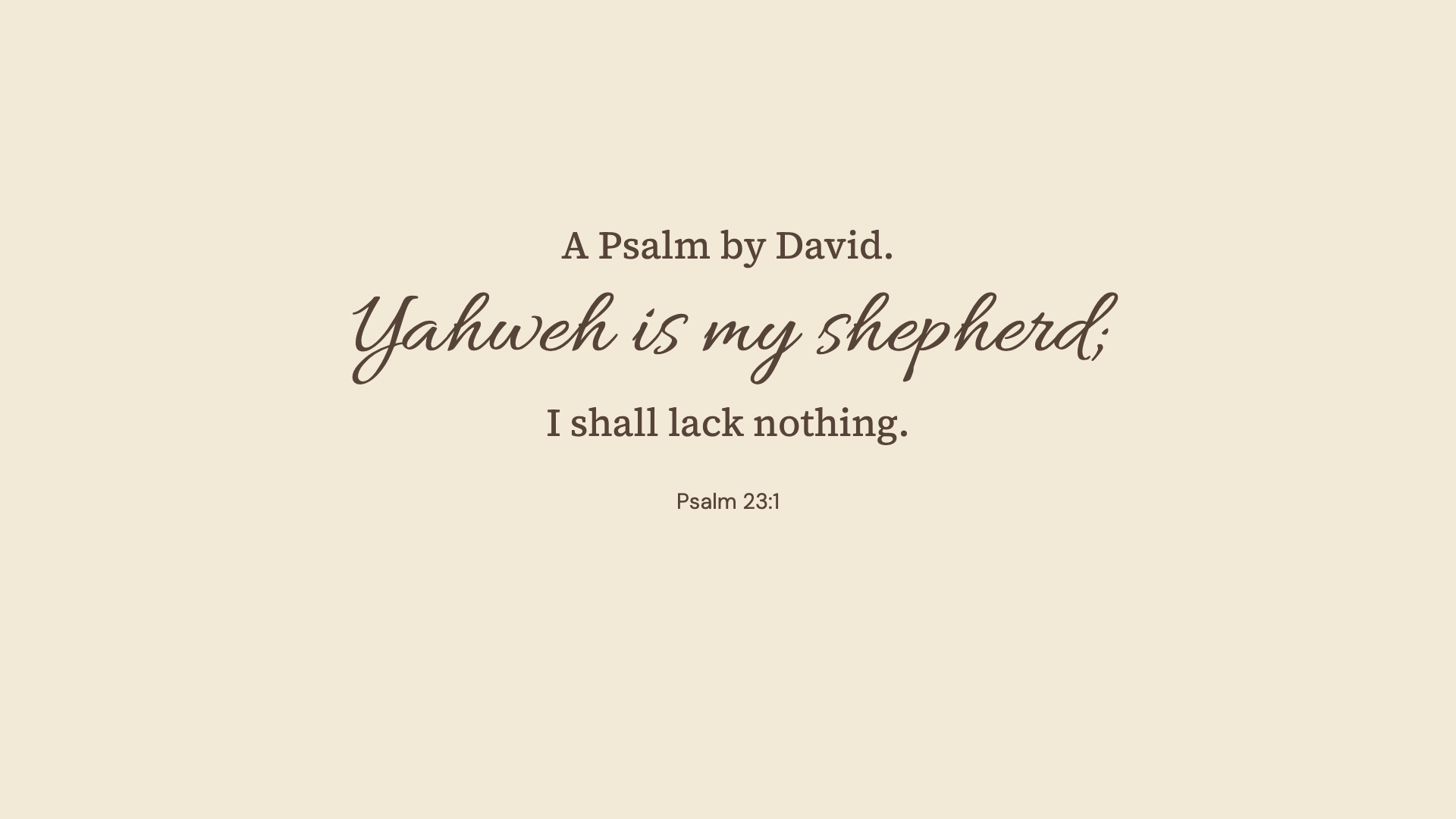
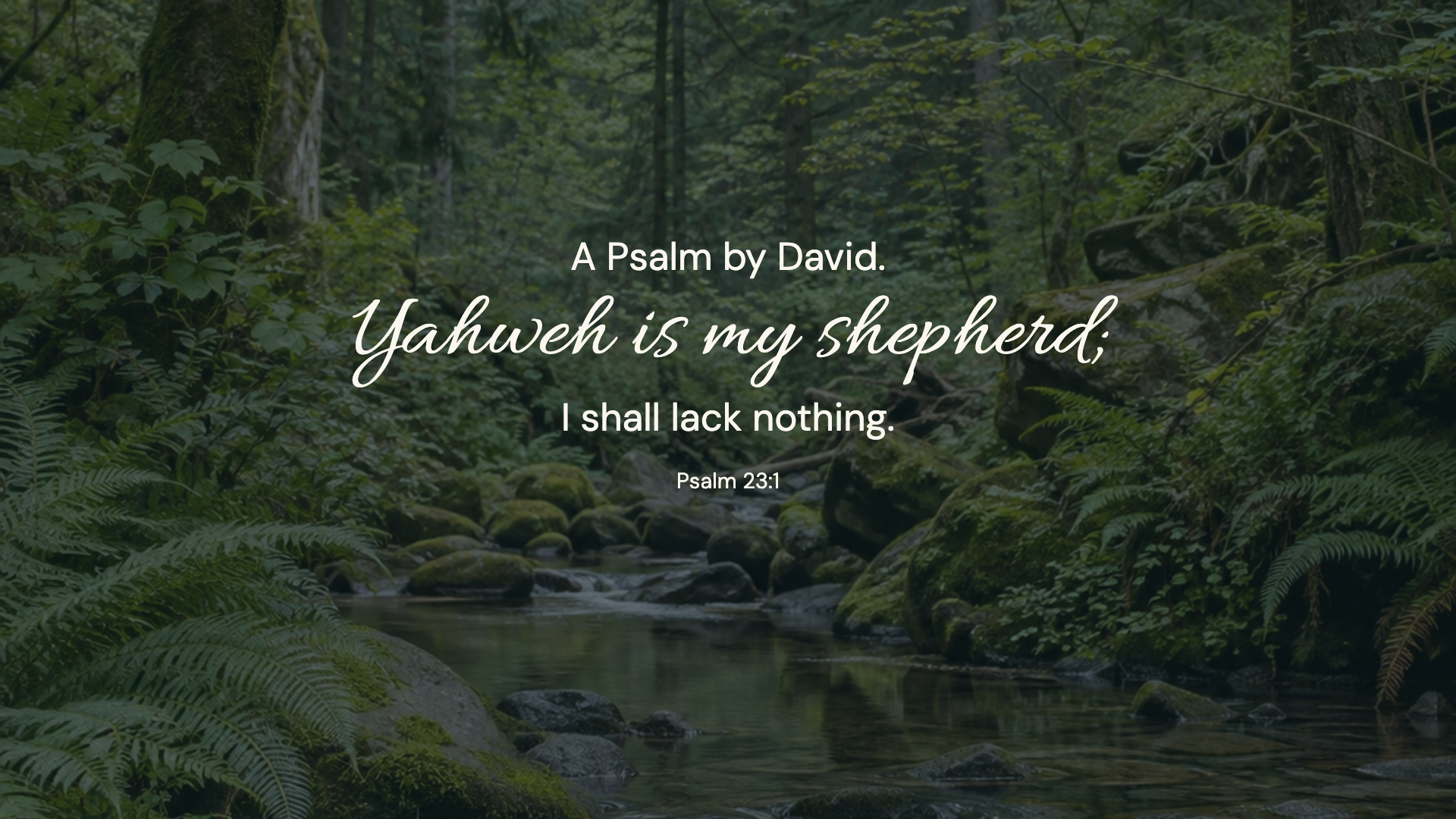
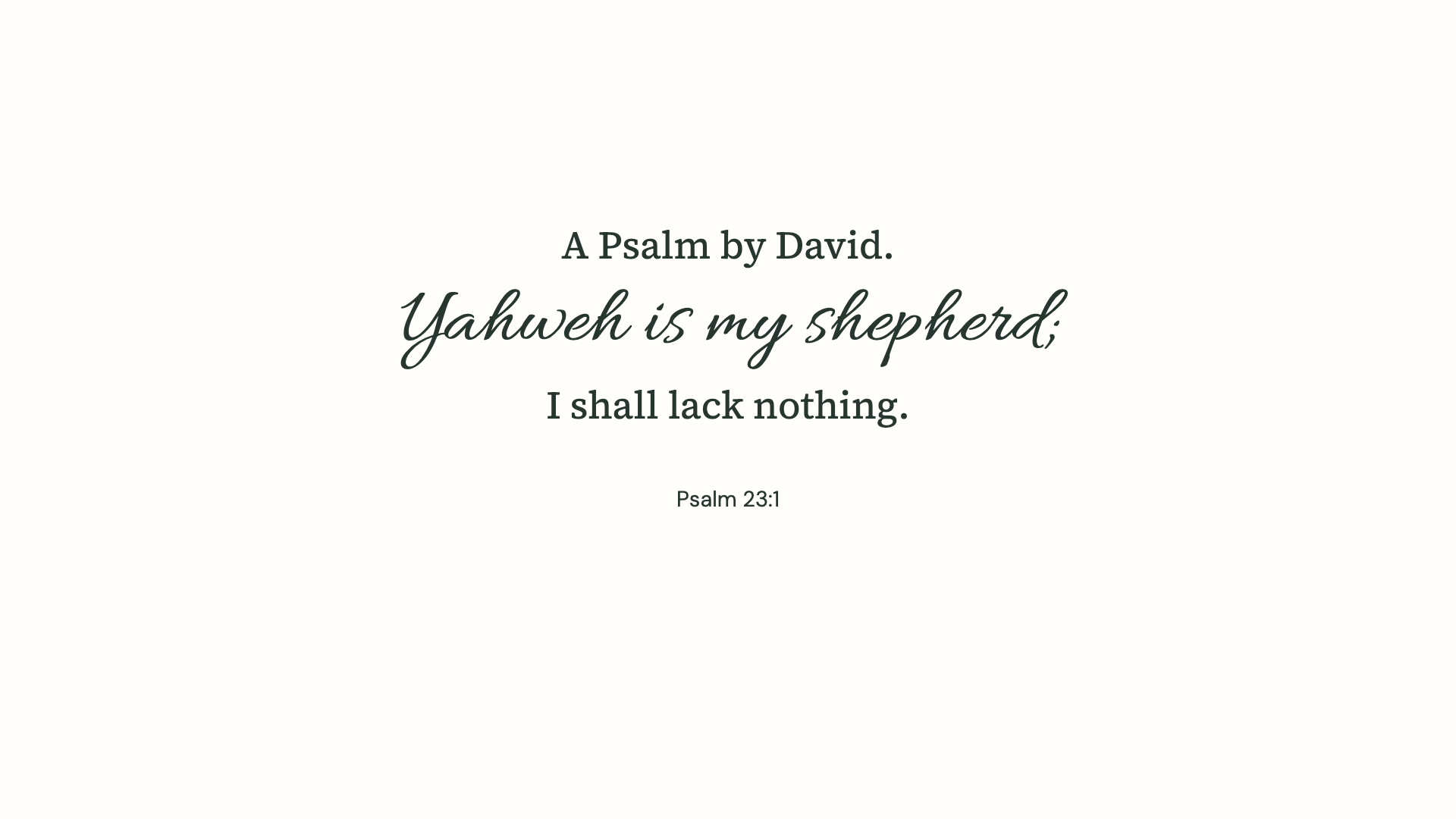
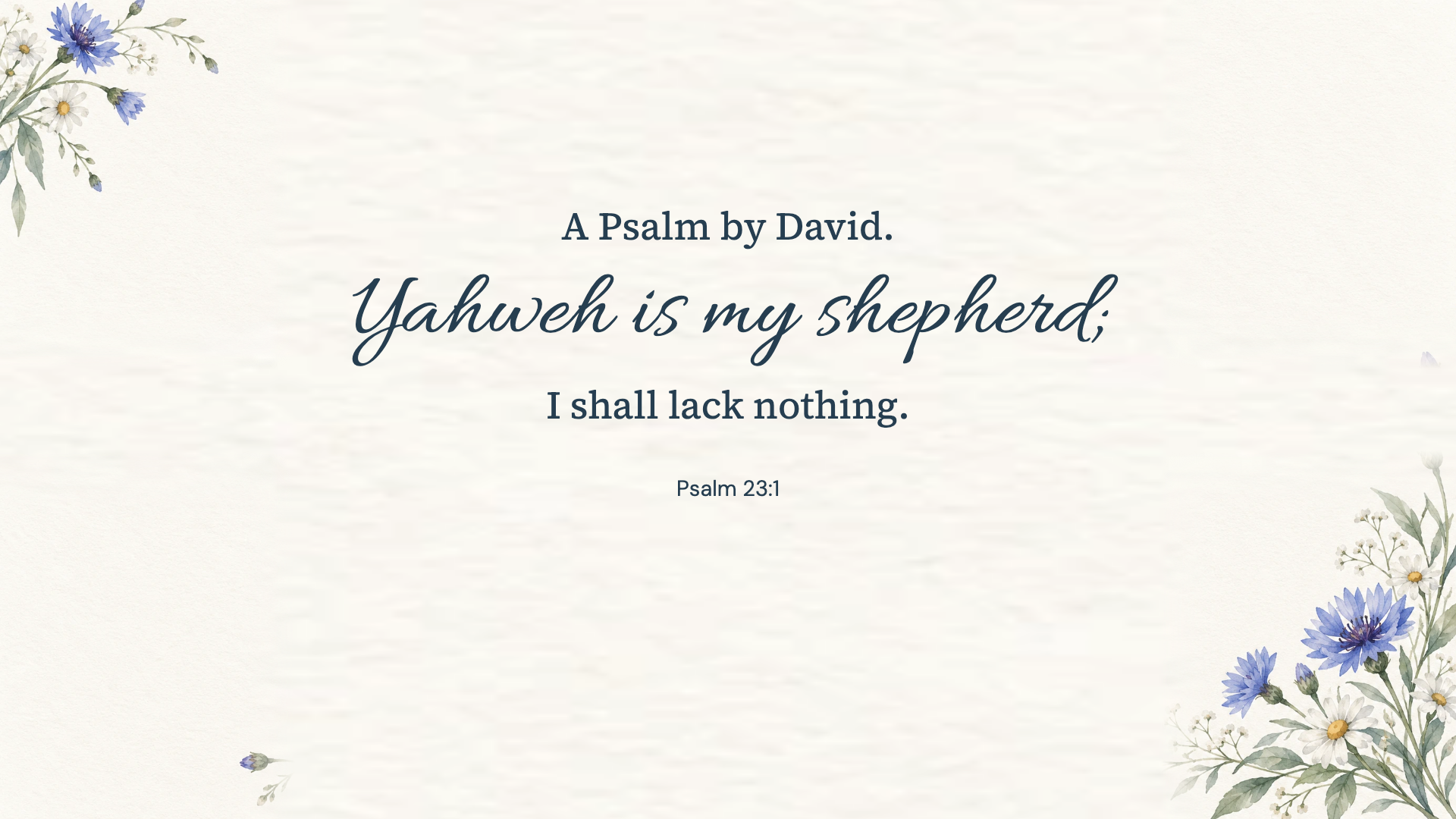
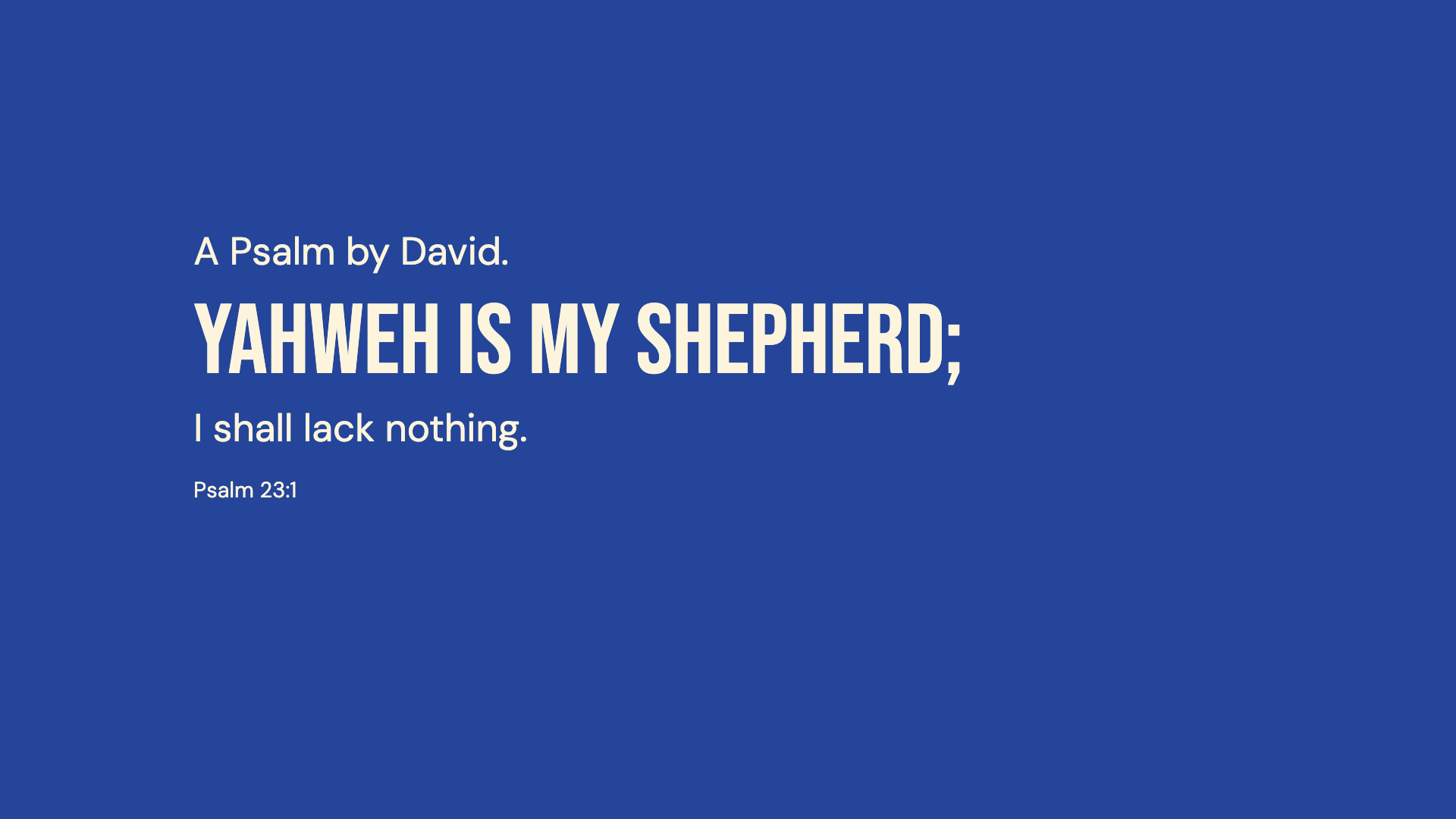
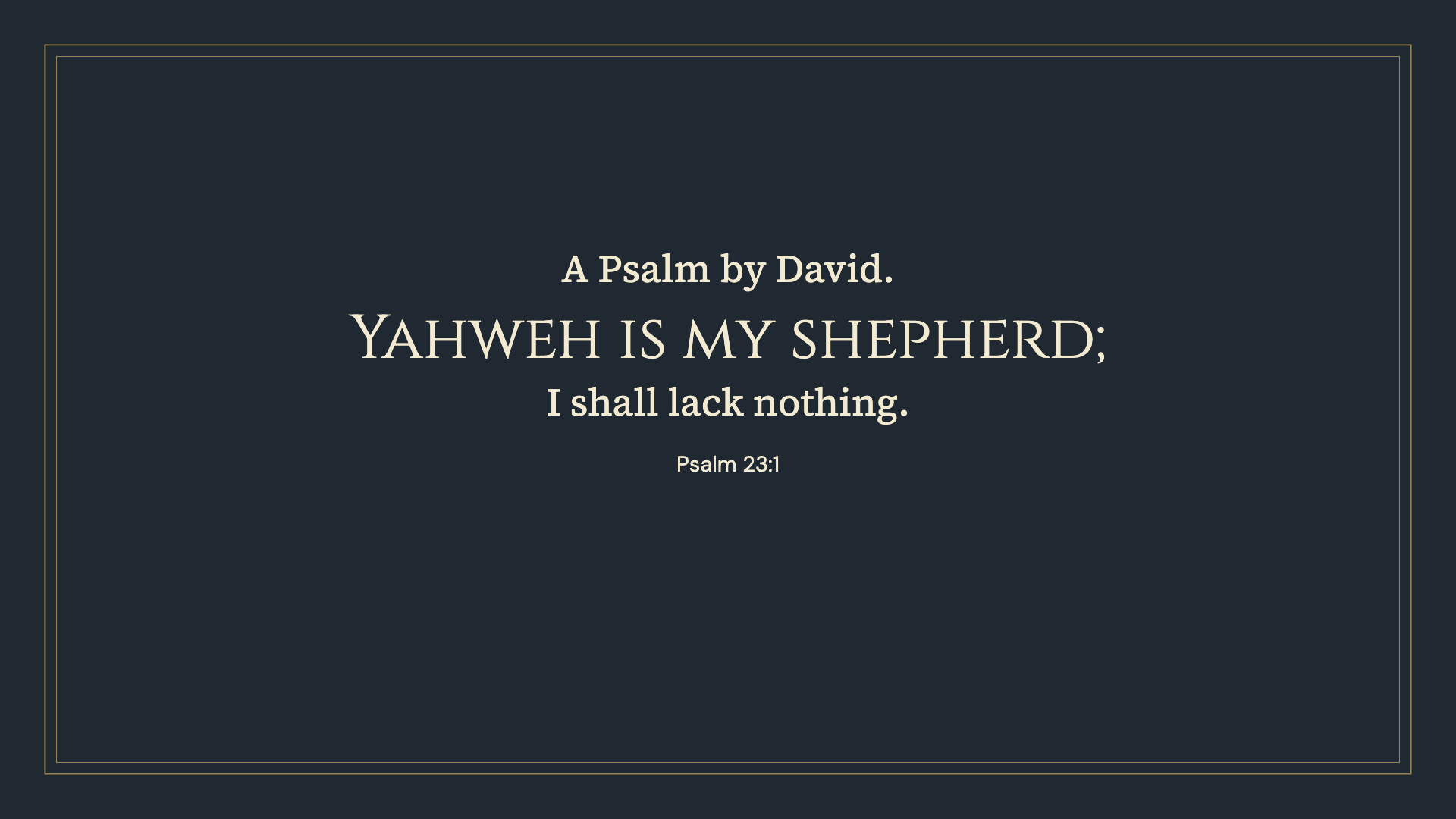
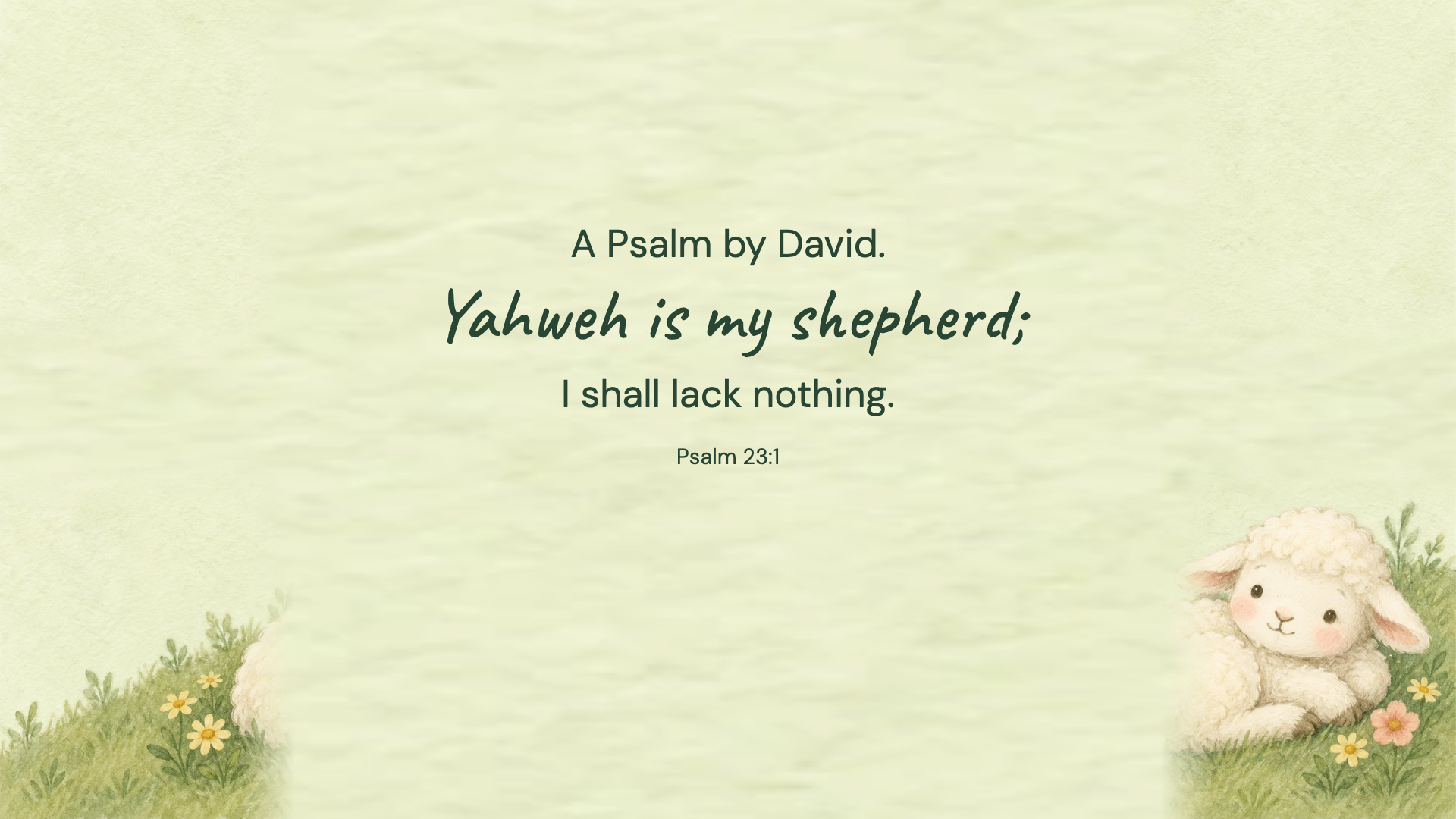
Psalm 23:1 · WEB
Psalm 23:1 · WEB
Psalm 23:1 · WEB
Psalm 23:1 · WEB
Psalm 23:1 · WEB
Psalm 23:1 · WEB
Psalm 23:1 · WEB
Psalm 23:1 · WEB
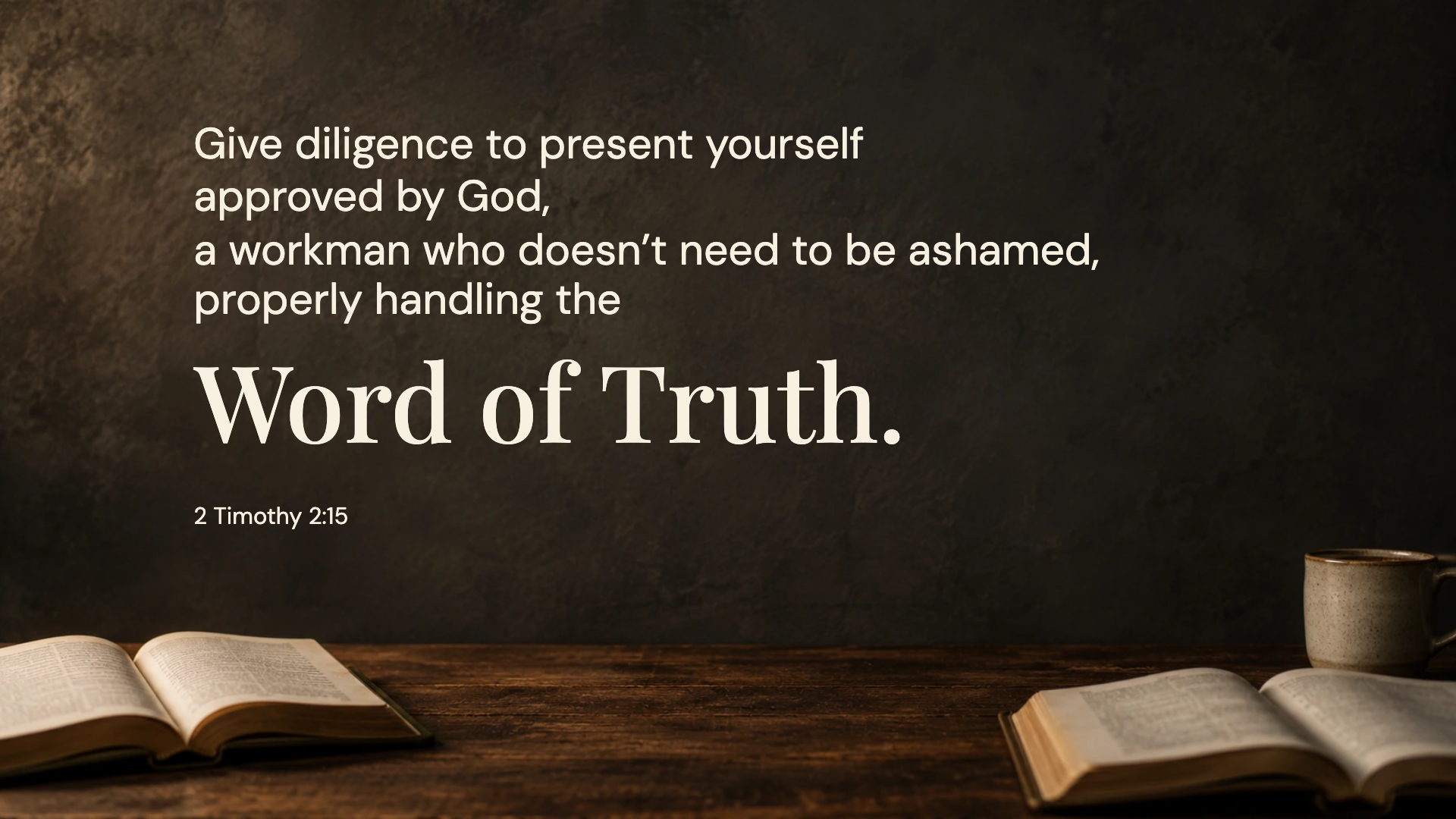
2 Timothy 2:15 · WEB
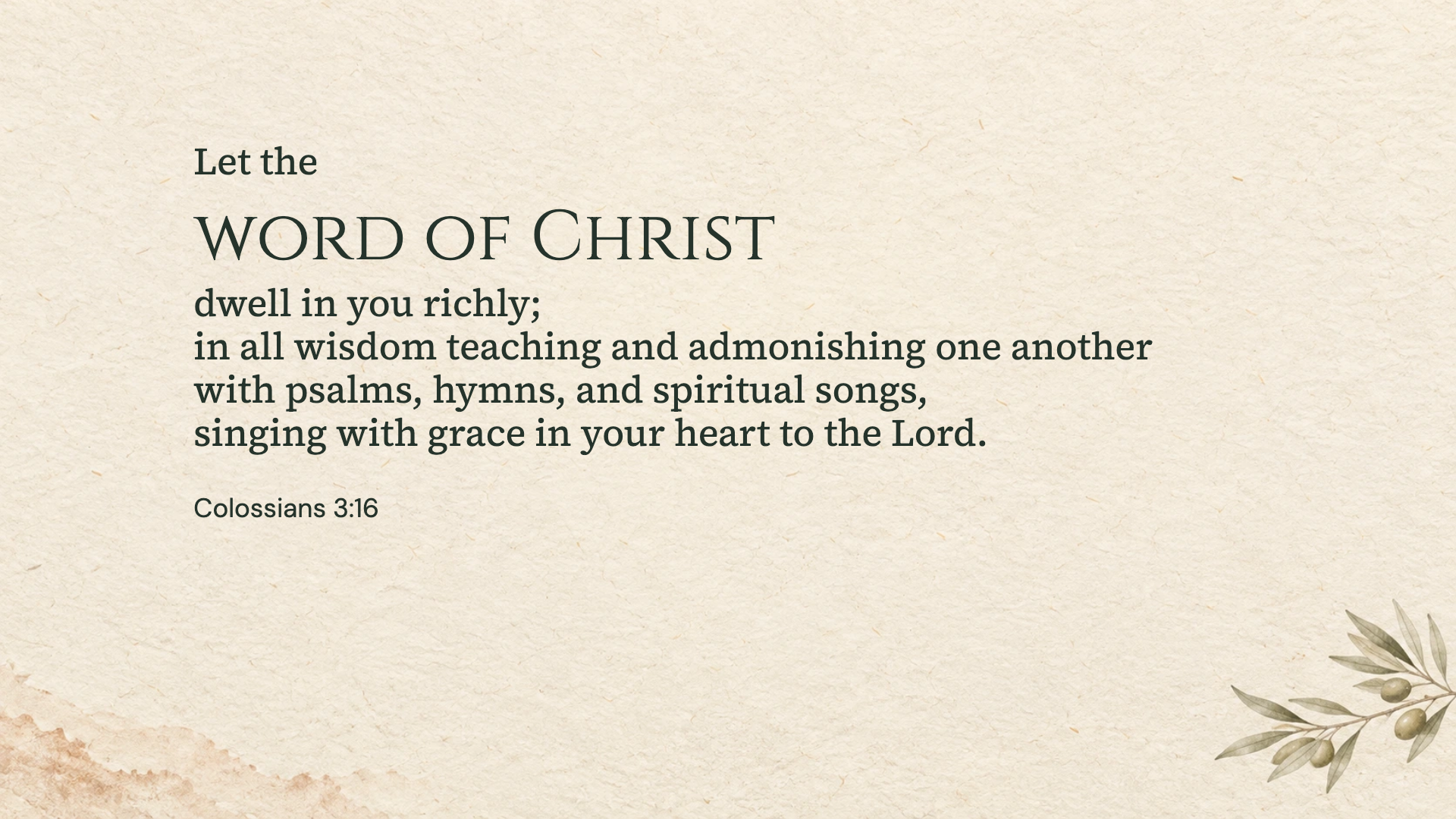
Colossians 3:16 · WEB
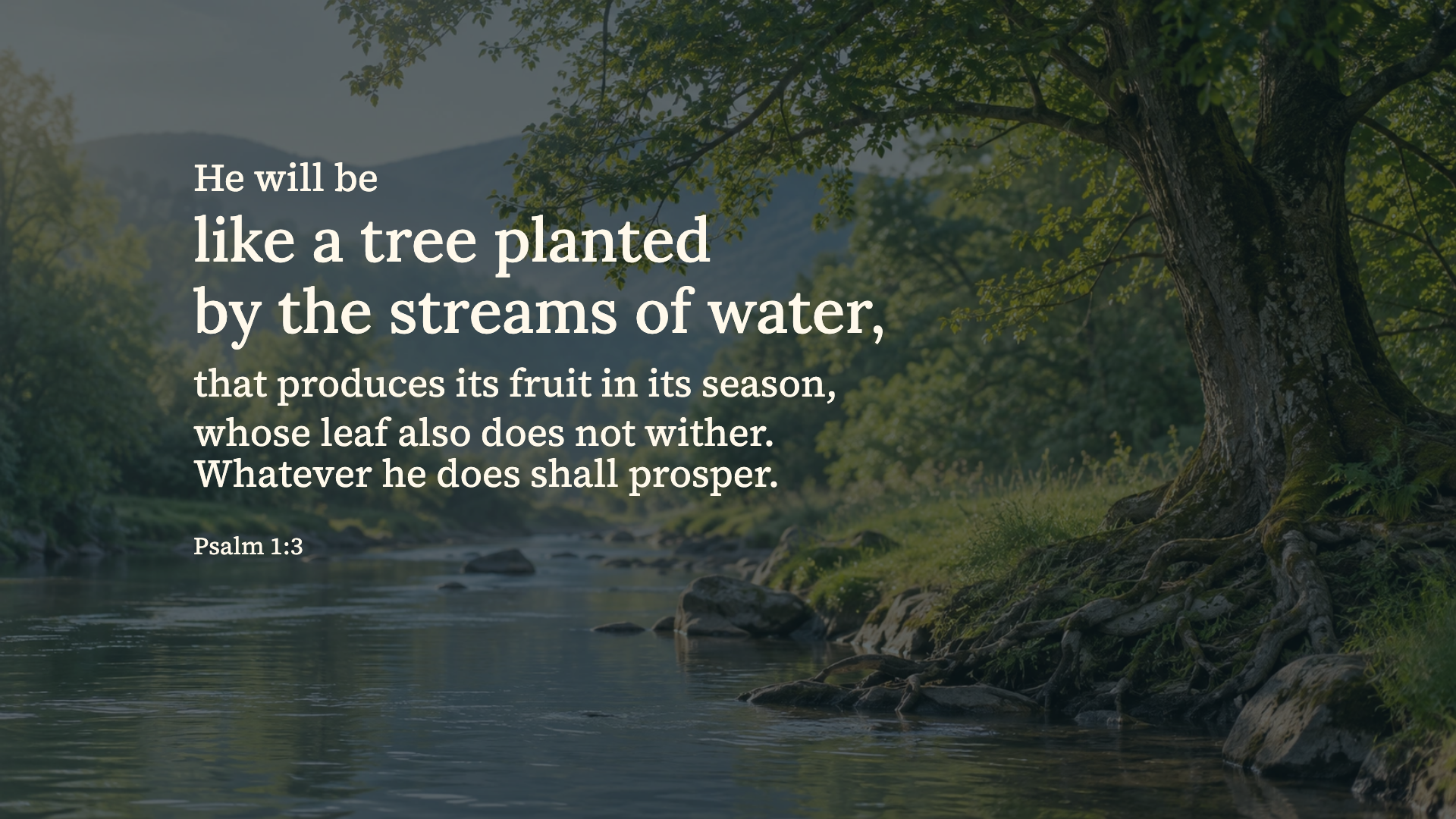
Psalm 1:3 · WEB
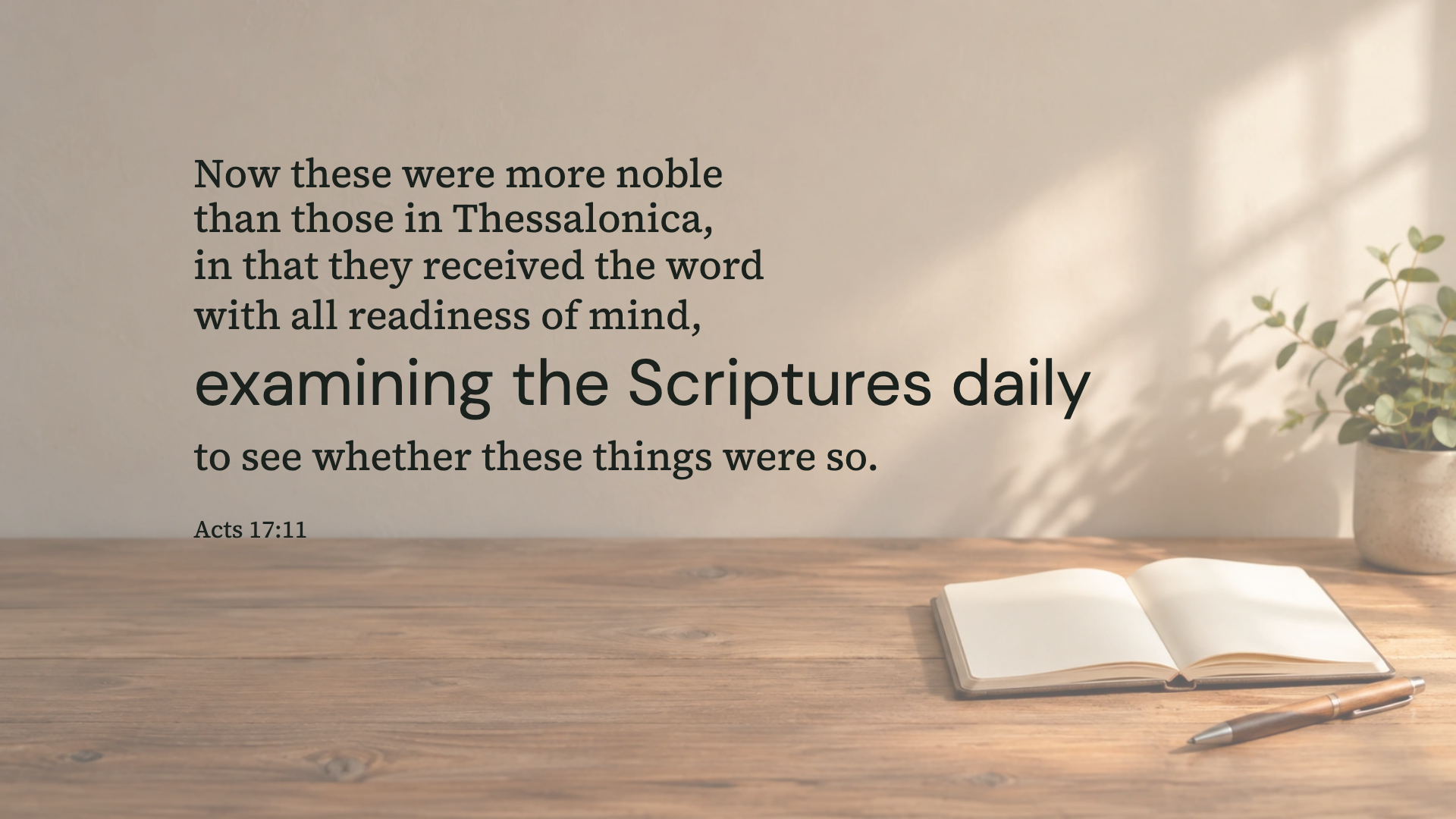
Acts 17:11 · WEB
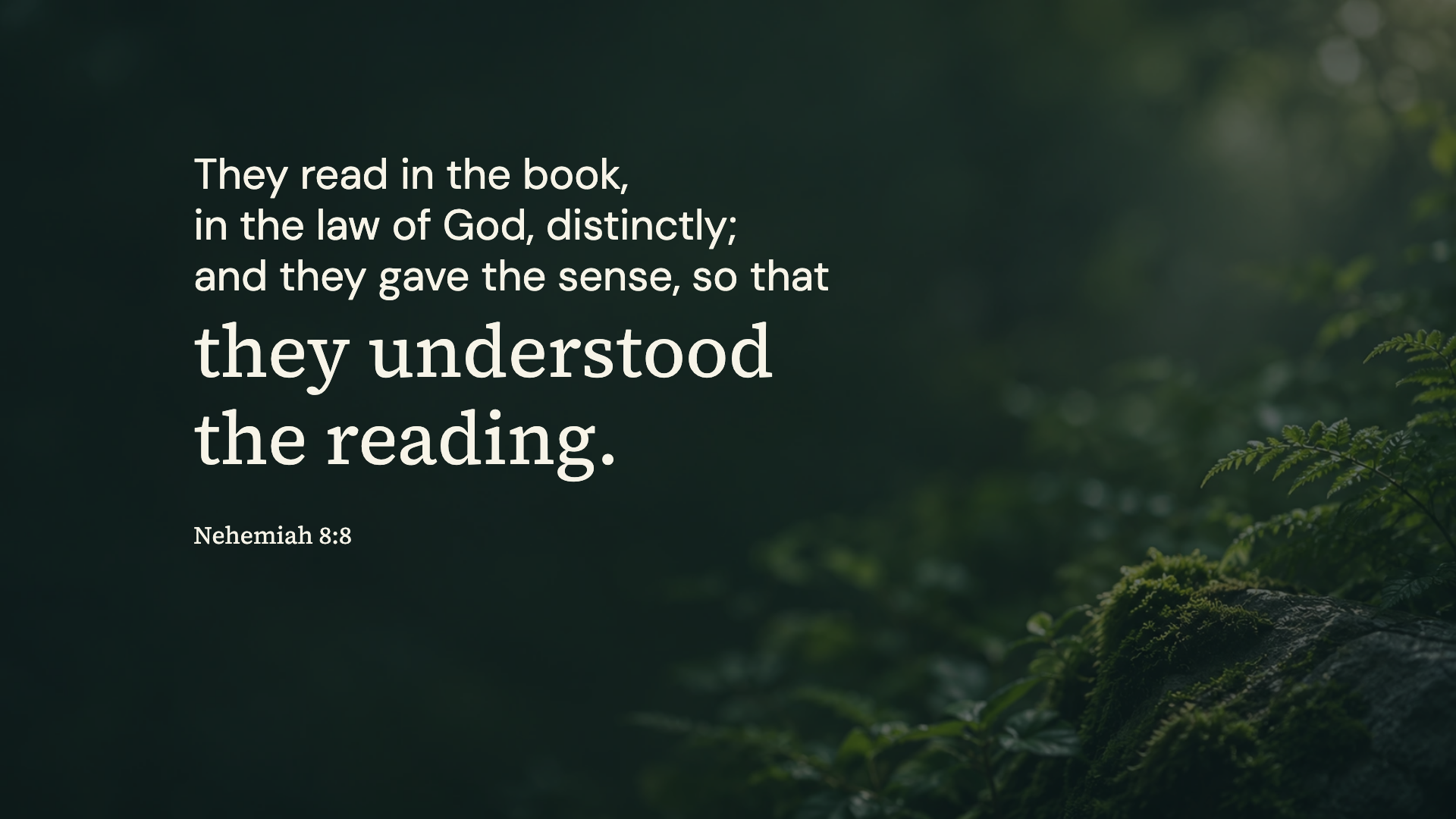
Nehemiah 8:8 · WEB
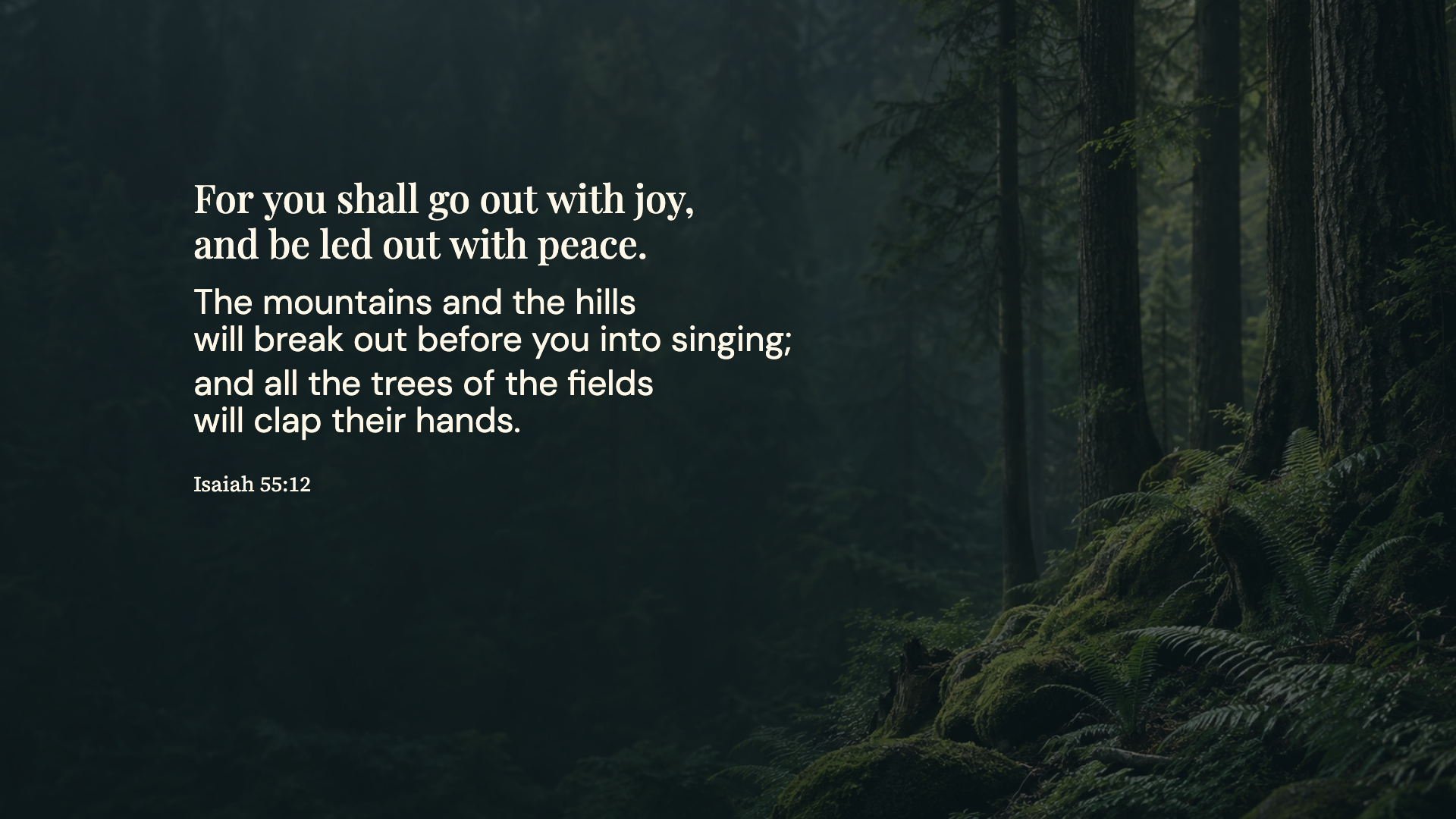
Isaiah 55:12 · WEB
Mark 4:14 · WEB
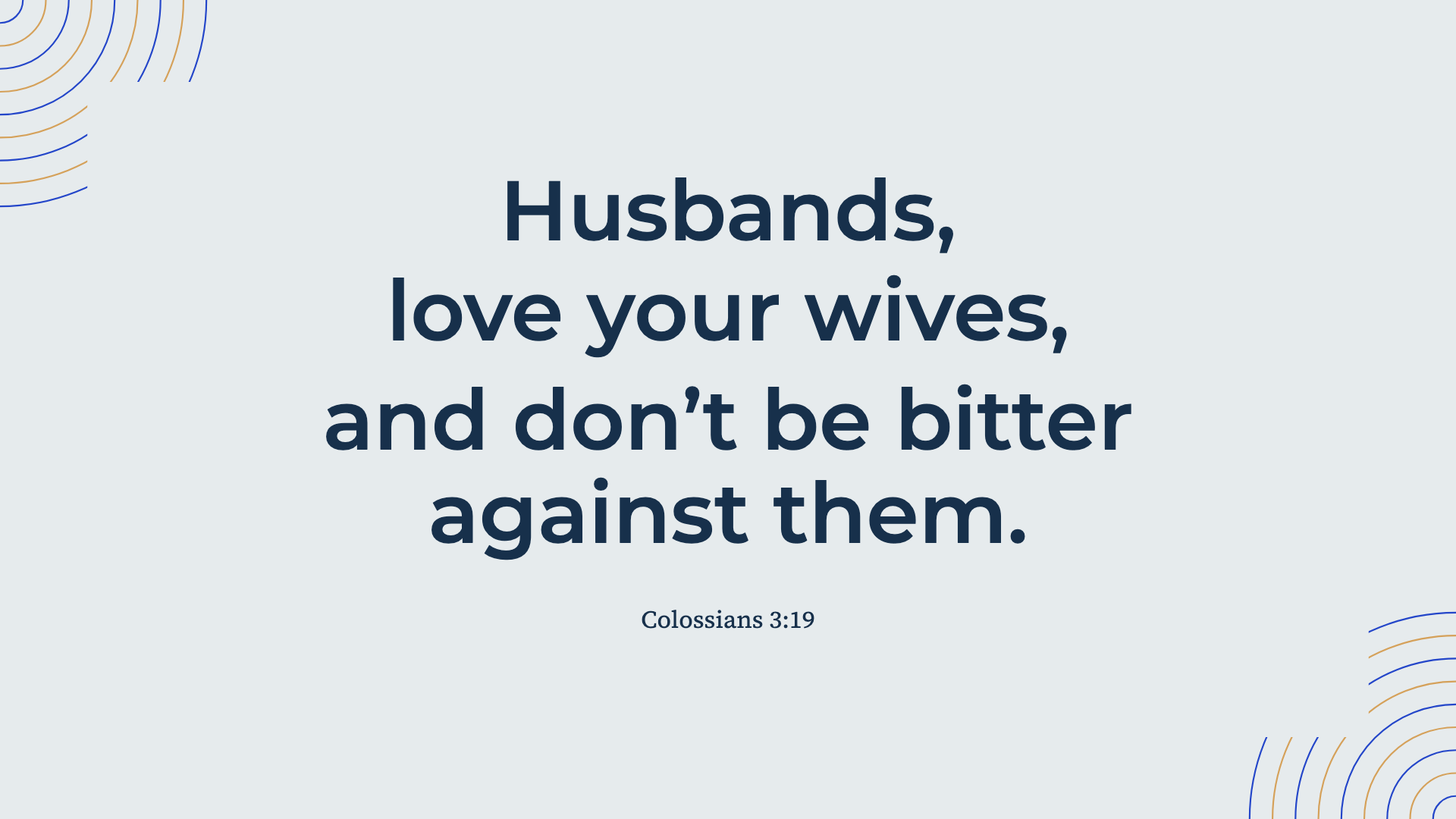
Colossians 3:19 · WEB
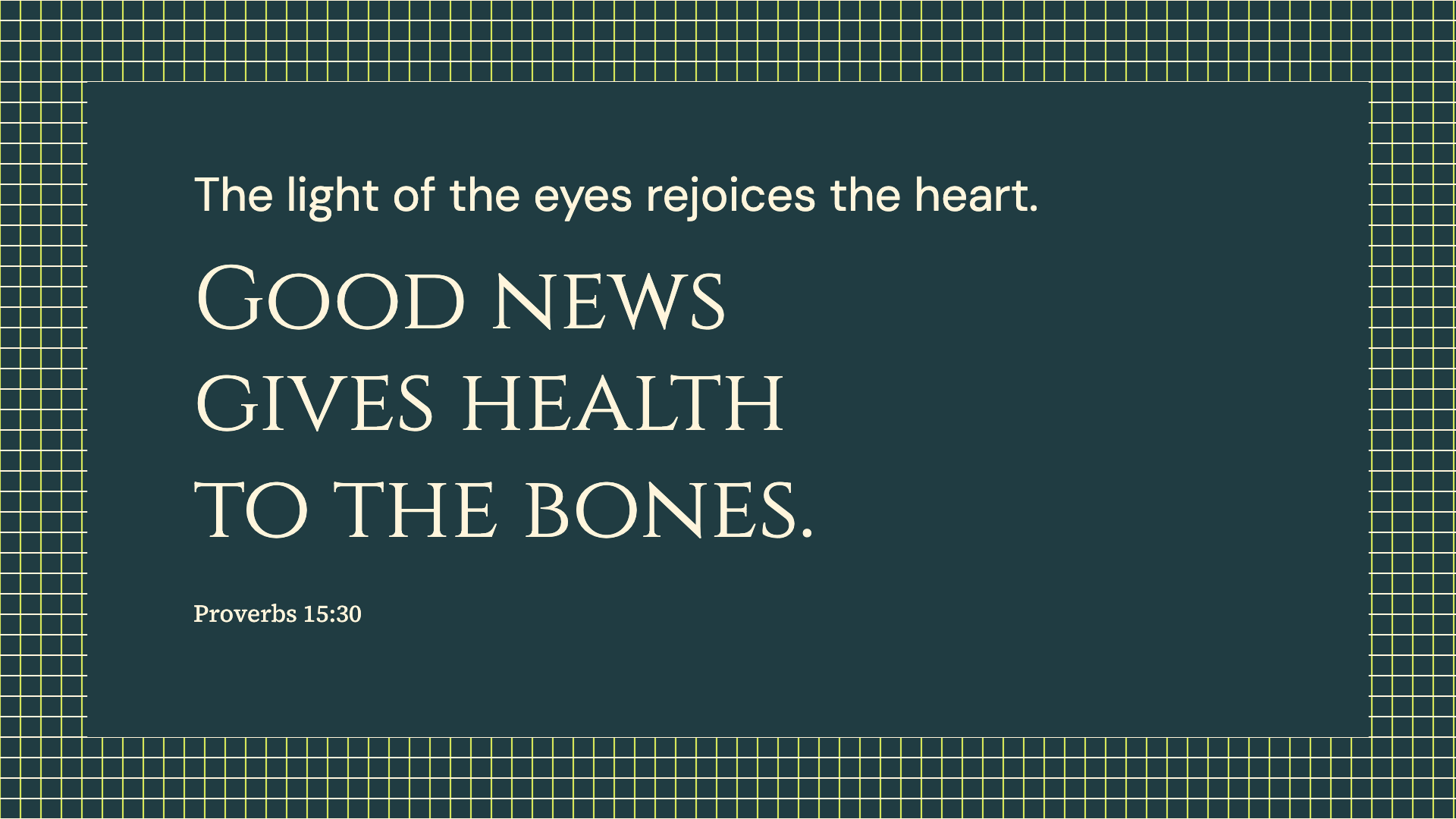
Proverbs 15:30 · WEB
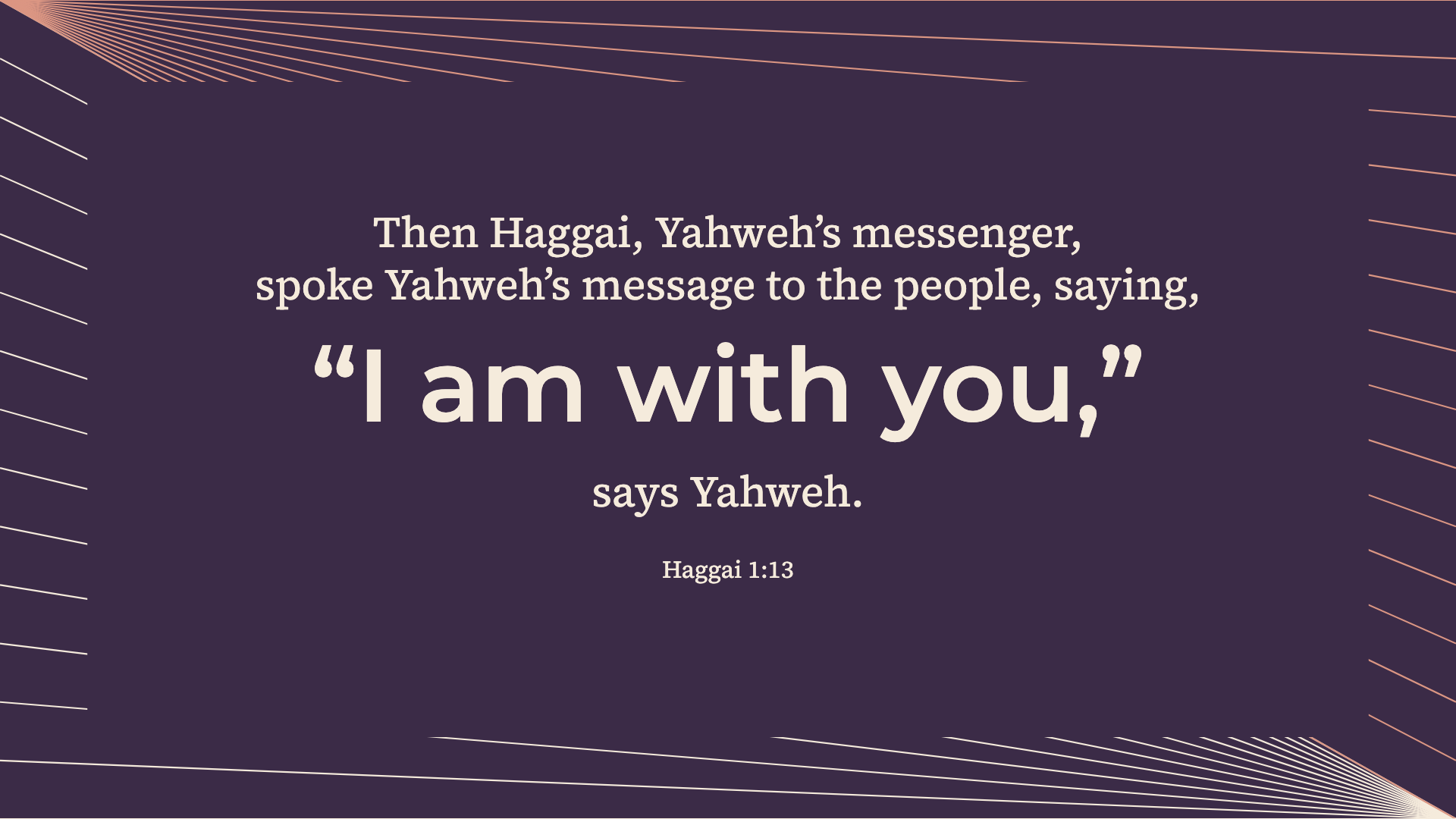
Haggai 1:13 · WEB
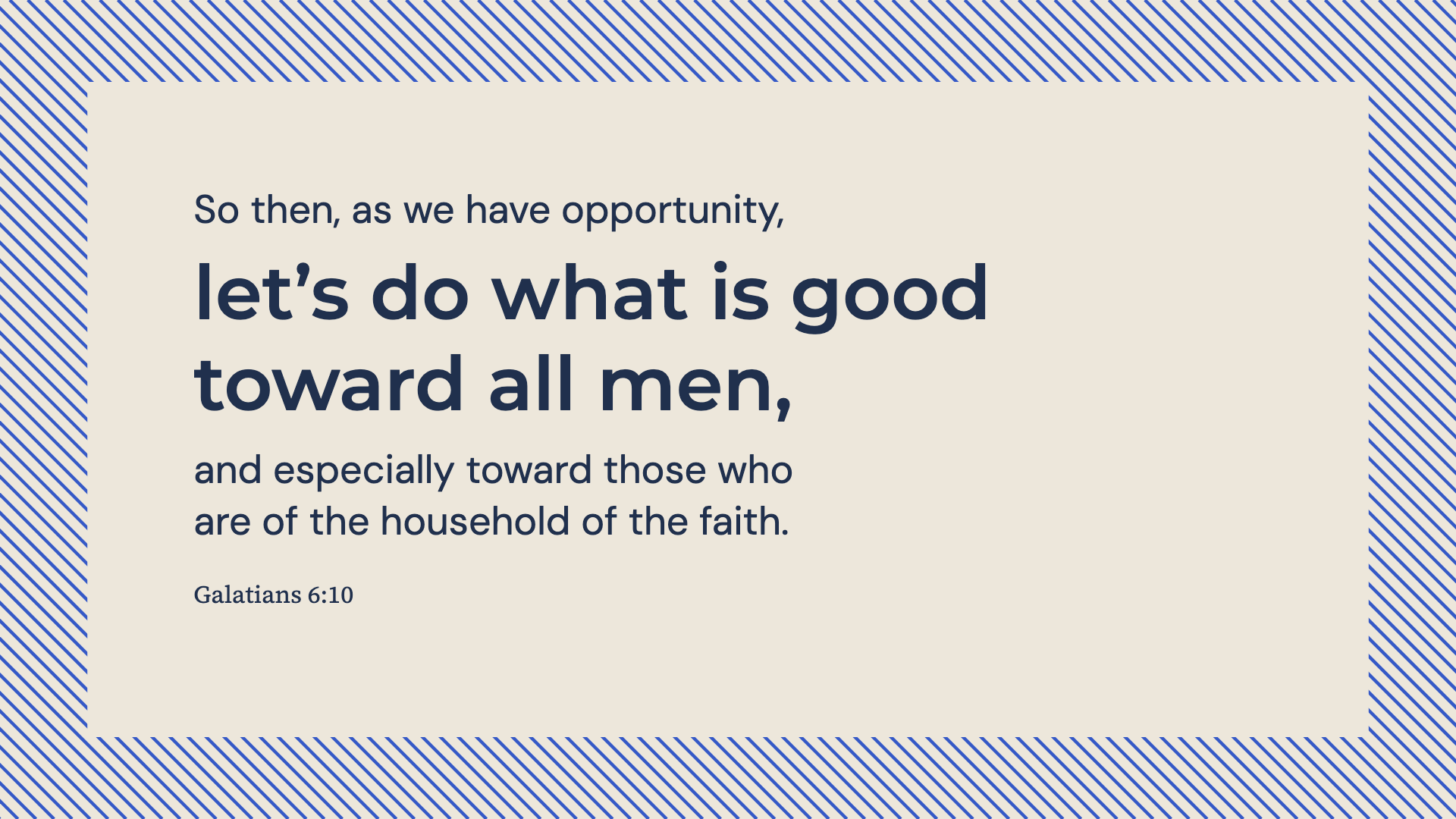
Galatians 6:10 · WEB
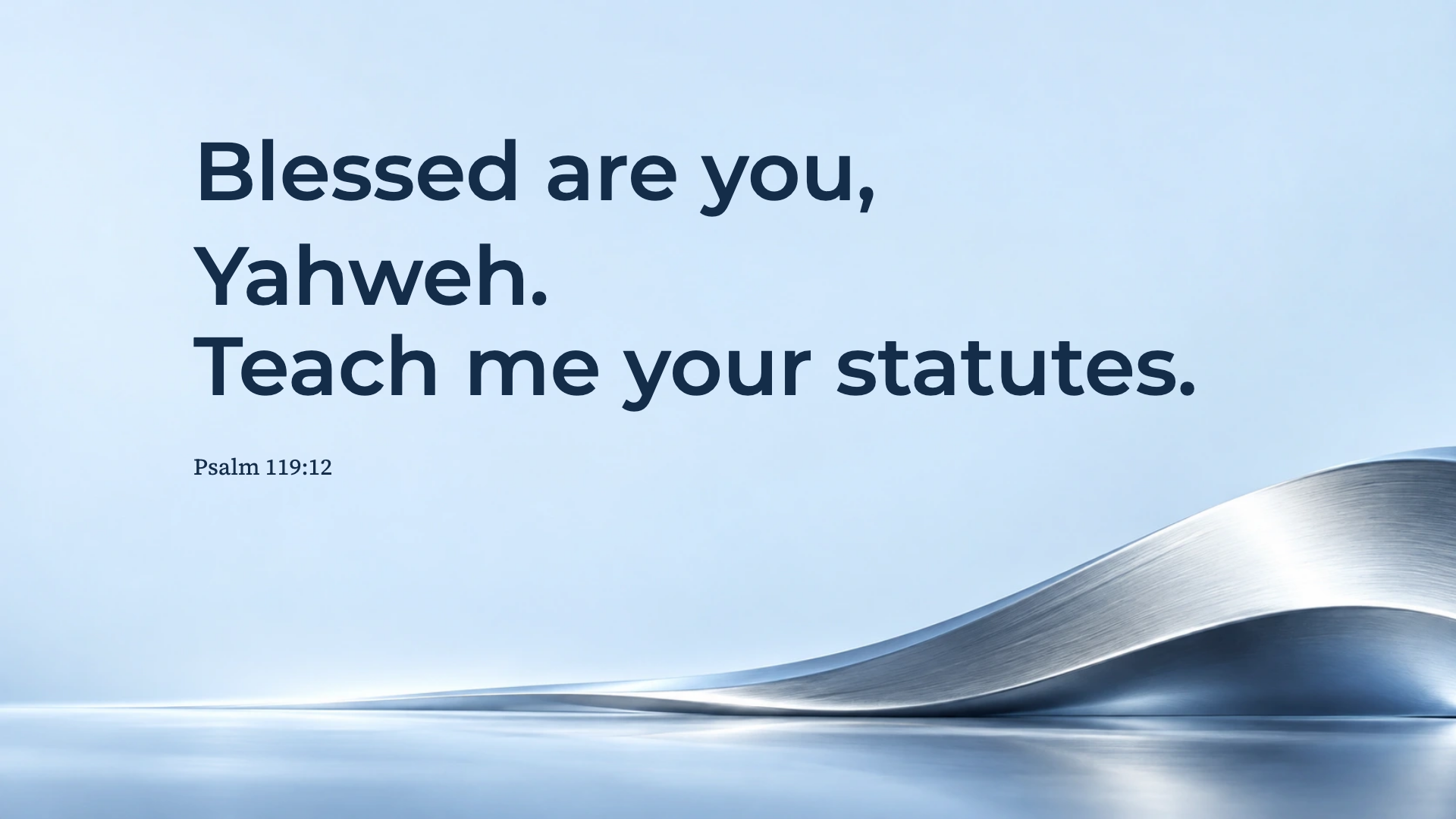
Psalm 119:12 · WEB
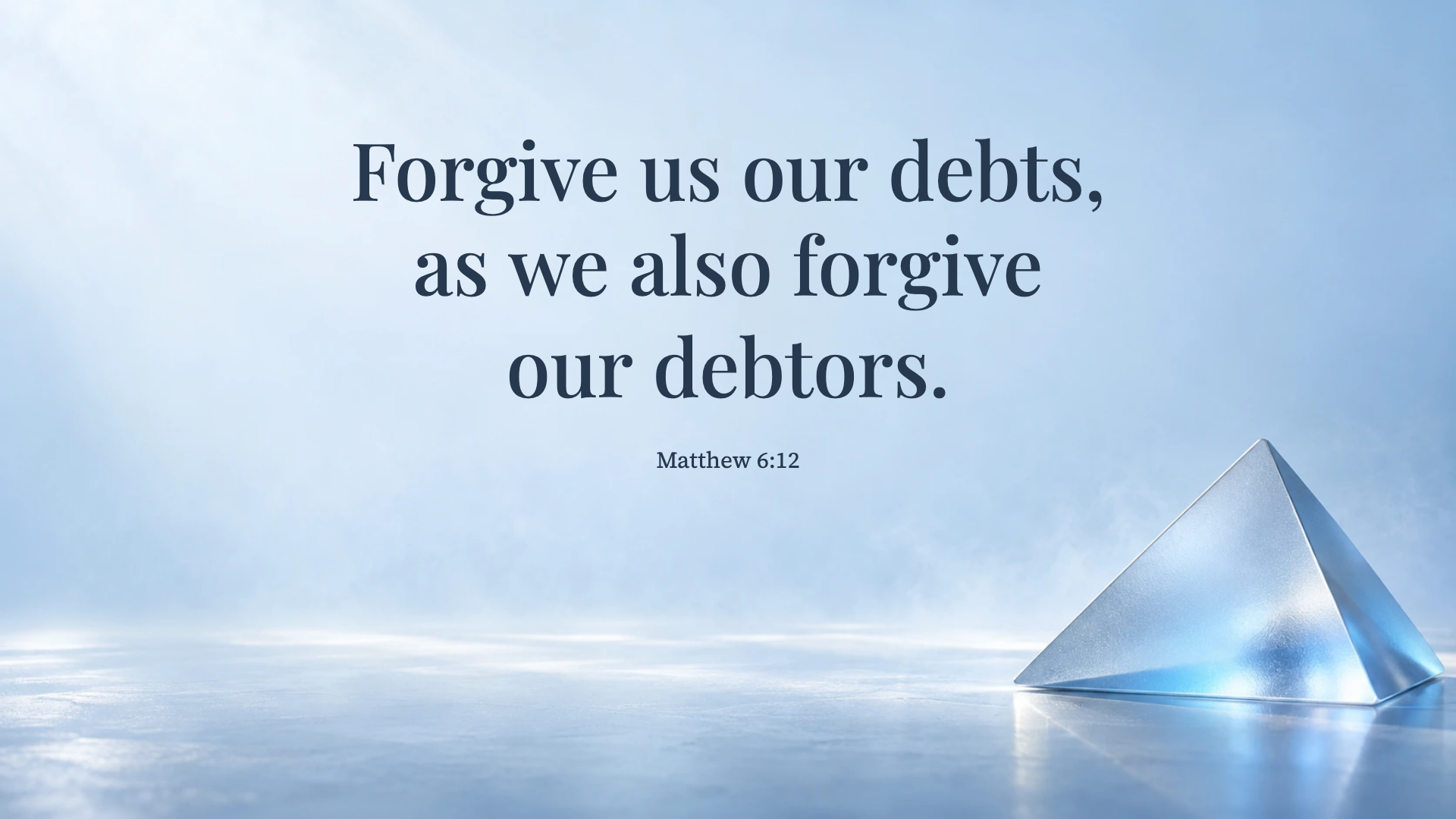
Matthew 6:12 · WEB
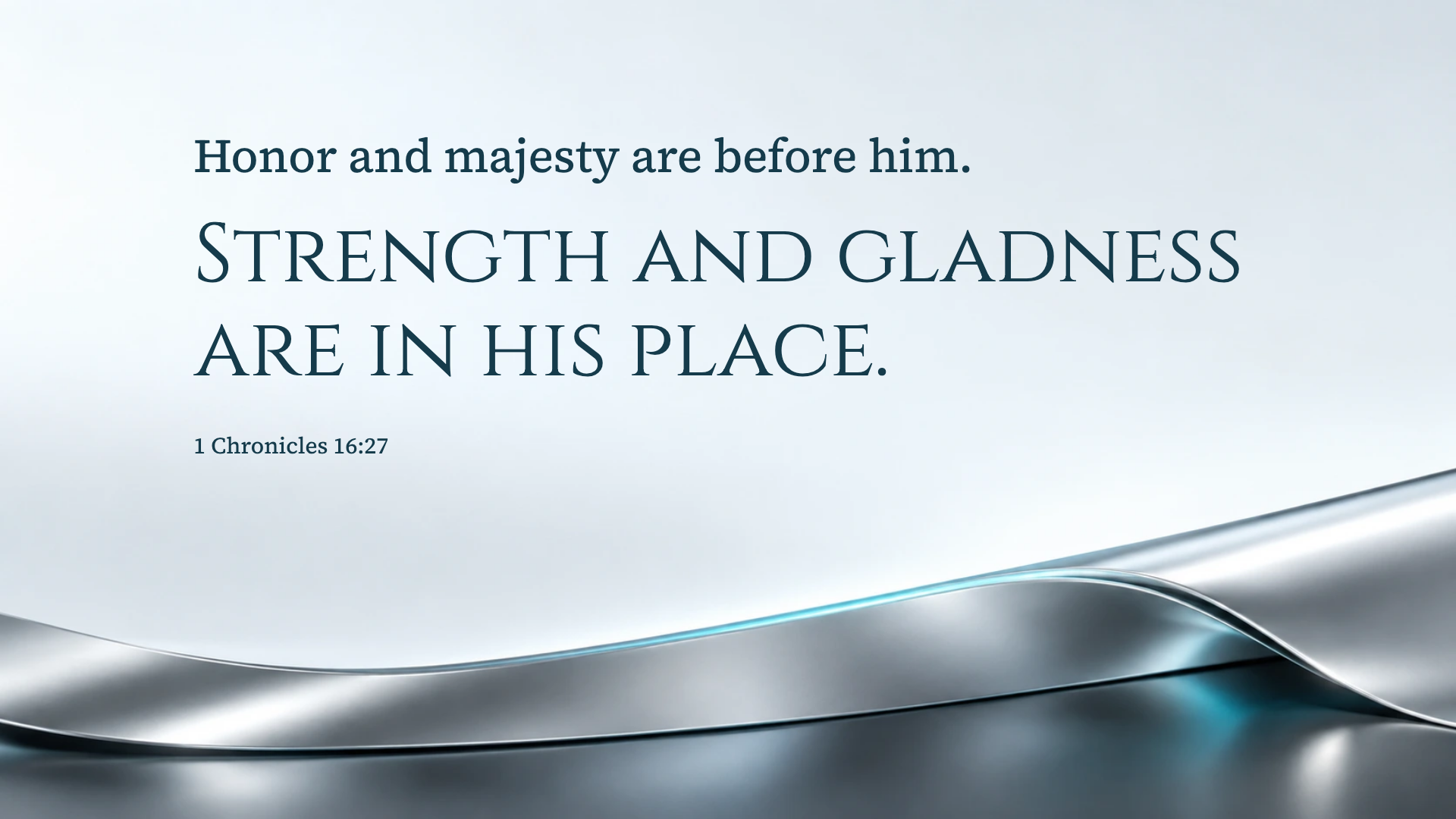
1 Chronicles 16:27 · WEB
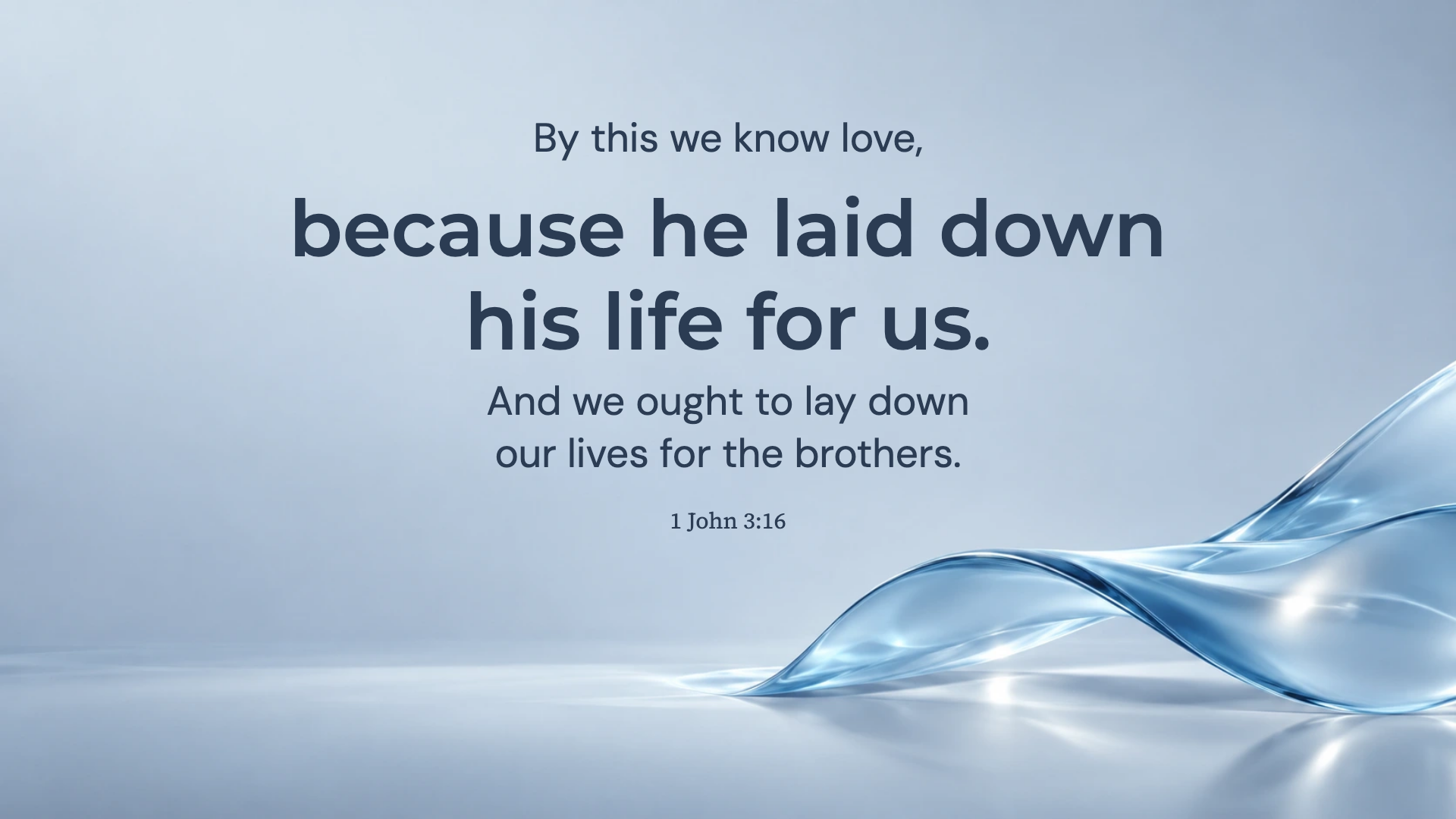
1 John 3:16 · WEB
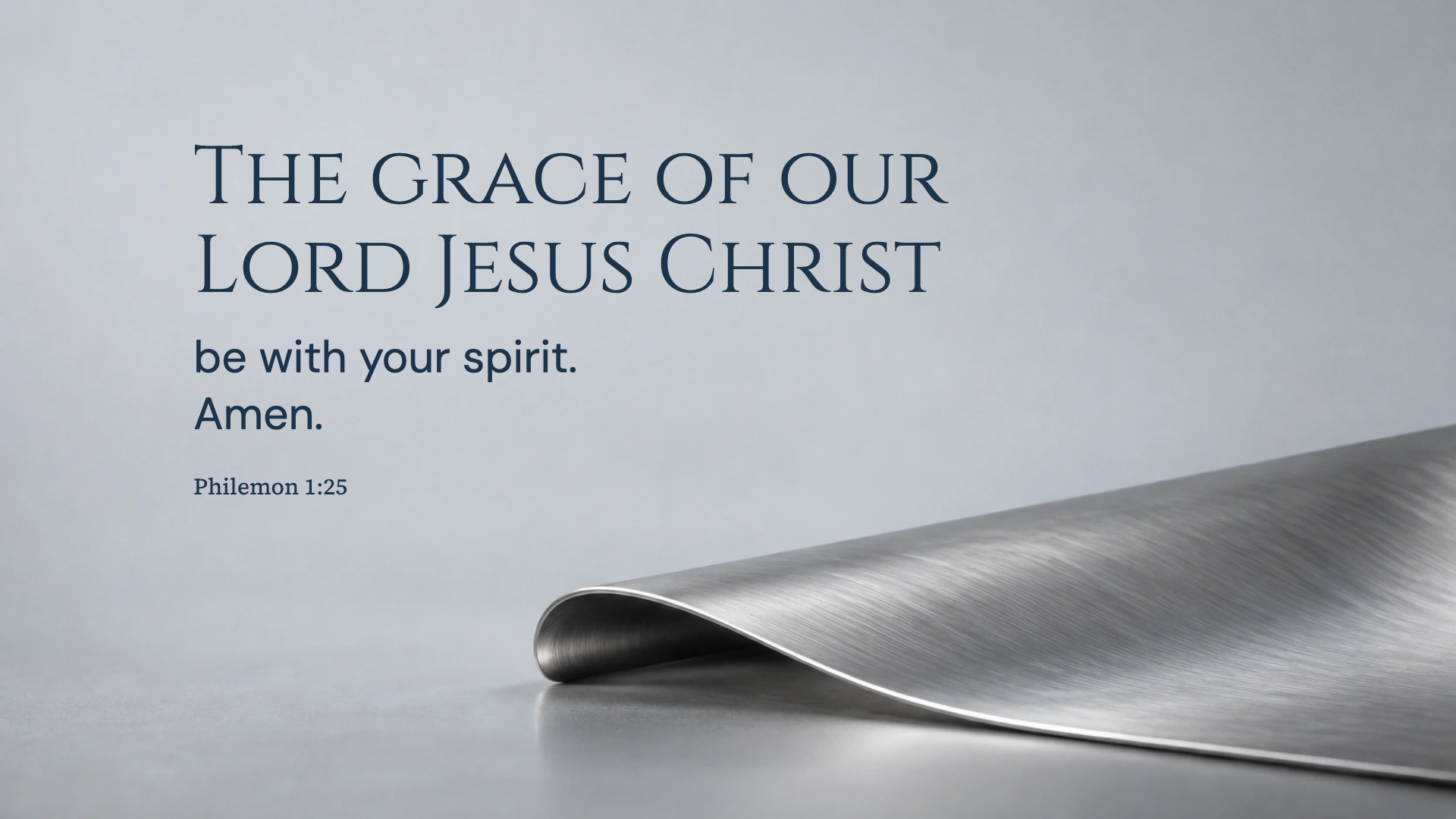
Philemon 1:25 · WEB
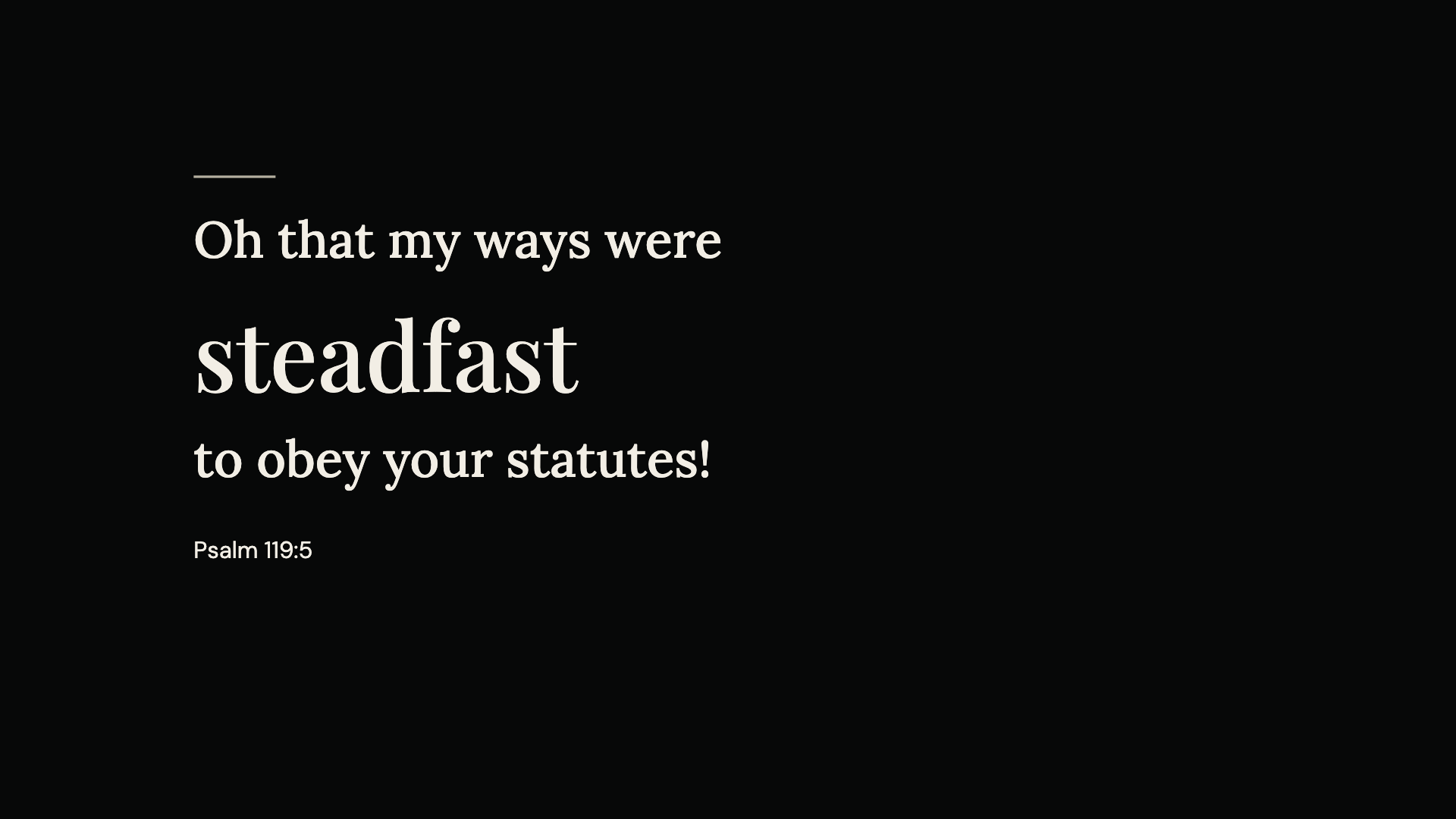
Psalm 119:5 · WEB
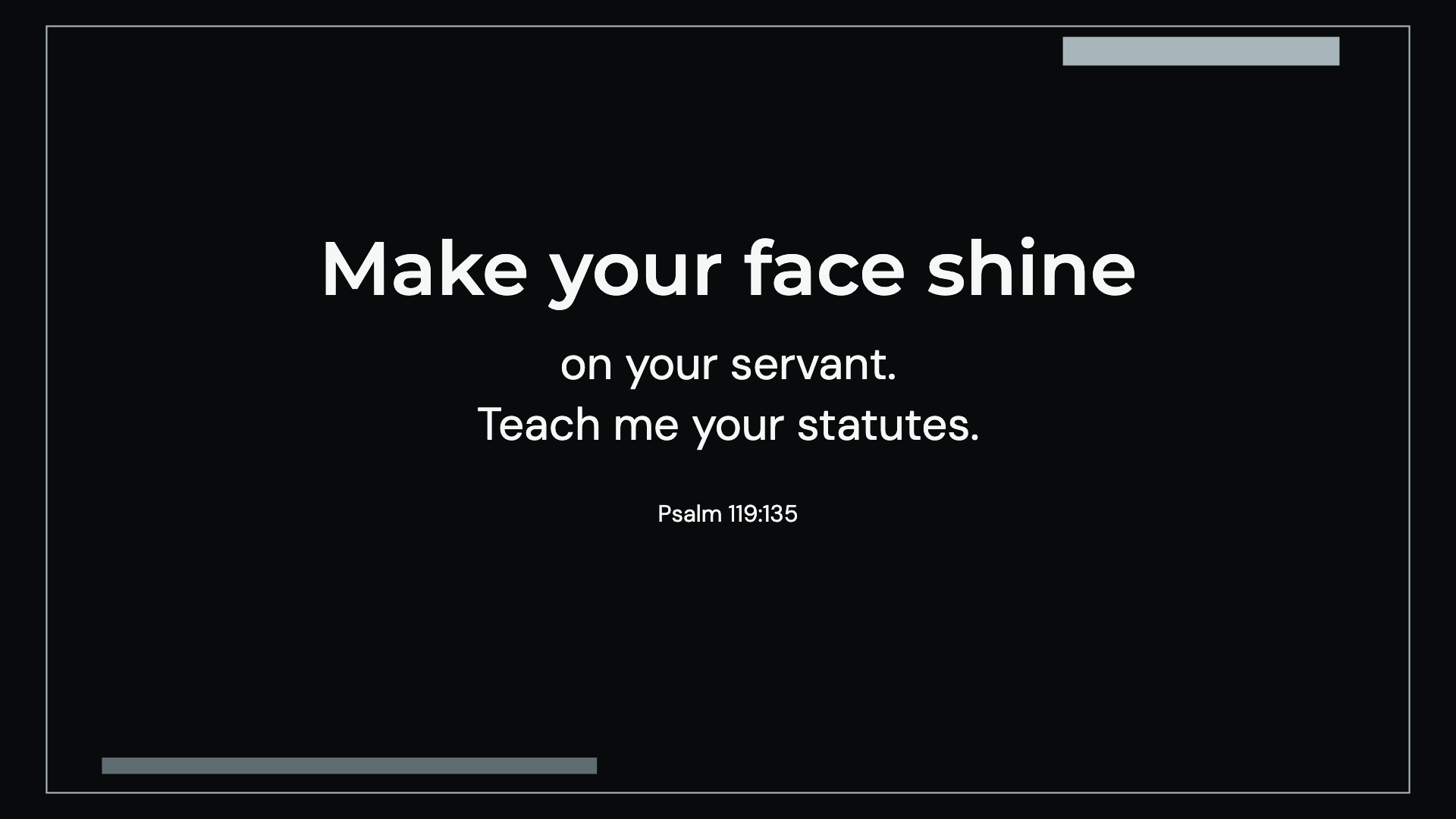
Psalm 119:135 · WEB
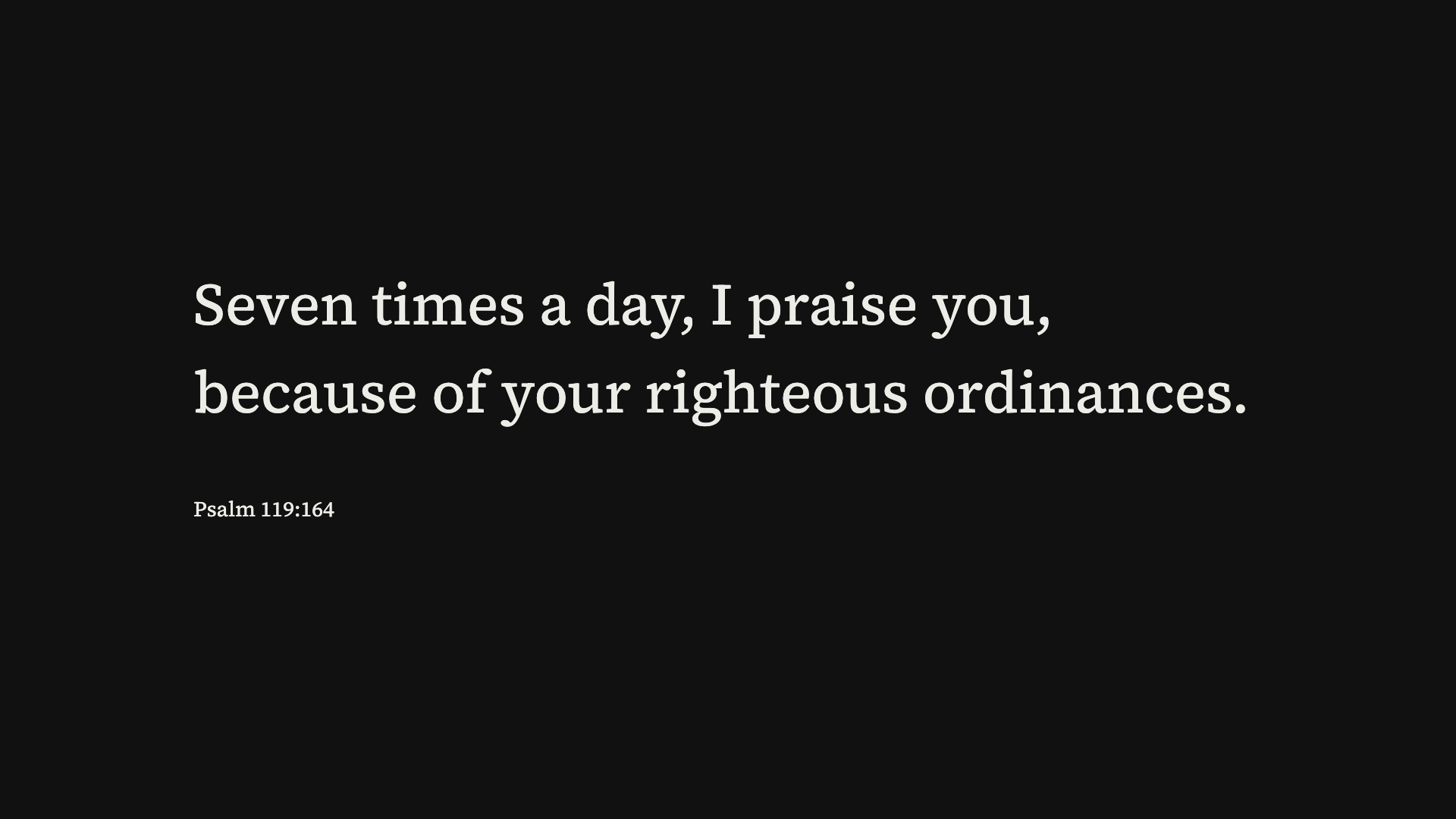
Psalm 119:164 · WEB
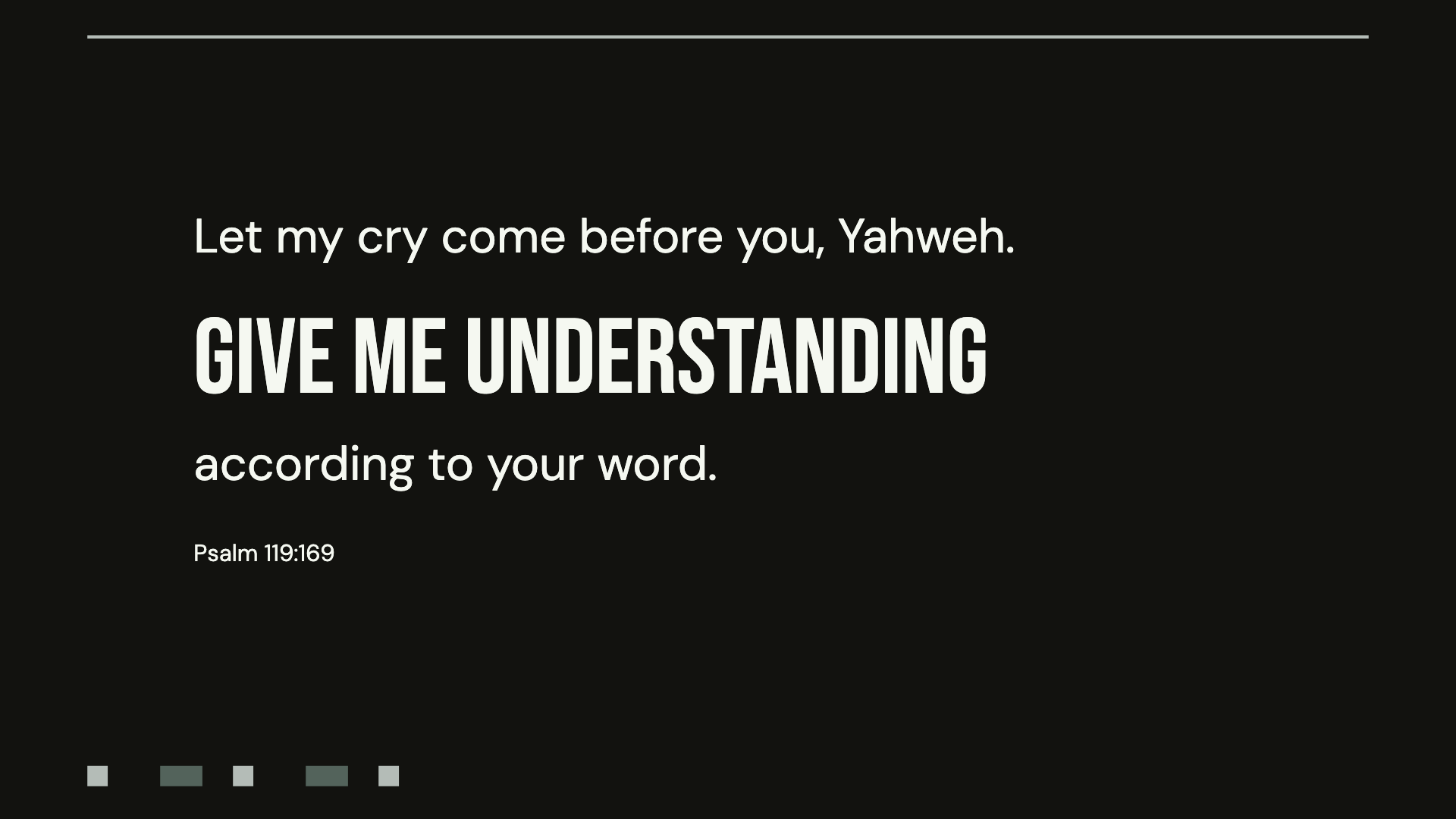
Psalm 119:169 · WEB
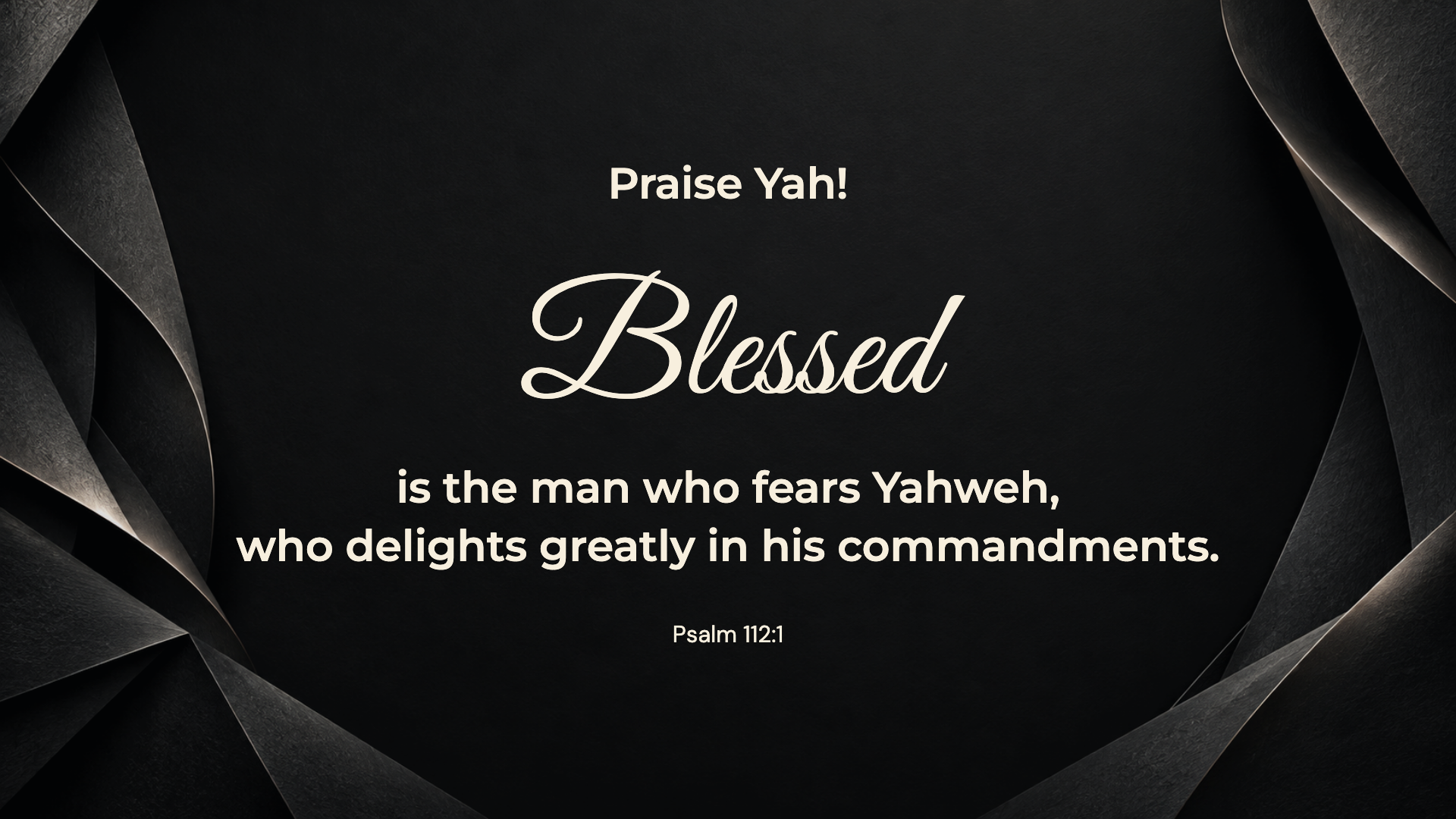
Psalm 112:1 · WEB
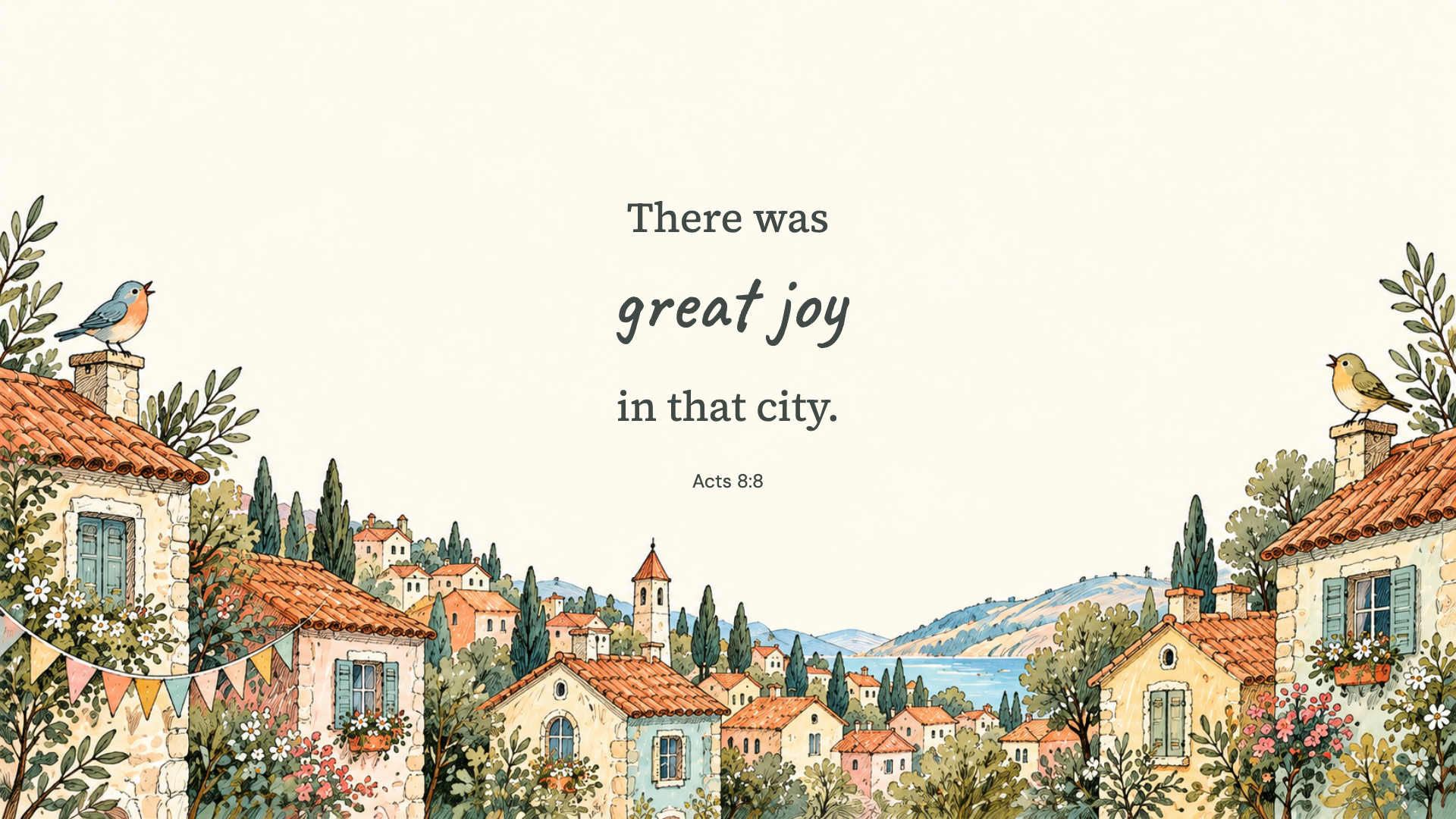
Acts 8:8 · WEB
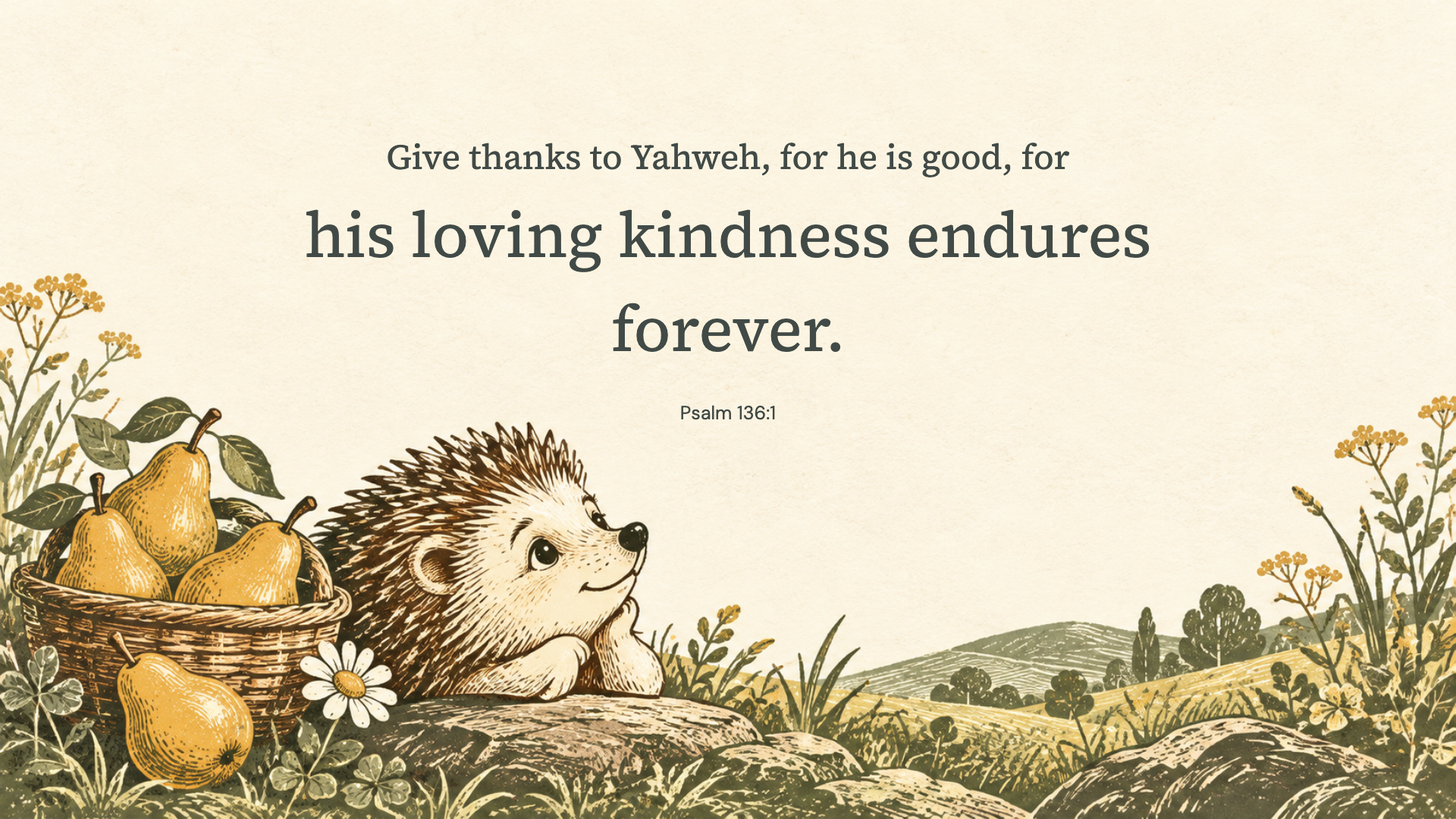
Psalm 136:1 · WEB
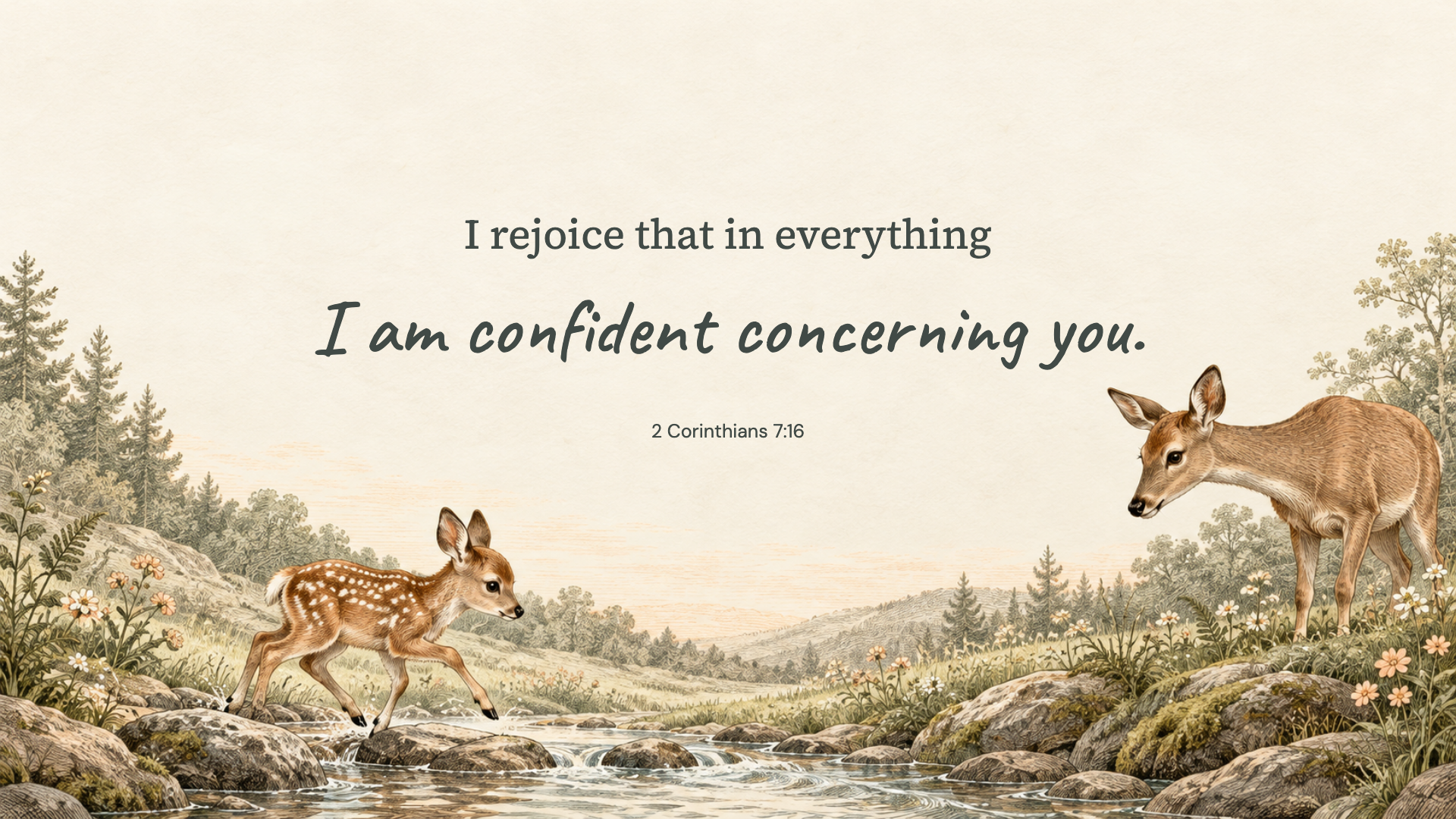
2 Corinthians 7:16 · WEB
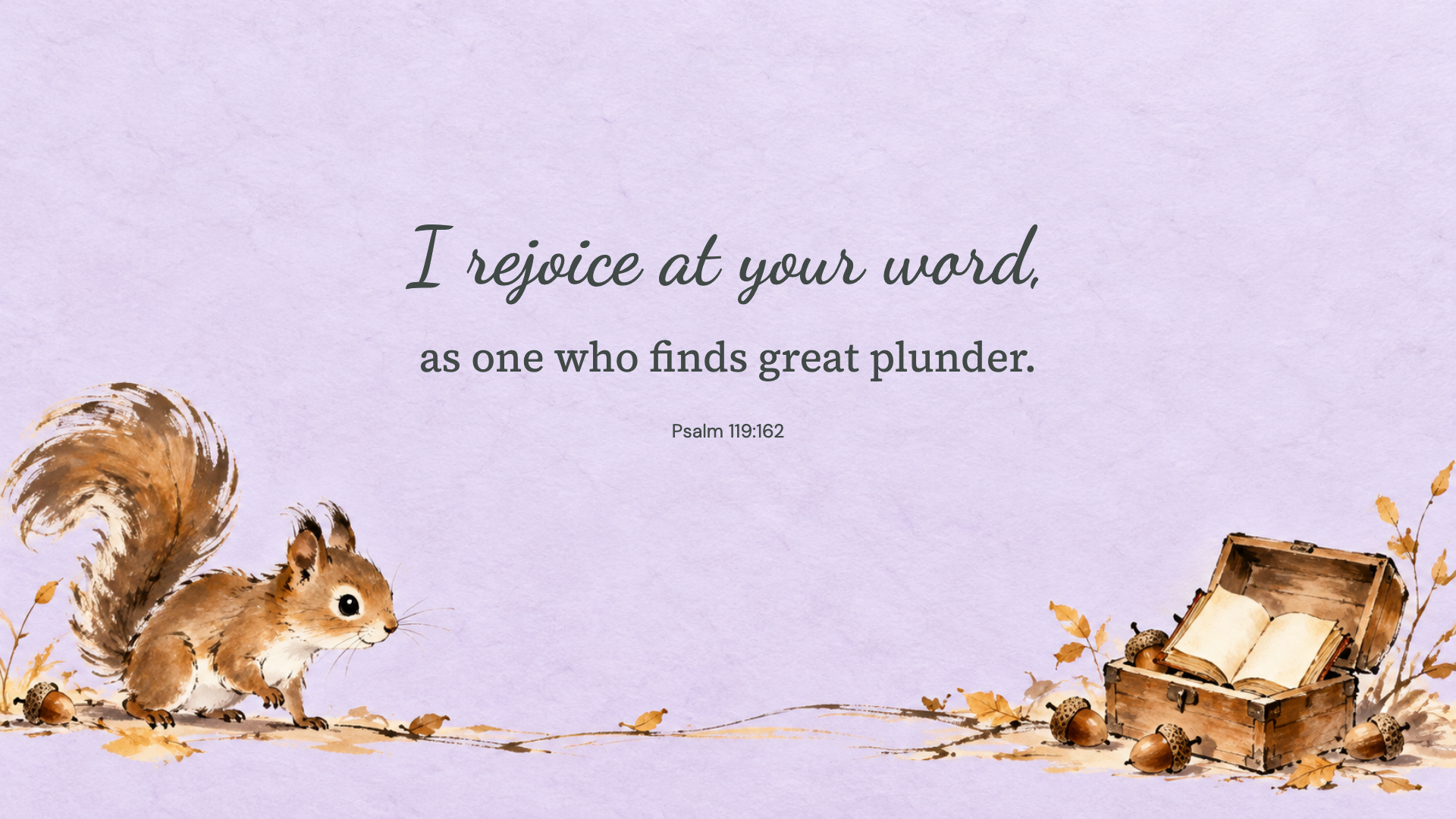
Psalm 119:162 · WEB
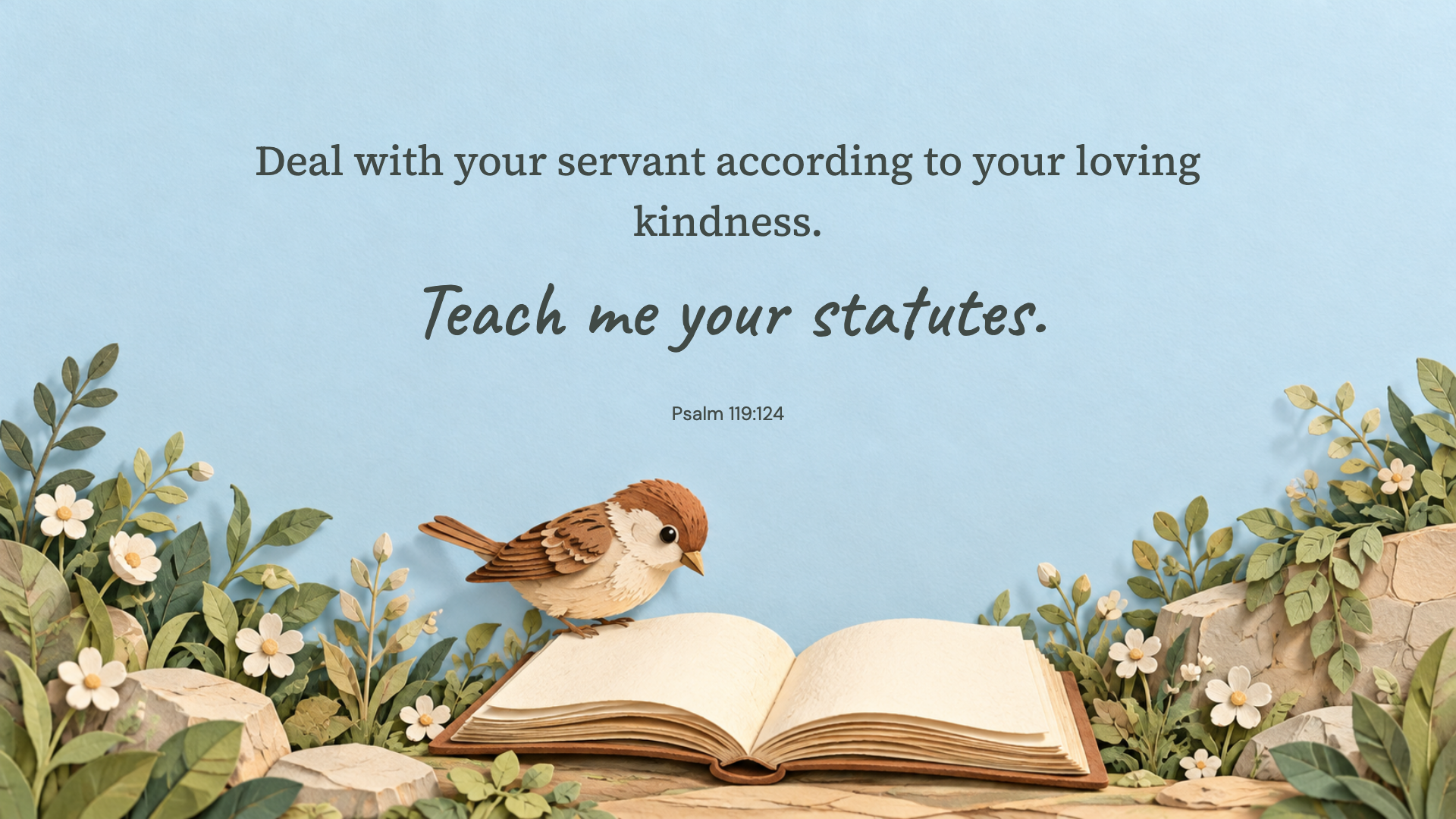
Psalm 119:124 · WEB
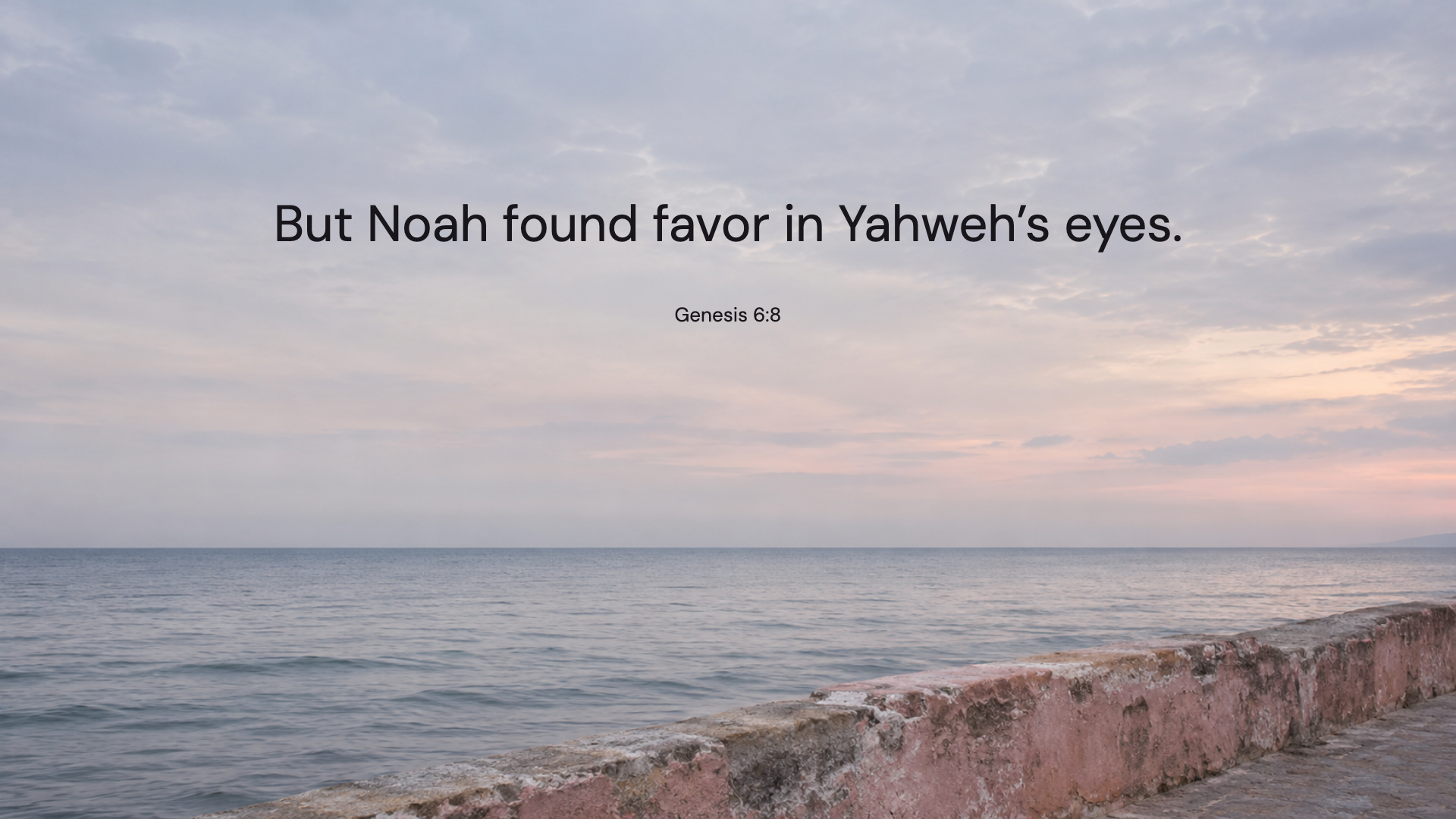
Genesis 6:8 · WEB
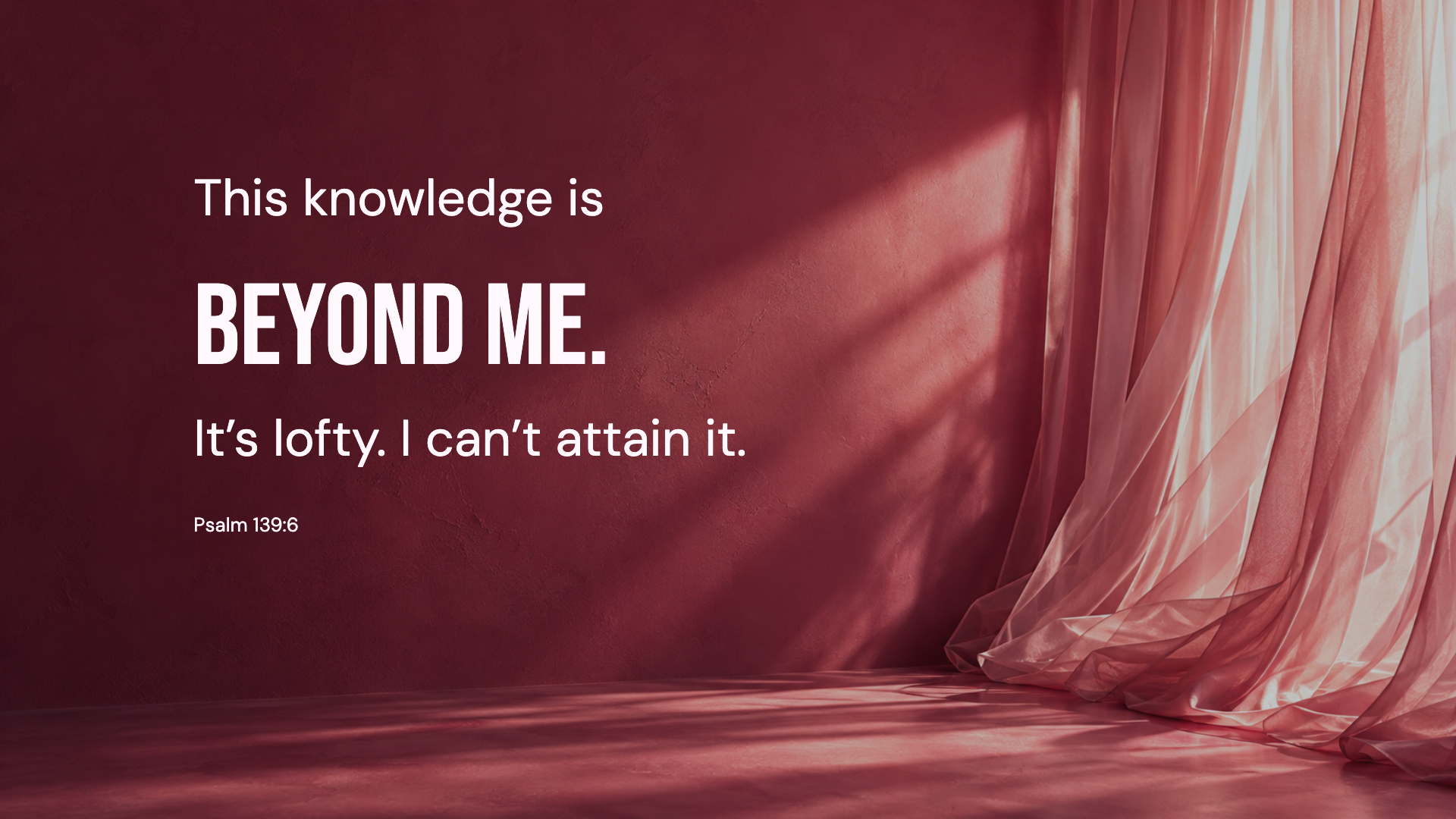
Psalm 139:6 · WEB
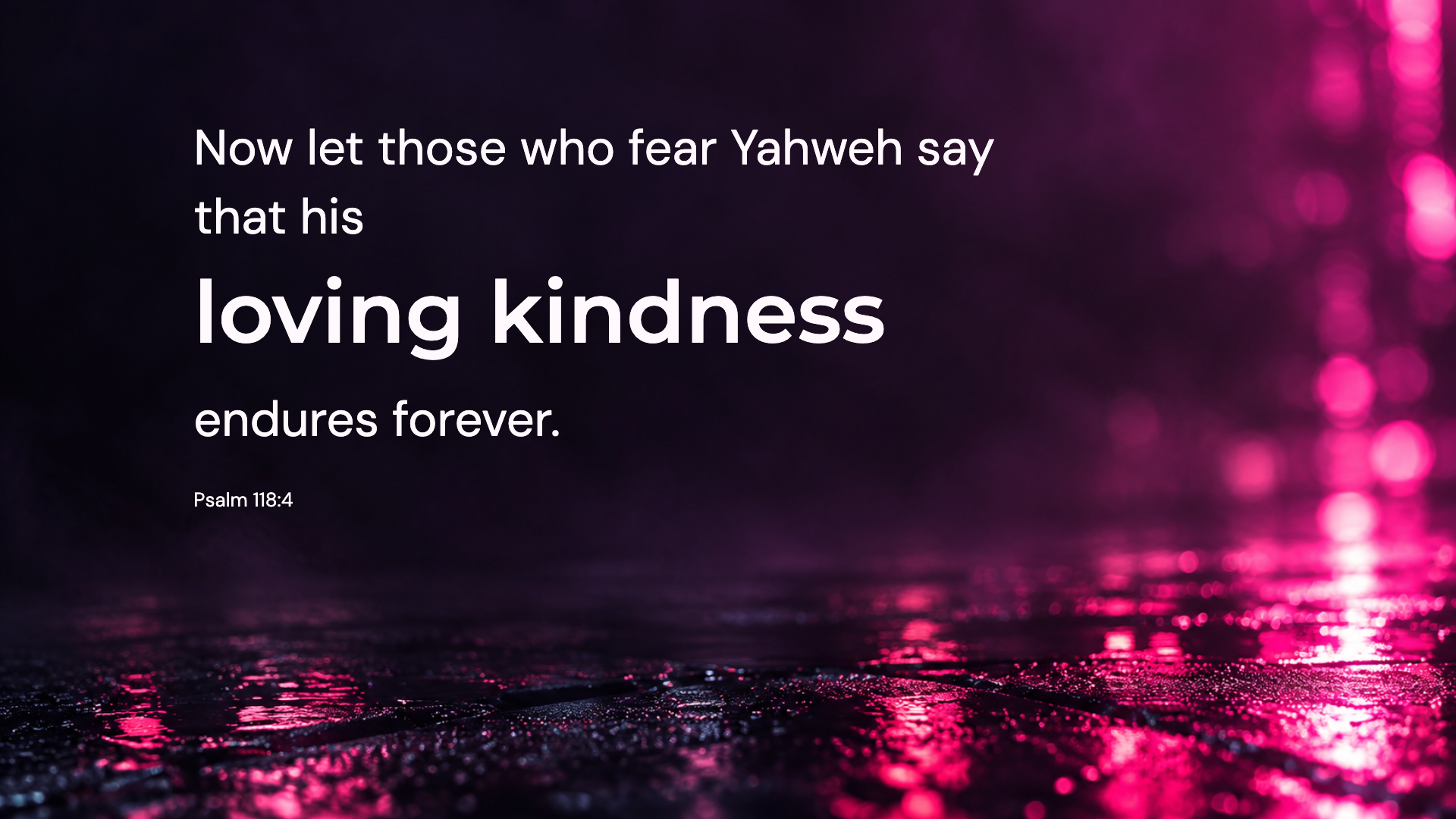
Psalm 118:4 · WEB
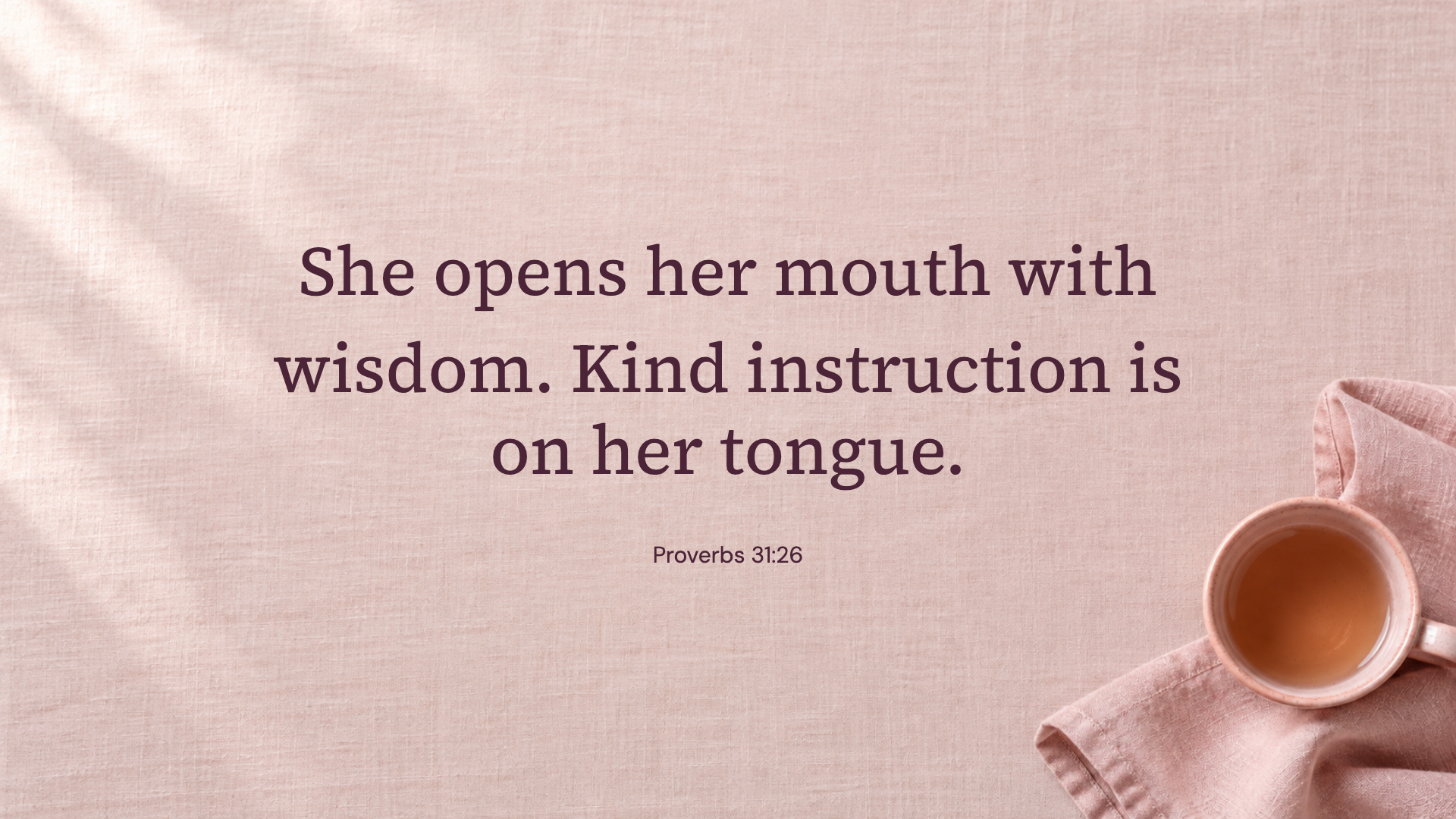
Proverbs 31:26 · WEB
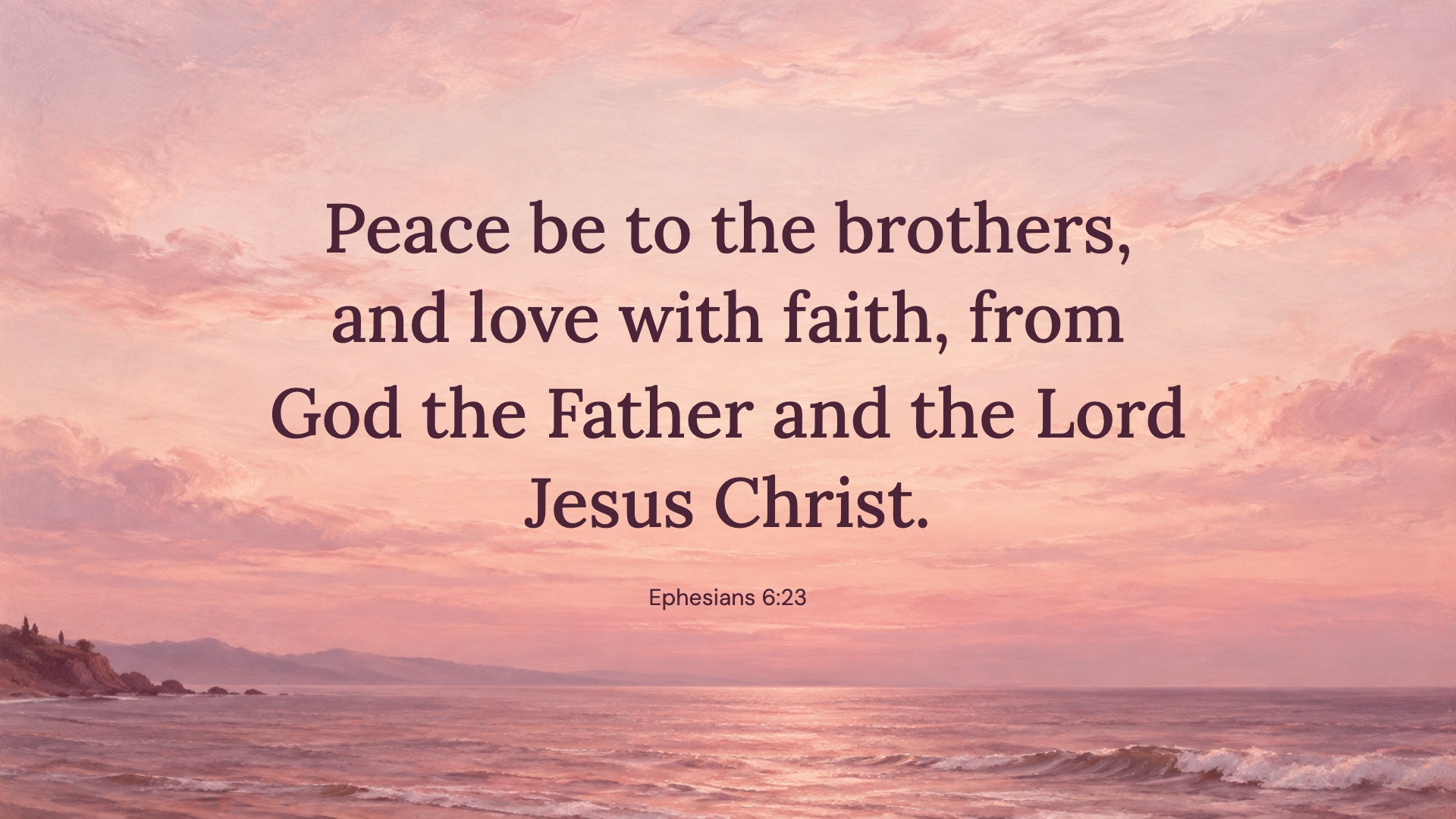
Ephesians 6:23 · WEB
These horizontal images are 1920 × 1080 pixels. Check the size against your display and choose a fit that keeps the whole verse visible.
Save the PNG somewhere you can find again, such as Pictures.
On Windows, open Personalization, then Background. On Mac, open Wallpaper in System Settings and select your image.
Try Fit or a similar whole-image setting if Fill crops the words. Move desktop icons away from the verse, and preview each screen separately.